Managing Stored Files
77
3
Changing a password
Enter the password for accessing the stored file.
Important
❒ Be sure not to forget the password. If you forget it, consult the system admin-
istrator of the machine.
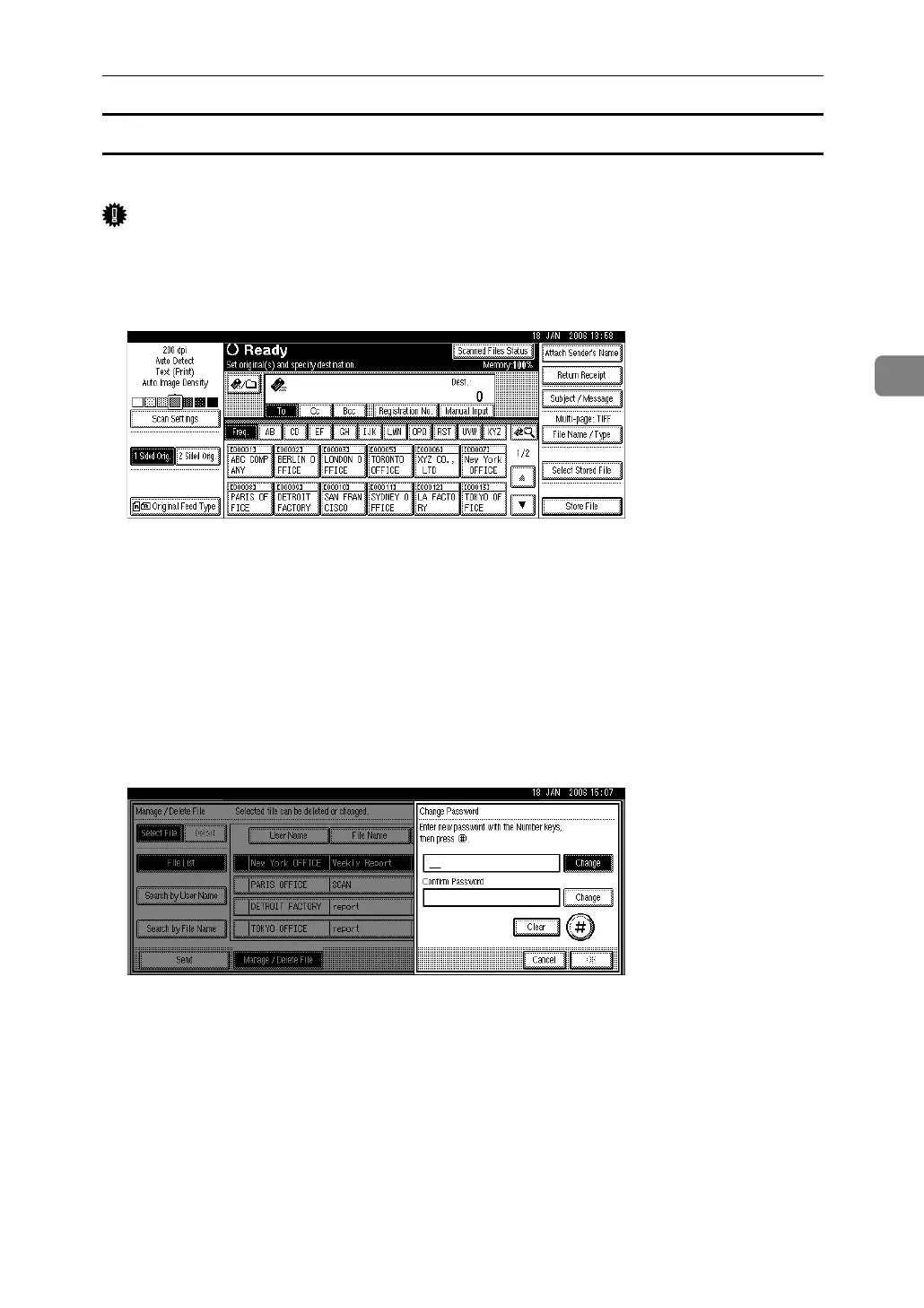
A Press [Select Stored File].
The list of stored files appears.
B Press [Manage / Delete File].
C Select the file containing the file information you want to change.
If you select a password-protected stored file, a screen for entering the pass-
word appears. To select the file, enter the correct password, and then press [OK].
D Press [Change Password].
E Using the number keys, enter a new four to eight-digit password.
F Press the {q} key.
To change the password, press [Change], and then enter a new one.
G For confirmation, enter the same number again.
H Press the {q} key.
To change the password, press [Change], and then enter a new one.
I Press [OK].
J Press [Exit].



 To Next Page