Delivering Scan Files
88
4
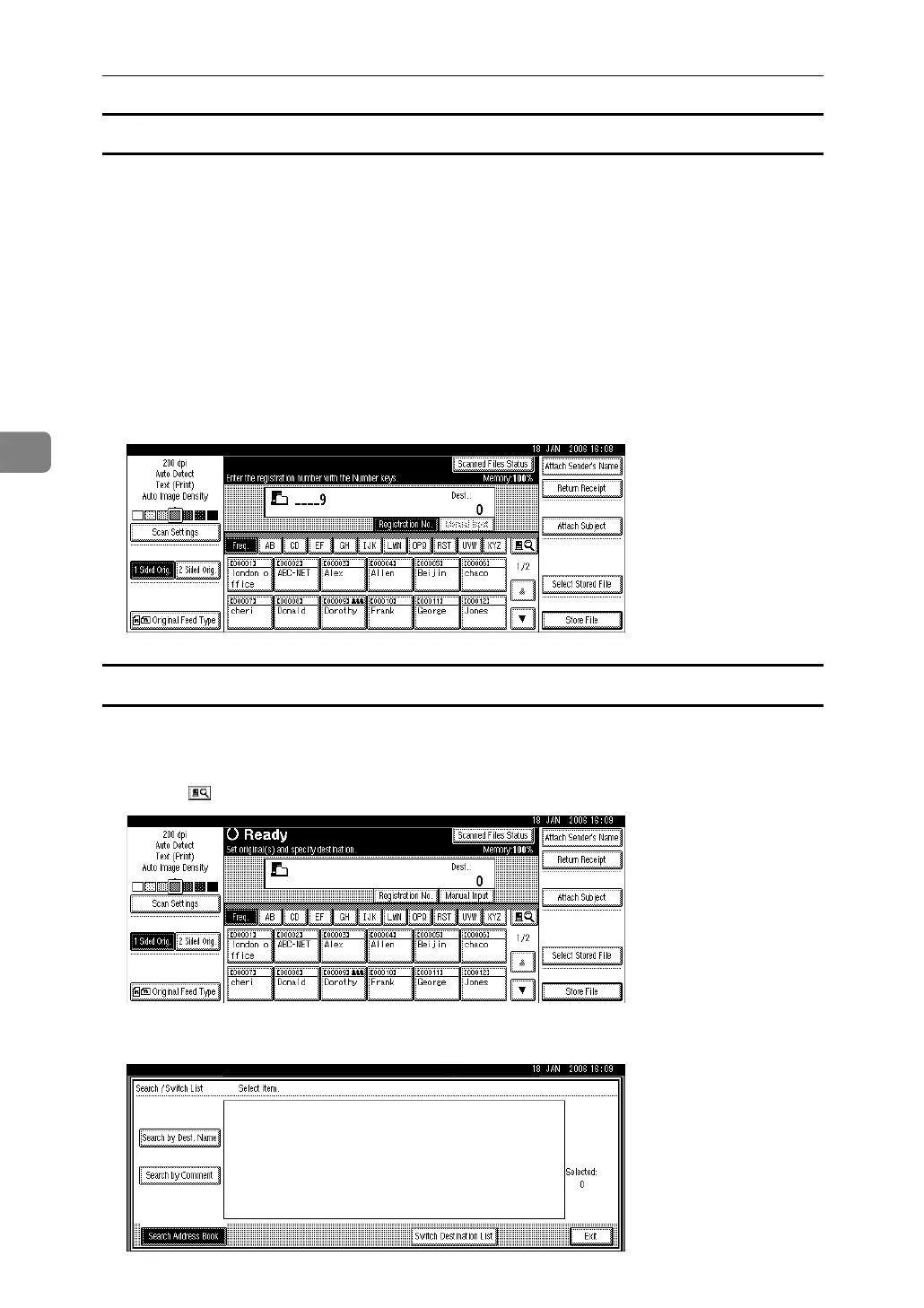
Selecting destinations by entering their registration numbers
Select a destination by entering its Short ID number (registered using the Scan-
Router delivery software). For details about how to set Short IDs, see the manu-
als supplied with the ScanRouter delivery software.
A Press [Registration No.].
B Using the number keys, enter the three-digit registration number, and then
press the {q} key.
You can also enter a registration number of fewer than three digits.
Example: To enter 009
Press the {9} key, and then press the {q} key.
Selecting destinations by searching the delivery server’s Destination List
In the delivery server’s Destination List, you can search for destinations and se-
lect them.
A Press [].
B Press [Search Address Book].



 To Next Page