27
SETTINGS
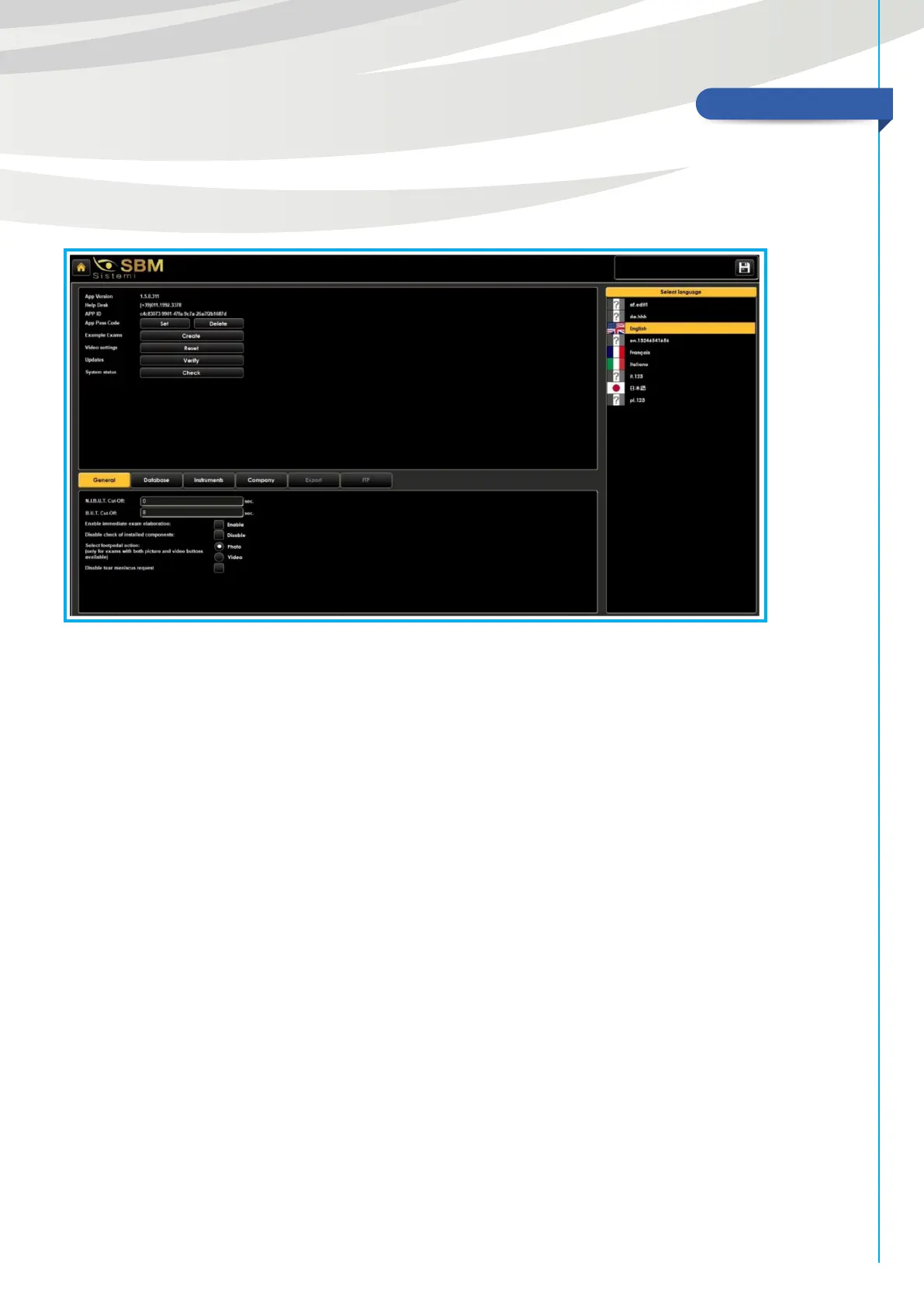
In this section, you can access all settings data concerning photos and videos (video compression, video
cuto, image quality), you can create sample exams, set the address of your oce/hospital/company and
choose the exams path saved on your PC.
Moreover it is possible to choose the language.
• App Pass Code: see p. 9
• Example Exams: allows to download some photos and videos to show dierent situations.
• Video settings: in case the videos were shown in small format, you can “Reset” to restore the right vision.
• Updates: gives you information about your system version.
• System status: checks the right working of the software.
General screen allows to change some settings to use the software.


 To Next Page