8
SOFTWARE USER MANUAL
SOFTWARE INSTALLATION
The installation and configuration process of IDRA Software consist of the installation of the software files
through the Setup provided by the supplier.
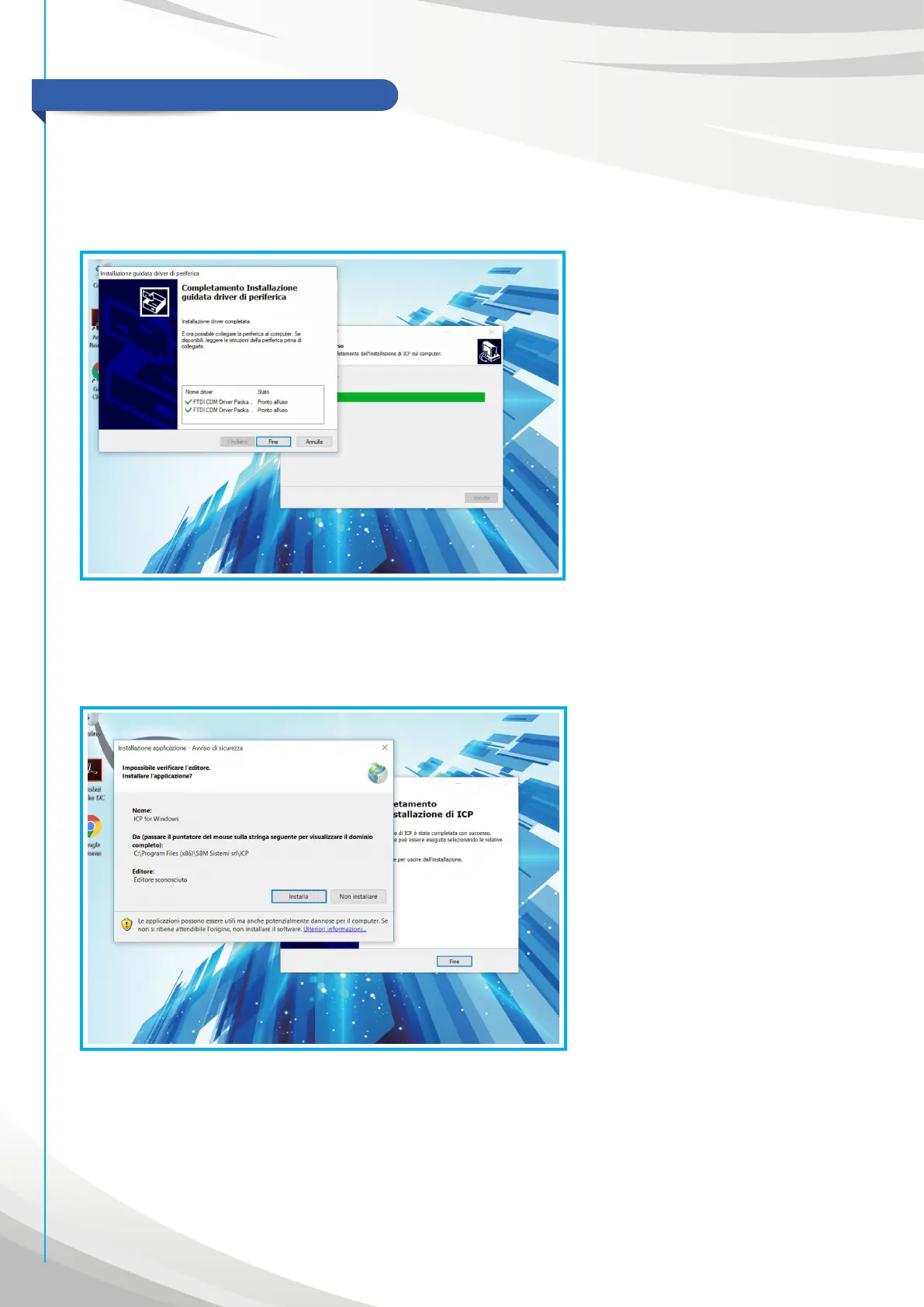
1. Execute Setup file
2. Start the software to download the ICP application on the PC.
3. Wait for the end of procedure
4. Wait for the application opening at the end of installation.
5. At the opening of application will appear the activation procedure:


 To Next Page