29
USING ICP AS A VIEWER
Mapping network drive
To use ICP as a viewer to open a database located on the local network the first step is to Map a network
drive on the computer where the viewer is installed. This drive will be usually named like “Z:” or another
letter that will be linked to the network shared folder containing the database of ICP.
Configuring ICP
After the network drive is mapped you can configure ICP to use it.
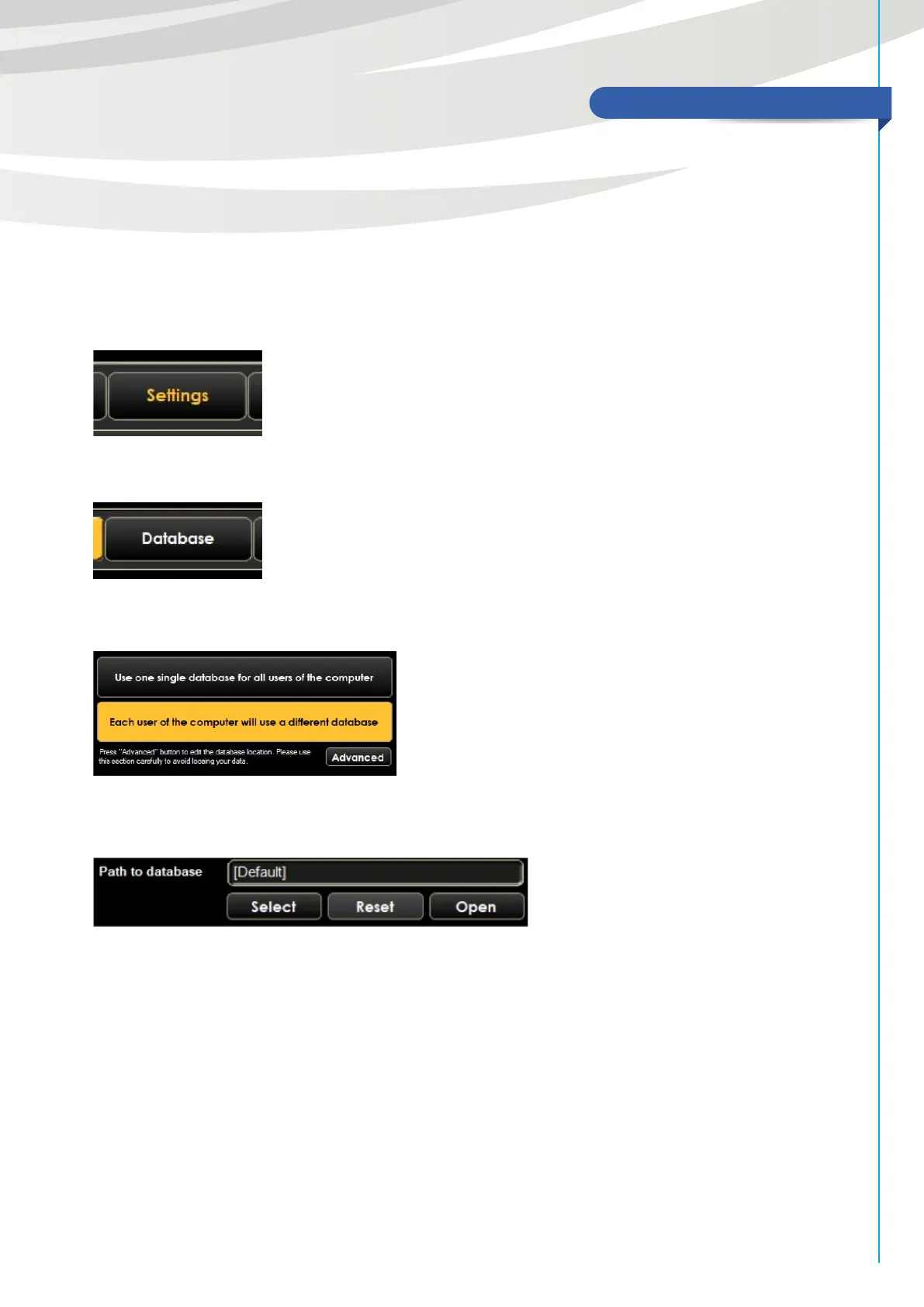
From the ICP main screen press “Settings” button to open settings panel
In settings section press “Database” button to view database settings
In the Database settings screen select “Advanced” button
Now you will be able to see the advanced database options
Here you can press “Select” button, then browse inside the network drive to the folder of the ICP database
you want to access and then accept. When you will be done press Save button in the upper right corner of
the screen and after close ICP software and open it again.



 To Next Page