OPM 300 en-GB 48
© Scania CV AB 2020, Sweden
Lubrication system
Cleaning the centrifugal oil
cleaner
The oil may be hot. Carefully remove the cover
from the centrifugal oil cleaner.
Wear eye protection and protective gloves when
working on the centrifugal oil cleaner.
When the centrifugal oil cleaner is cleaned, there
should be some dirt deposits on the paper in the
rotor cover. If the paper is clean, the equipment
is not working as it should. If this is the case, in-
vestigate the cause of this.
Renew the paper more frequently if the dirt de-
posits are thicker than 28 mm (1.1 inches) during
a scheduled oil change.
1. Clean the cover.
2. Unscrew the nut securing the outer cover.
3. Let the oil run out from the rotor.
4. Lift out the rotor. Wipe off the outside.
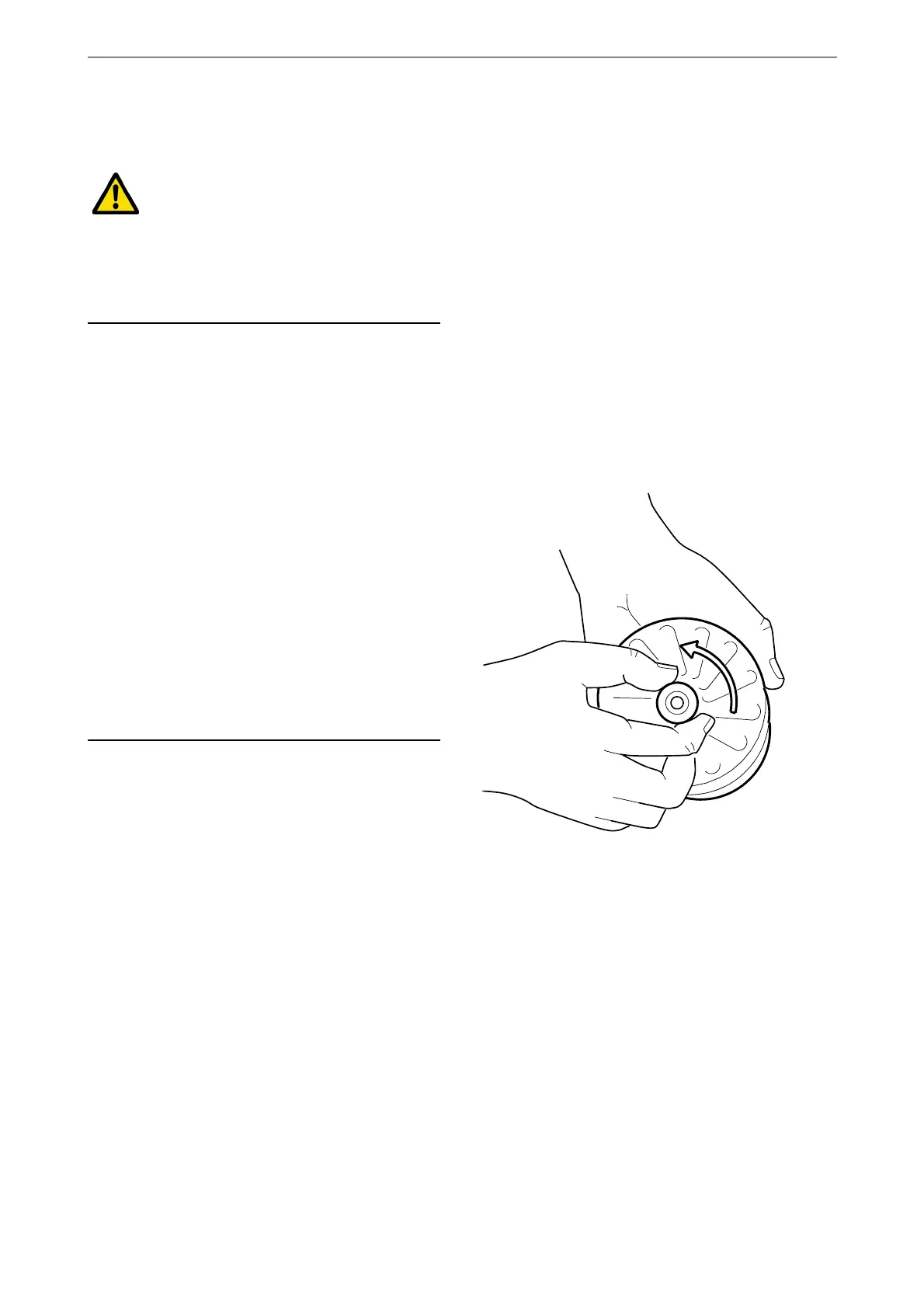
5. Loosen the rotor nut and unscrew it about
1.5 turns.
Take care not to damage the rotor shaft.



 To Next Page