Cooling system
OPM 300 en-GB 63
© Scania CV AB 2020, Sweden
Changing the coolant and
cleaning the cooling system
Draining coolant
Do not open the coolant filler cap in the expan-
sion tank if the engine is hot. Hot coolant and
steam may spray out and cause burns. If the cap
has to be opened do it slowly to release the pres-
sure before removing the cap.
Use protective gloves as coolant can cause irrita-
tion if it comes in contact with the skin.
Use a suitable container. Used coolant must be
disposed of as specified in national and interna-
tional laws and regulations.
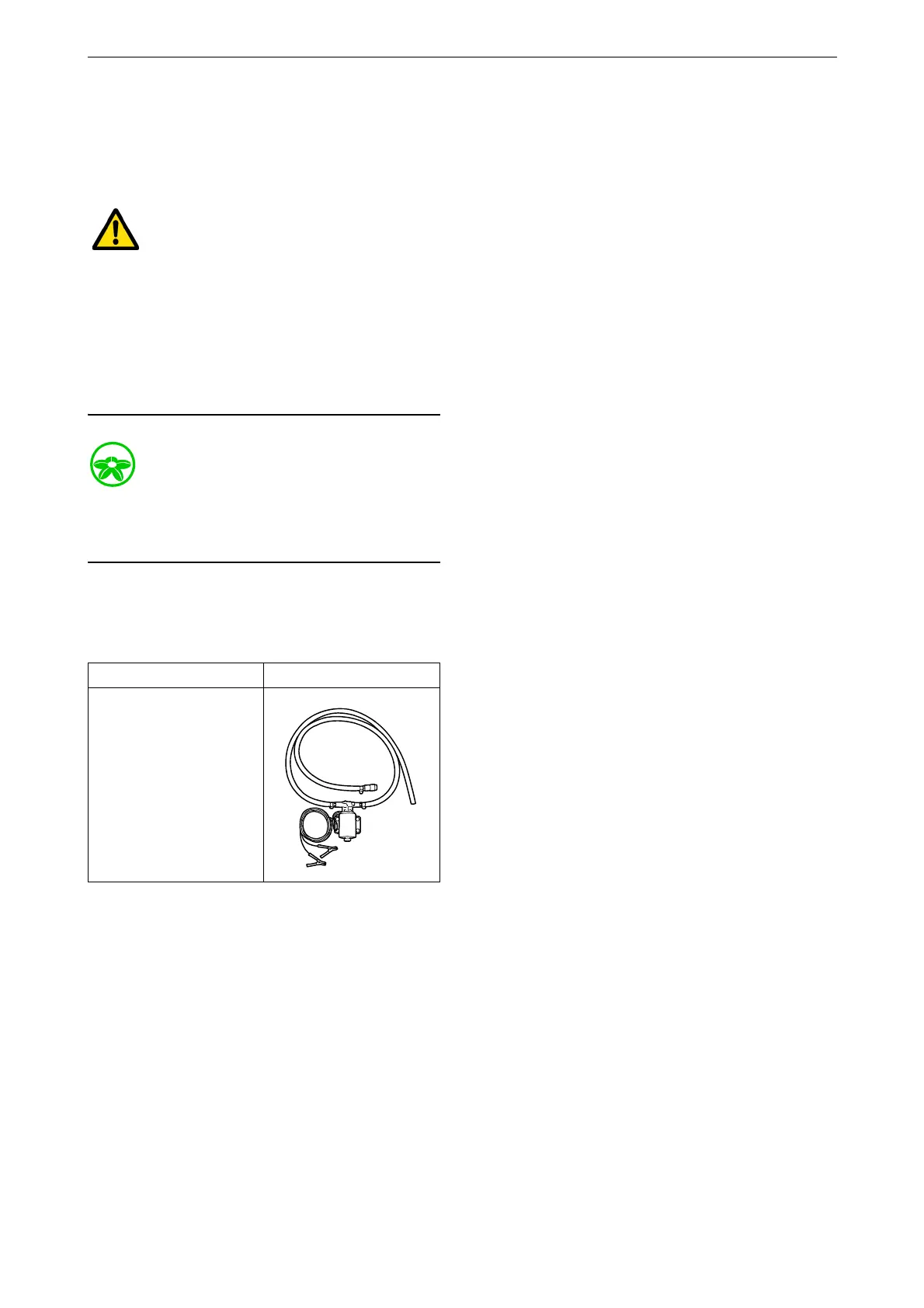
Draining coolant with coolant pump
Special tool
1. Open the expansion tank cap.
Number, designation Illustration
2 443 679, coolant
pump



 To Next Page