Cooling system
OPM 300 en-GB 64
© Scania CV AB 2020, Sweden
2.
Place the hose from the coolant pump in an
empty container.
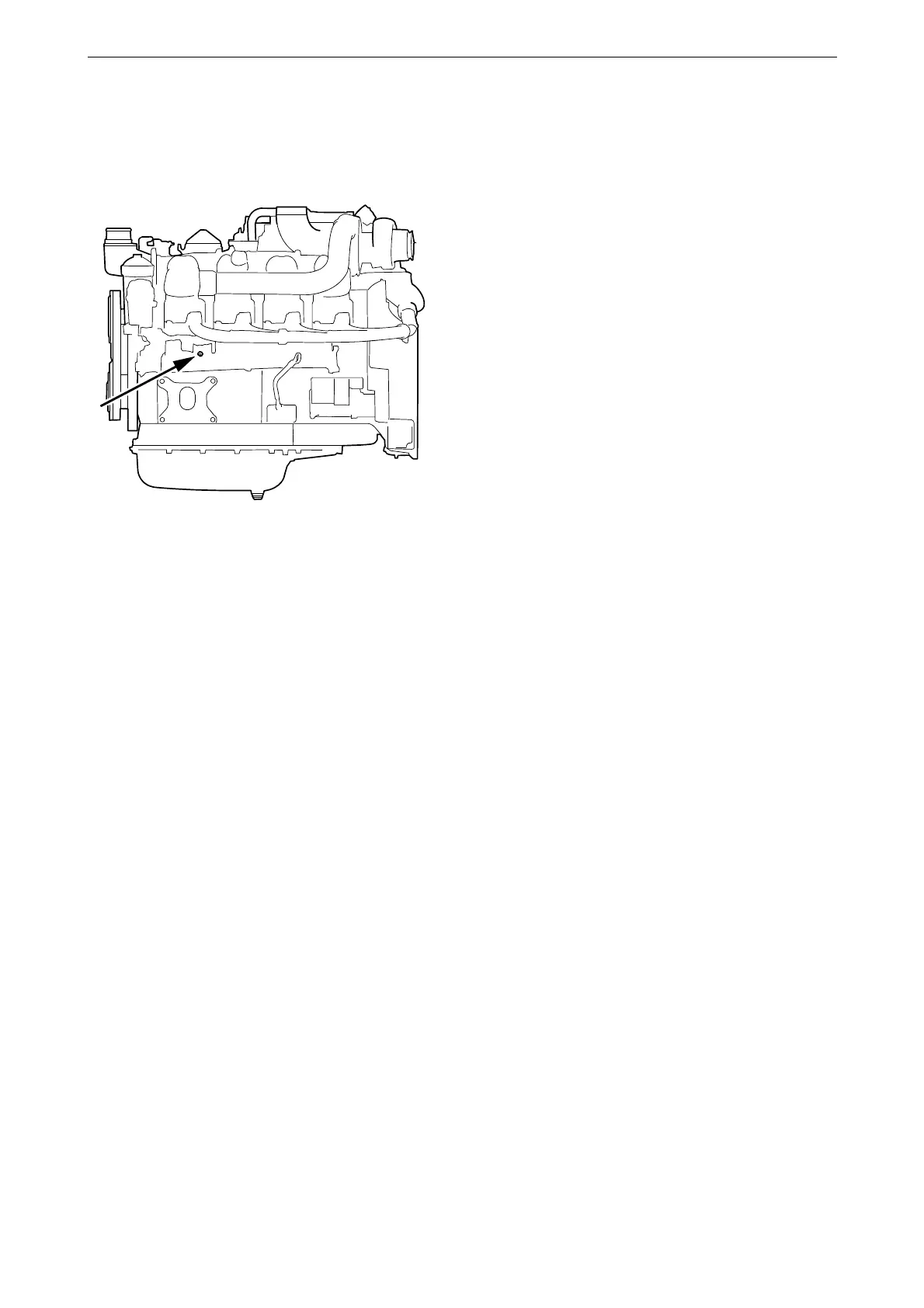
3. Connect the pump to the draining nipple in
the cylinder block. See illustration.
4. Connect the pump’s two cable terminals to
the battery’s negative and positive terminal.
Make sure that the drainage starts. If the
drainage does not start: Change the position
of the cable terminals.
5. Repeat the procedure at the cooling system's
lowest drainage point. The location of the
lowest drainage point on the engine may dif-
fer depending on engine application.



 To Next Page