Air cleaner
OPM 300 en-GB 55
© Scania CV AB 2020, Sweden
Renewing the air cleaner filter
element and safety cartridge
1. Remove the cover from the air cleaner.
2. Renew the filter element.
3. If the air cleaner has a safety cartridge: Re-
move the safety cartridge and fit a new one.
4. Insert a torch into the filter element and
check that the filter paper is free of holes and
cracks.
5. Renew the O-ring if it is damaged or hard.
6. Assemble the air cleaner.
7. Ensure that the O-ring is not outside the edg-
es.
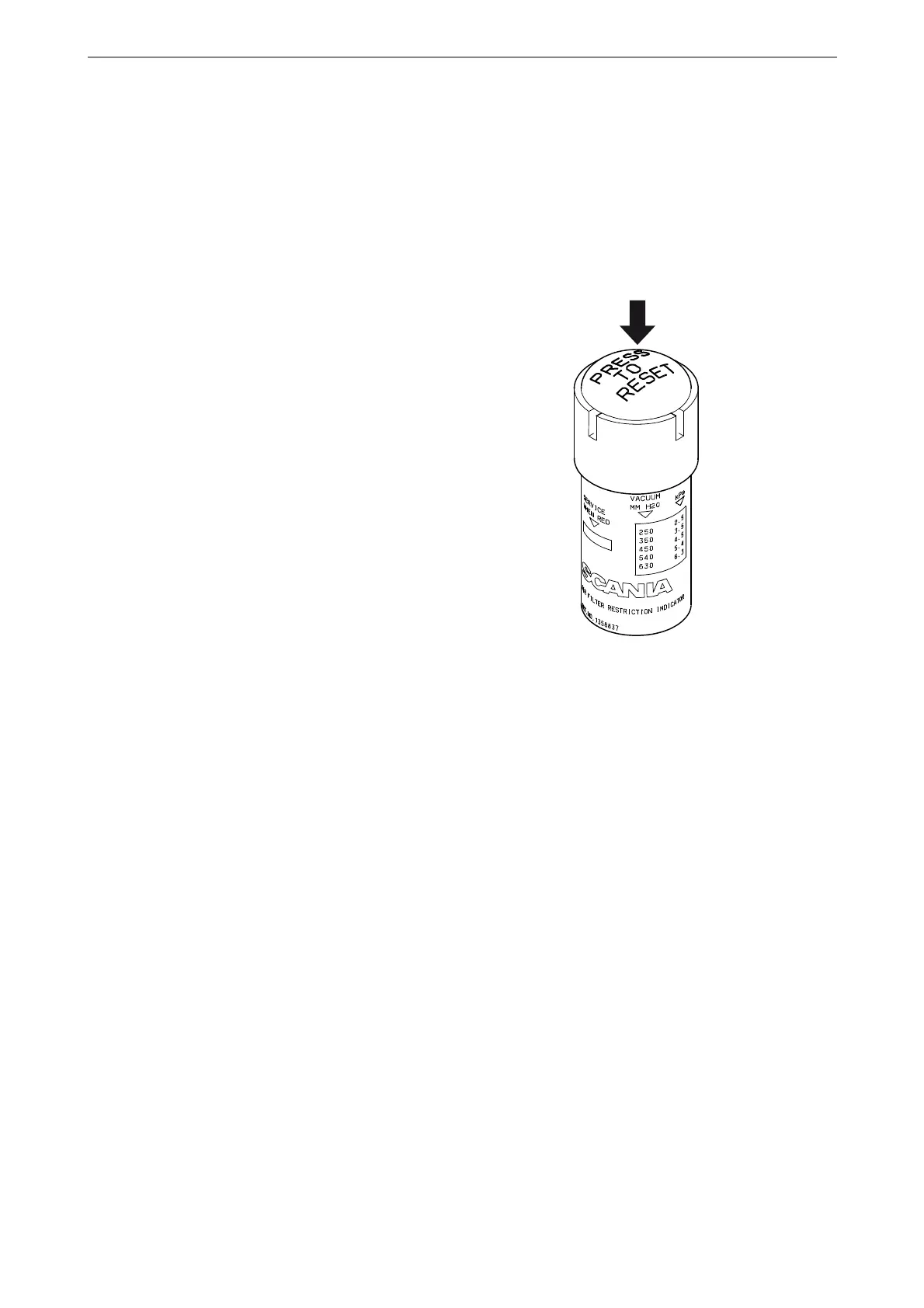
8. Reset the vacuum indicator by pressing in
the button marked in the illustration.



 To Next Page