
 To Next Page
M
Mr. Brandon Burke Jr.Sep 15, 2025
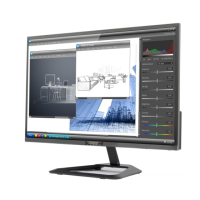
How to make the words bigger on my Sceptre E22 Monitor?
- JJesse MillerSep 15, 2025
If the words appear too small at 1920x1080 on your Sceptre monitor, you can adjust the text size in your Windows operating system through display properties. For Windows XP: Right-click the background, select PROPERTIES, click the SETTINGS tab, click ADVANCED, and under the GENERAL tab, change the size from NORMAL SIZE to LARGE SIZE. For Windows Vista, 7, or 8: Right-click the wallpaper, select PERSONALIZE, click ADJUST FONT SIZE (DPI), click CONTINUE, and change from DEFAULT SCALE to LARGE SCALE. Reboot your computer after applying these changes.
 General