4 • Schlage • CO-100 user guide
Lock functions
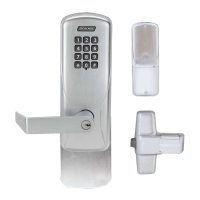
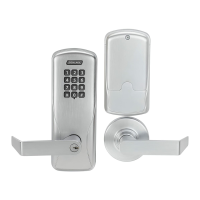
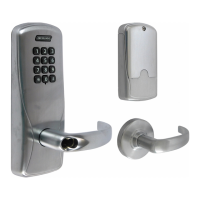
The CO-100 lock is available in one of two functions:
Ofce (50): Lockset is normally secure. Inside Push Button may be used to select passage
or secured status.
Classroom/Storeroom (70): Lockset is normally secure. Valid toggle credentials may be
used to change to a passage or secure status.
Getting started
Follow these steps when setting up a new lock.
1. Install the lock. See the installation guide that came with the lock or visit
www.allegion.com/us (see Support>Schlage Electronics>Electronic Locks Technical
Library) for more information.
2. Test the lock for proper mechanical and electronic operation. See Test lock operation on
page 8 for more information.
3. When ready to set up for normal use, enter a new programming code, then program the
user credentials. See Manual programming instructions on page 5.
4. Familiarize yourself with the information in this guide.
Save this user guide for future reference.
Construction access mode
Construction access mode is used to allow access
before the lock has been programmed, and for testing
purposes. Construction access mode is enabled by
default.
Ofine locks with keypads have a default PIN of 13579
and “#”, which can be used for installation, testing and
construction access.
• To test, enter the default PIN (13579 and “# ”).
• The Schlage button will blink and the lock will
unlock.
• The default PIN is automatically deleted when a
new programming credential is created.
TIP
If you press the default PIN code
on a new lock and the code is not
accepted, the lock has already
been programmed.
If the new PIN is not known, or to
put the lock back into construction
access mode, reset the lock to
factory settings. See Reset to
factory defaults on page 10 for
more information.





 To Next Page