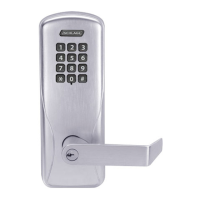
6 • Schlage • CO-100 user guide
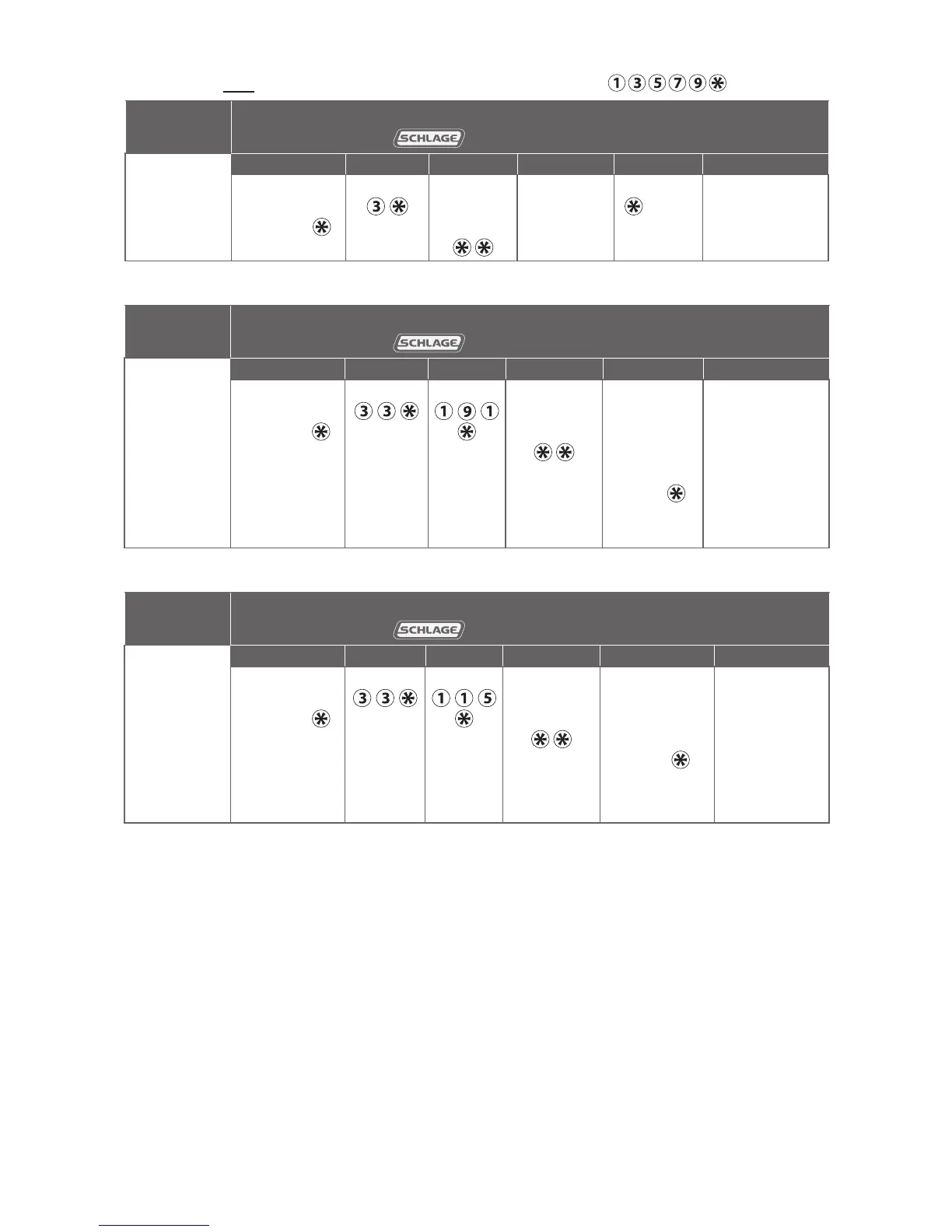
NORMAL USE credentials
Note: Until a new Normal Use PIN is created, the default PIN is
To complete
this action:
Perform the following steps:
Wait for to stop ashing between each step!
1
2 3 4 5 6
Create a
Normal Use
PIN
Enter
Programming
PIN and
Enter Enter new
3-6 digit
PIN and
For another
PIN, go
back to
step 3
Press
again
to finish
Wait for
confirmation:
2 right green
blinks.
TOGGLE credentials
To complete
this action:
Perform the following steps:
Wait for to stop ashing between each step!
1
2 3 4 5 6
Create a
Toggle
PIN
Enter
Programming
PIN and
Enter Enter Enter new
3-6 digit
PIN and
Wait for
right green
light.
For another
PIN, go
back to
step 3
OR
press
again to
finish
Wait for
confirmation:
2 right green
blinks.
FREEZE credentials
To complete
this action:
Perform the following steps:
Wait for to stop ashing between each step!
1
2 3 4 5 6
Create a
Freeze
PIN
Enter
Programming
PIN and
Enter Enter Enter new
3-6 digit
PIN and
Wait for
right green
light.
For another
PIN, go back
to step 3
OR
press
again to
finish
Wait for
confirmation:
2 right green
blinks.




 To Next Page