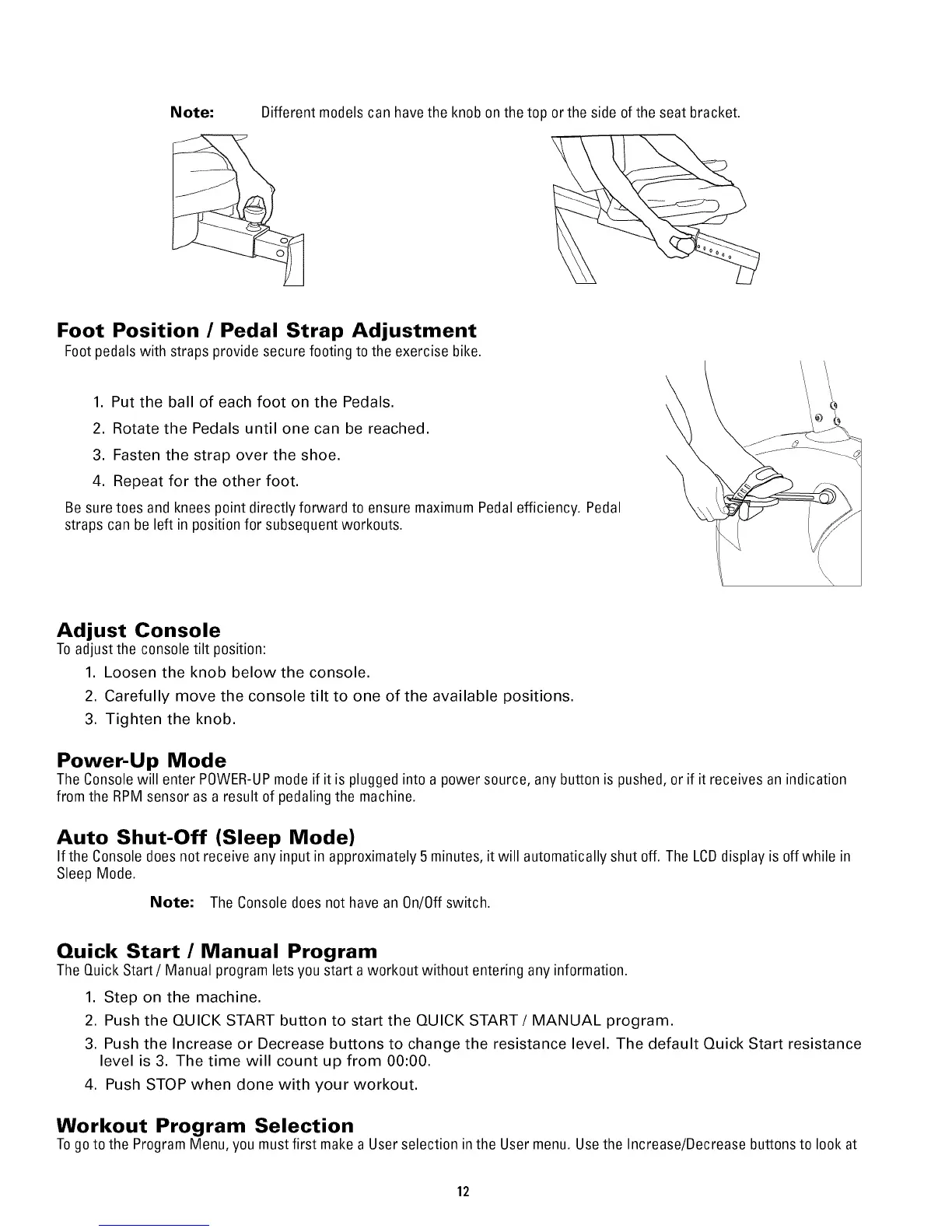
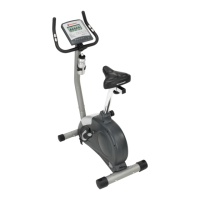
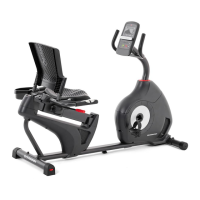
Note: Different models can have the knob onthe top or the side of the seat bracket.
Foot Position / Pedal Strap Adjustment
Footpedalswith straps provide secure footing to the exercise bike.
1. Put the ball of each foot on the Pedals.
2. Rotate the Pedals until one can be reached.
3. Fasten the strap over the shoe.
4. Repeat for the other foot.
Be suretoes and knees point directly forward to ensure maximum Pedal efficiency. Pedal
straps can be left in position for subsequent workouts.
Adjust Console
Toadjust the console tilt position:
1. Loosen the knob below the console.
2. Carefully move the console tilt to one of the available positions.
3. Tighten the knob.
Power-Up Mode
The Consolewill enter P0WER-UPmodeif it is plugged into a power source, any button is pushed, or if it receives an indication
from the RPM sensor as a result of pedaling the machine.
Auto Shut-Off (Sleep Mode)
If the Console does not receive any input in approximately 5 minutes, itwill automatically shut off. The LCDdisplay is off while in
Sleep Mode.
Note: The Consoledoes not have an 0n/0ff switch.
Quick Start / Manual Program
The Quick Start/Manual program lets you start aworkout without entering any information.
1. Step on the machine.
2. Push the QUICK START button to start the QUICK START/MANUAL program.
3. Push the Increase or Decrease buttons to change the resistance level. The default Quick Start resistance
level is 3. The time will count up from 00:00.
4. Push STOP when done with your workout.
Workout Program Selection
Togoto the Program Menu, you mustfirst makea User selection inthe User menu. Usethe Increase/Decrease buttonsto look at
12


 To Next Page