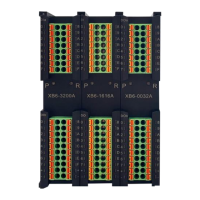
EC4 series integrated I/O user manual Use
Copyright © Nanjing Solidot Electronic Technology Co., LTD. 2023
4.2Indicator light function
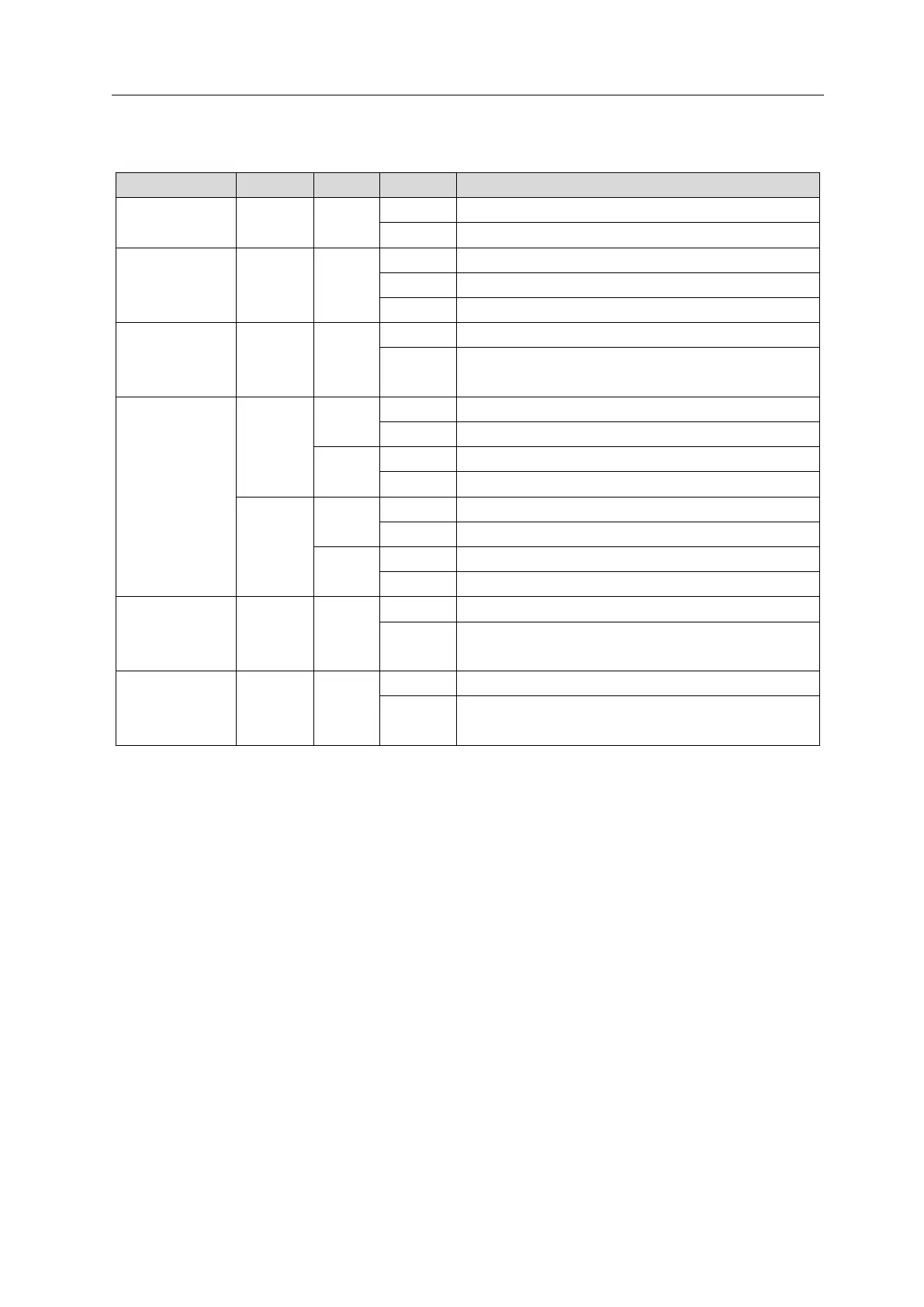
Normal status of working power supply
Unpowered or abnormal power supply
Operating
status indicator
In initialization or unpowered
5 Hz: Pre-OP status 2 Hz: Safe-OP status
Special system operation occurred
The system is running normally or is not powered
up
Network port
status indicator
Network connection established
Absent or abnormal network connection
Connection established with data interaction
No data interaction or abnormal status
Network connection established
Absent or abnormal network connection
Connection established with data interaction
No data interaction or abnormal status
Input channel
status indicator
Presence of signal input in module channel
Absence of signal input in module channel or abnormal
signal input
Output channel
status indicator
Presence of signal output in module channel
Absence of signal output in module channel or abnormal
signal output



 To Next Page