EC4 series integrated I/O user manual Use
Copyright © Nanjing Solidot Electronic Technology Co., LTD. 2023
7.2Module configuration description
7.2.1Application in TwinCAT3 software environment
1、 dead work
hardware environment
Module model E C4-A04V
One computer, pre-installed with Twin CAT3 software
Ether CAT Special shielding cable
Switch power supply
Module installation of guide rail and guide rail fixings
Device configuration file
Profile acquisition address:https://www.solidotech.com/documents/configfile
Hardware configuration and wiring
Please follow the"5 Install and remove it”“6 The wiring"Requires the operation
2、 Preset profile
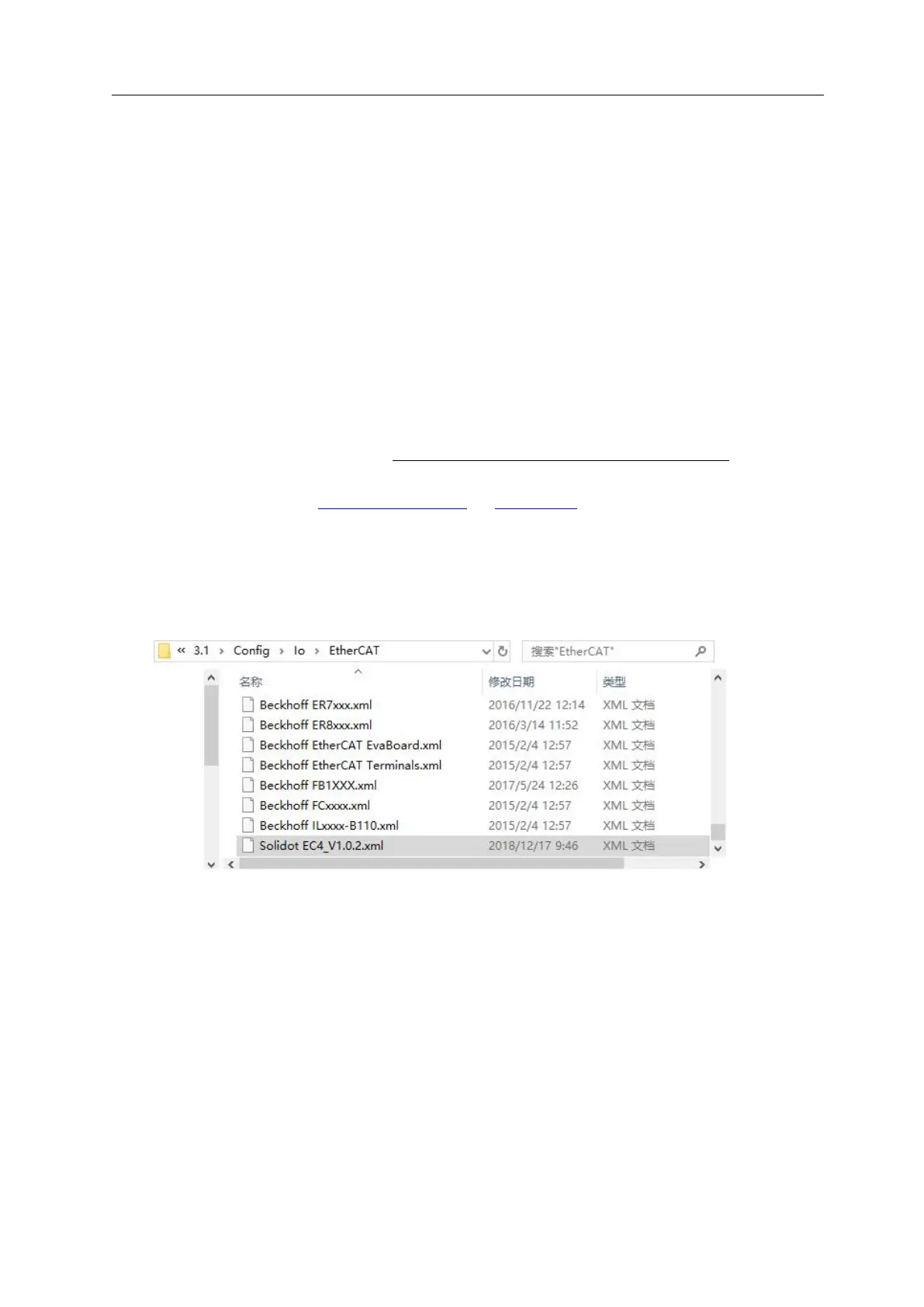
Place the ESI profile (Solidot EC4_V1.0.2.xml) under the TwinCAT installation directory C: \ TwinCAT \
3.1 \ Config \ Io \ EtherCAT, as shown in the following figure.



 To Next Page