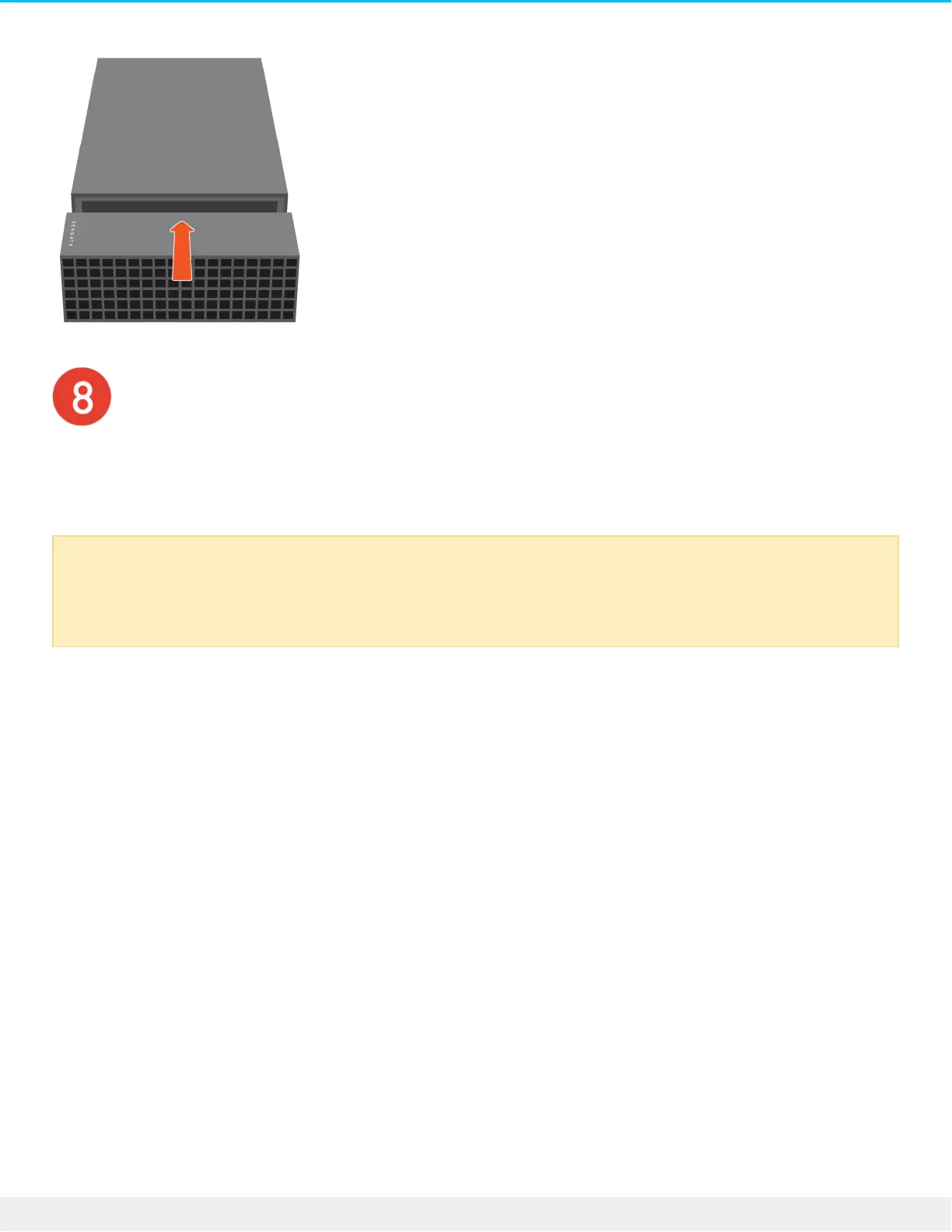
Check formang
If your NVMe SSD is not formatted, use your operating system’s disk utility to format it for best
performance.
Formatting erases all data on a storage device. If you have data on the NVMe SSD, make certain
to back it up before the format. Seagate is not responsible for data lost to formatting,
partitioning, or using a Seagate storage device.











 To Next Page