Seagate Manager User Guide for Use With Your FreeAgent Drive 32
Synchronizing Folders Using the Sync Preview Window
The Sync Preview window opens.
Listed are the files scheduled to be overwritten.
If you do NOT want to overwrite an older file version with a newly-synchronized version,
• Uncheck the file in the On column.
Using the Sync Preview Window
Use the Sync Preview window to manage your synchronized files.
• Add or delete files
• Decide whether to overwrite existing file versions
• Resolve conflicts over which version of a synchronized file to save
If the same file is edited on different computers at the same time, a conflict occurs
over which version of the file to save. When the FreeAgent drive containing a
changed version of a file is connected to a computer containing another changed
version of the same file, the Sync Preview window opens.
To use the Sync Preview window,
Step 4: Use the On checkbox to tell Seagate Manager which file versions to overwrite, add,
or delete.
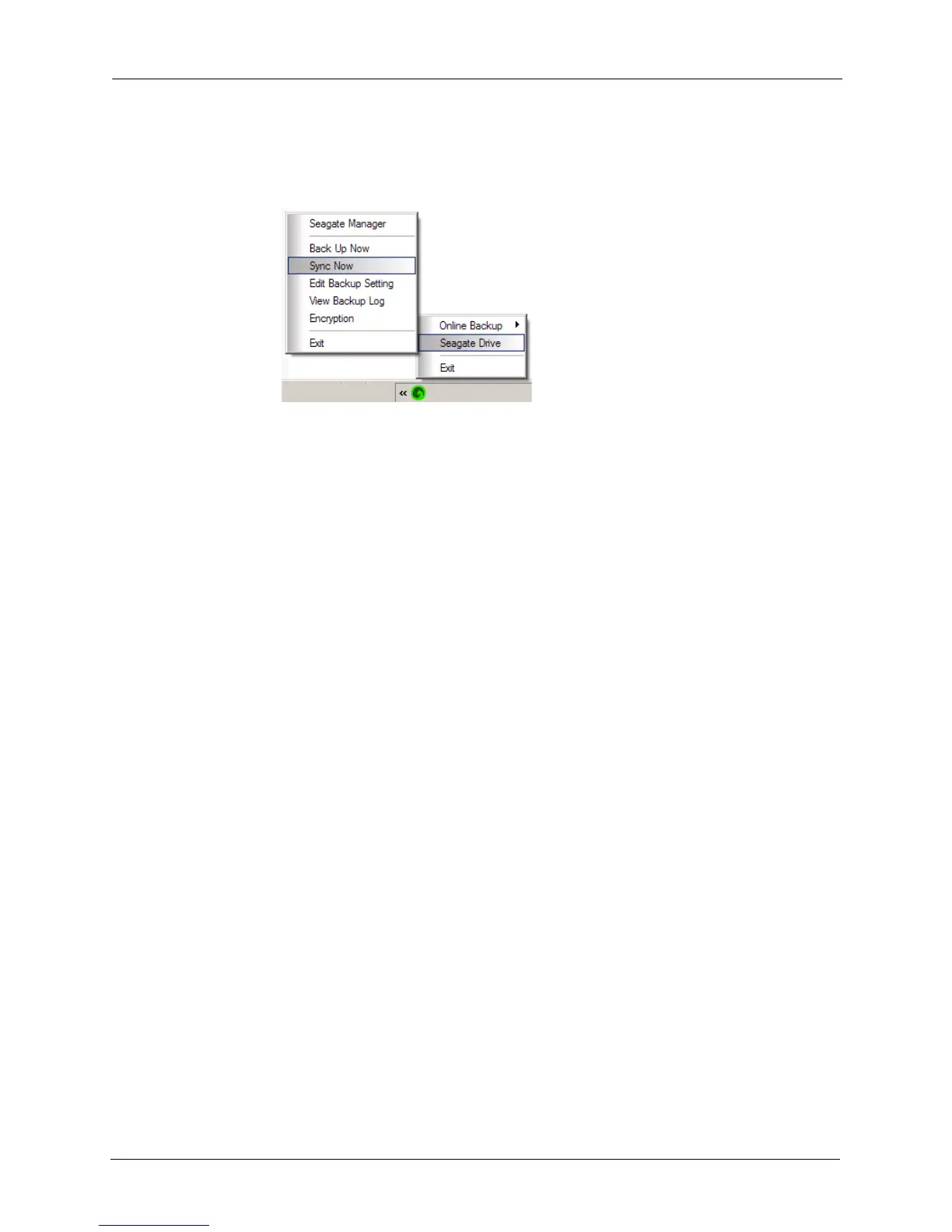
Step 5: Click Sync Now to complete the sync.
A Sync Progress window informs you of the progress of the sync.
Step 6: When the sync is complete, click OK to close the window.
Figure 2: Sync Now











 To Next Page