Seagate Manager User Guide for Use With Your FreeAgent Drive 36
Managing Security
Step 6: Delete the original, unencrypted versions of the files and folders from
your computer.
Note: Your encrypted files and folders will not be completely secure unless you delete the
original, unencrypted versions from your computer.
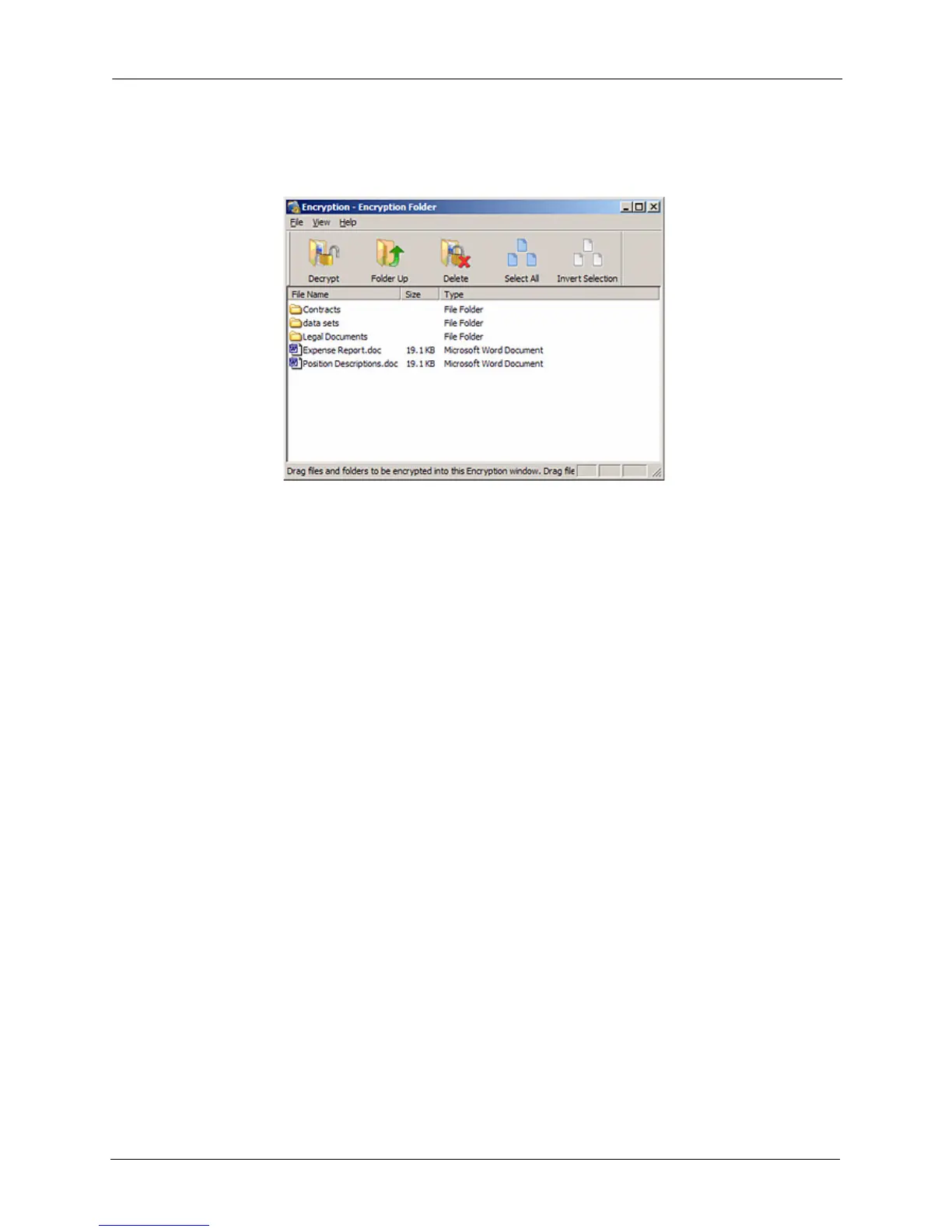
Managing an Encryption Folder
You can move files and folders from your Encryption folder to another location on your
computer or delete them from your Encryption folder.
To manage the files and folders in your Encryption folder,
Step 1: Click Security in the Command panel.
The Security window opens.
Step 2: Click Encryption.
The Manage Encryption window opens.
Changing Your Encryption Password
To change your Encryption password,
Step 1: Click Security in the Command panel.
The Security window opens.
Step 2: Click Encryption.
The Manage Encryption window opens.
Step 3: Click Change Password.
Figure 3: Encryption folder Populated











 To Next Page