Seagate Manager User Guide for Use With Your FreeAgent Drive 35
Managing Security
The Encryption Password window opens.
Step 3: Enter and re-enter a password that will you will use to open your Encryption folder.
Your password must contain at least six characters, with a minimum of one letter
and one number. Be sure to use a password you’ll remember; you’ll need it each
time you want to access the files and folders stored in the Encryption folder. Your
Encryption password is attached to the Encryption folder and not to the files and
folders stored within it. In addition, you should close your encryption folder before
deleting it or changing its password.
Step 4: Click Create Folder.
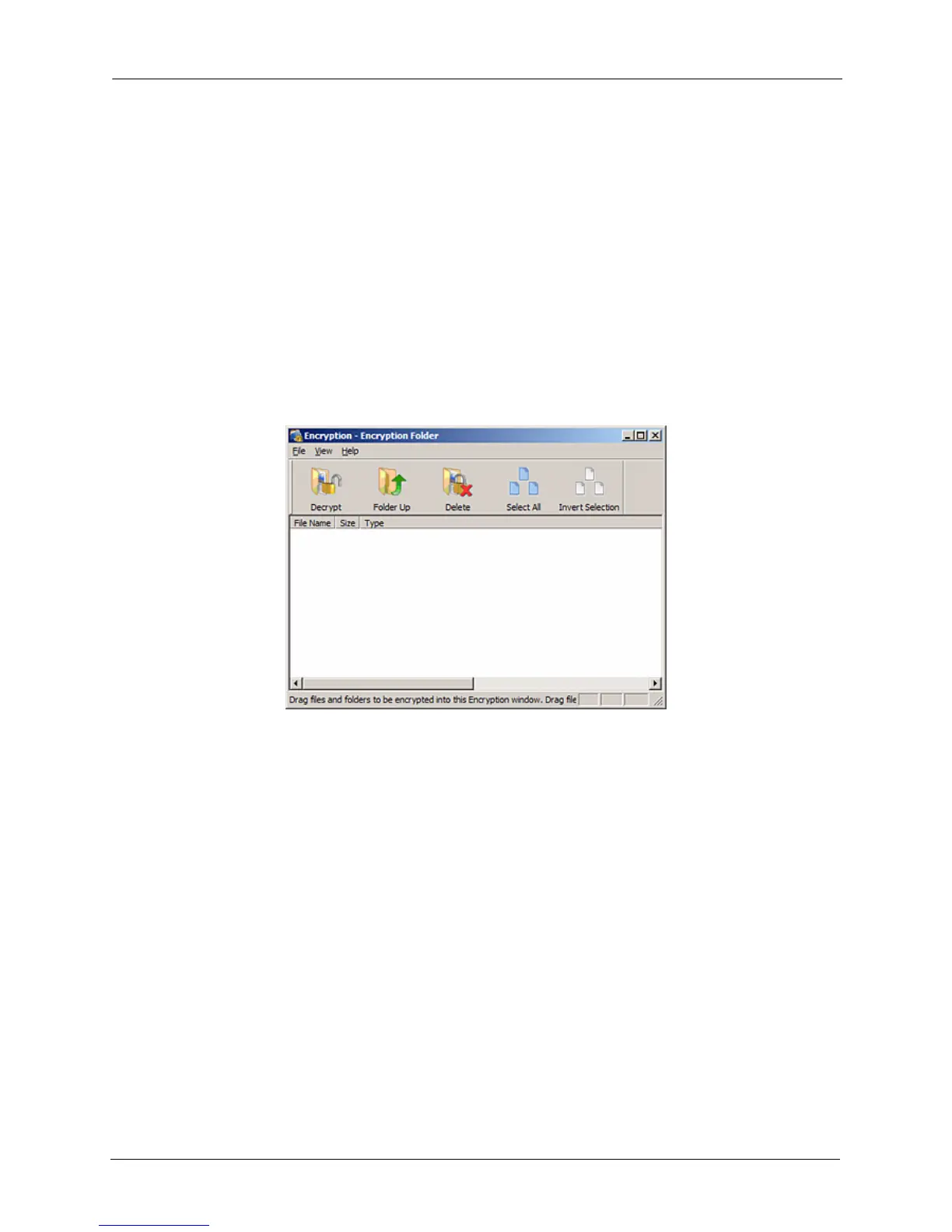
Your Encryption folder opens.
Step 5: Drag files and folders into your Encryption folder as you would into any folder.
Figure 2: Encryption folder











 To Next Page