Seagate Manager User Guide for Use With Your FreeAgent Drive 40
Managing Security Seagate and Maxtor Seagate Secure
TM
Storage Devices
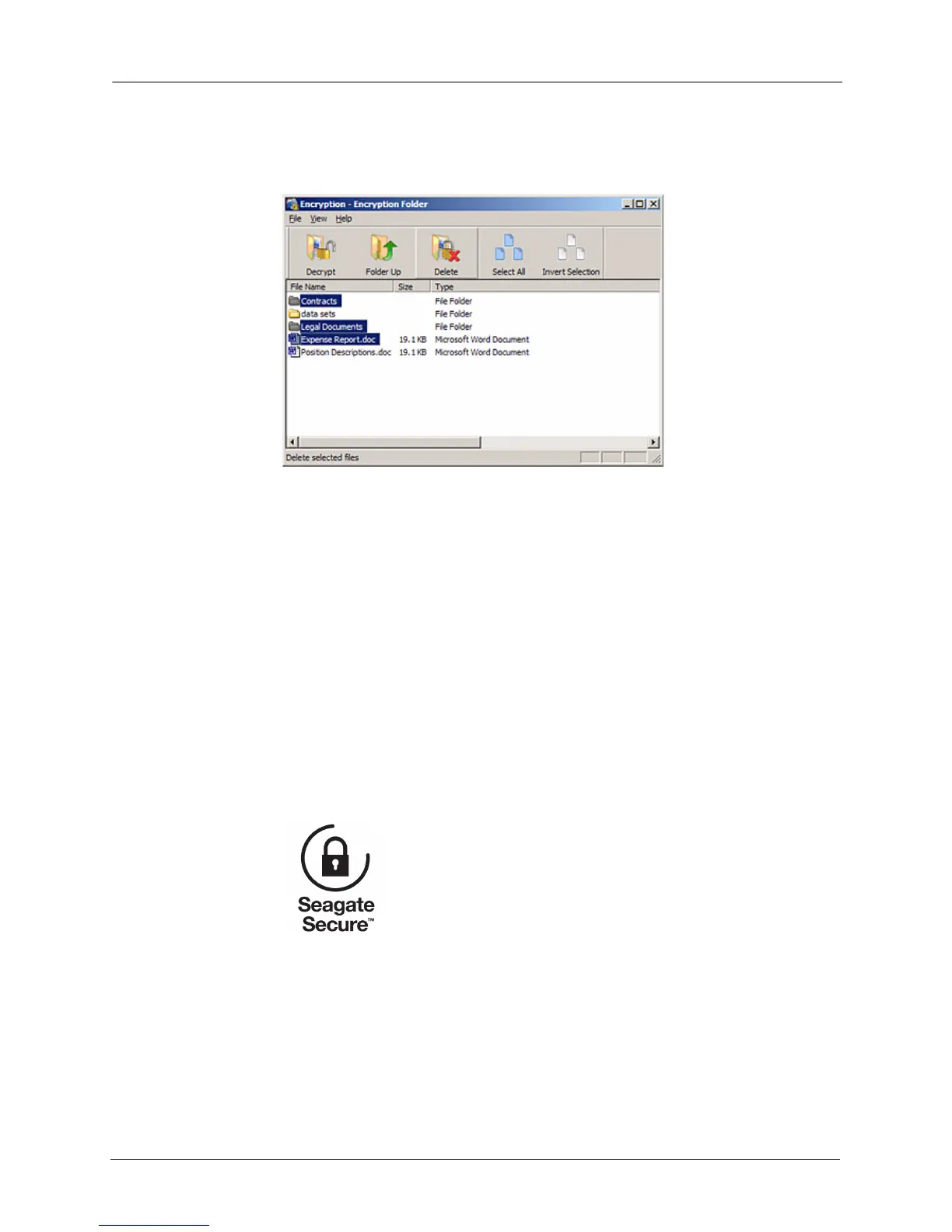
A Delete warning window opens, asking you to confirm your intention to delete
the files.
Step 2: Click Yes.
The selected items are deleted from the Encryption folder.
Note: Files can also be dragged and dropped into the Recycle Bin. Folders cannot be dragged
and dropped; you must use the Delete operation to delete them from an Encryption folder.
Seagate and Maxtor Seagate Secure
TM
Storage Devices
Seagate Manager is compatible with all features of Seagate Secure storage devices (drives).
Unlocking your Seagate Secure Drive
Step 1: Click My Drives in the Command panel and select External Storage.
Step 2: Select your Seagate Secure drive and click the Security icon in the Command
panel.
Figure 6: Encryption folder - Delete File
Figure 7: Seagate Secure logo











 To Next Page