Update Mode
This function allows you to update the scan tool software and DTC
library through a computer.
●
Toupdateyourscantool,youneedthefollowingitems.
TA500
A PC or laptop with USB ports
A USB cable
1) Download the programs in our website, www.sealey.co.uk to
update on your computer.
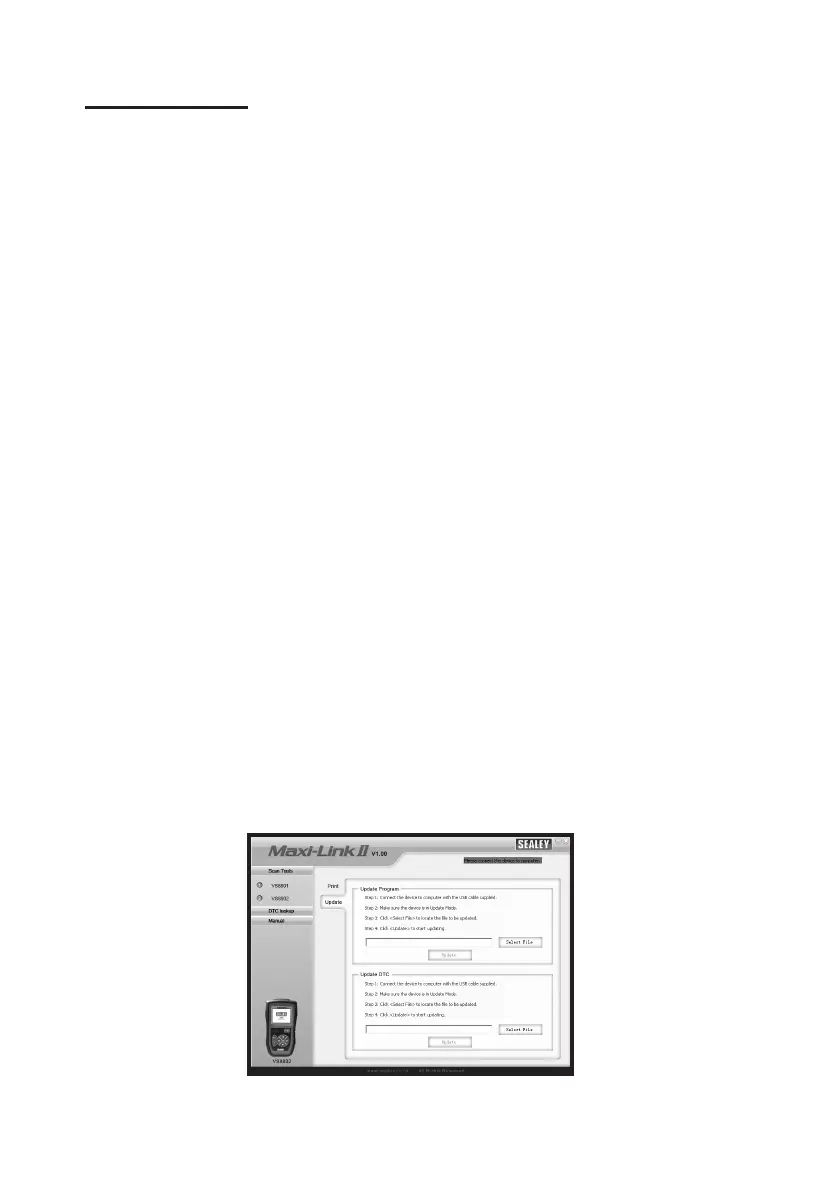
2) Run the Maxi Link II Tool Kit on your computer. (Figure 3.13)
3) Connect the scan tool to your computer through the USB
cable provided.
4) From System Setup screen in scan tool, use the UP/DOWN
scroll button to select Update Mode, and press the OK button.
5) Select the programs to be updated in your computer. There
are two types of programs: operating system and DTC library.
(Figure 3.13)
6) Click Update in the MaxiLink Tool Kit window to begin
updating.
Figure 3.13.
26



 To Next Page