25
Figure 3.11.
3) When completed, press the ESC button to exit.
Tool Information
The Tool Information function allows viewing of important
information such as the serial number and software version number
of the scanner.
1) From System Setup screen, use the UP/DOWN scroll button
to select Tool Information, and press the OK button, wait for the
Tool Information screen to appear.
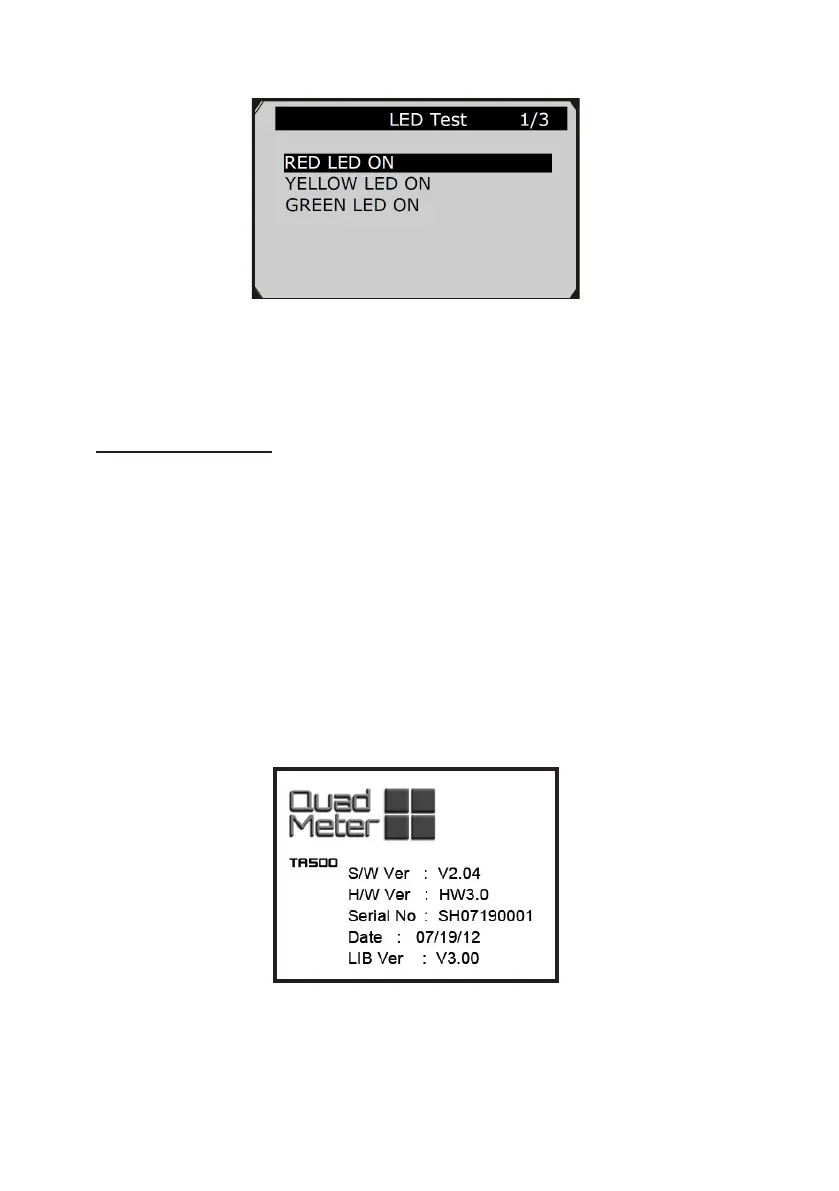
2) View tool information on screen. (Figure 3.12)
Figure 3.12.



 To Next Page