Figure 5.13
2) View live PIDs on the screen. Use the UP/DOWN scroll button
for more PIDs if additional information is available on more than
one page.
Figure 5.14
The number “x” to the right of the screen indicates sequence
of the highlighted item.
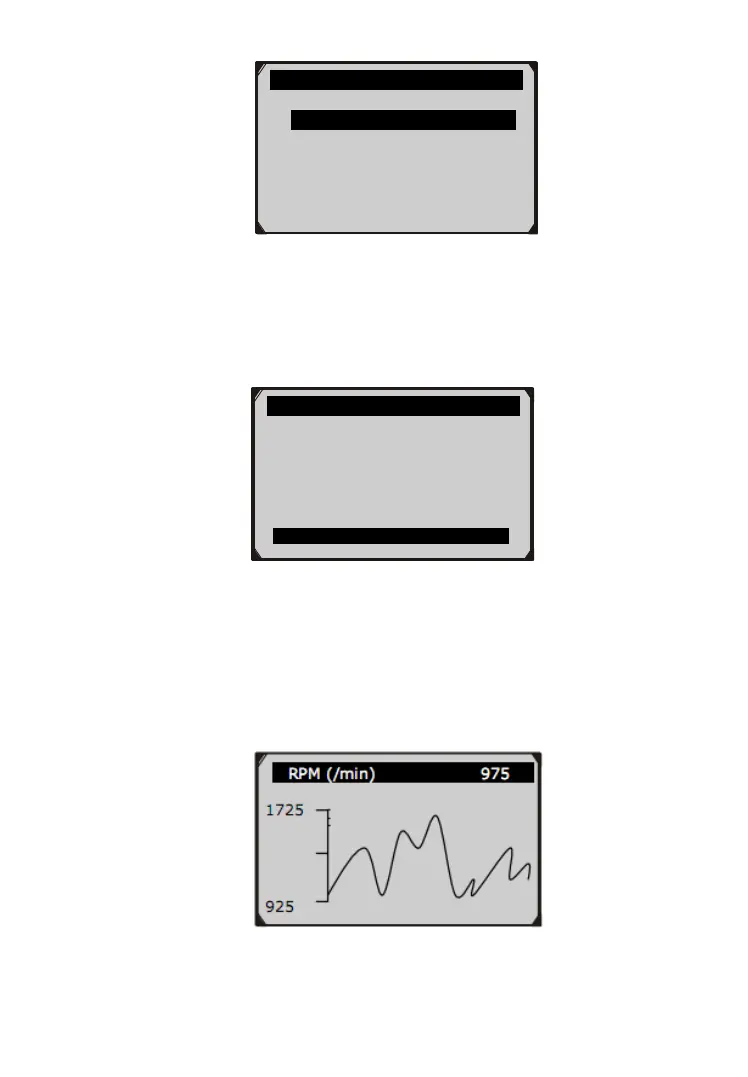
If the “G” icon appears when a PID is highlighted, graphic
information is available. Press OK to view graph.
Figure 5.15
…………………View Data 1/3.
Complete Data Set
Custom Data Set
Unit of Measure ?
Live Data 6
DTC_CNT 0
FUELSYS1 0L
FUELSYS2 -- ?
LOAD_PCT (%) 0.0
ETC(℃) -40
SHRTFT1 (%) 99.2



 To Next Page