3) Press the ESC button to return to previous menu.
Viewing Custom Data Set
1) To view customised PID data, use the UP/DOWN scroll button
to select Custom Data Set from View Data menu and press the
OK button. (Figure 5.13)
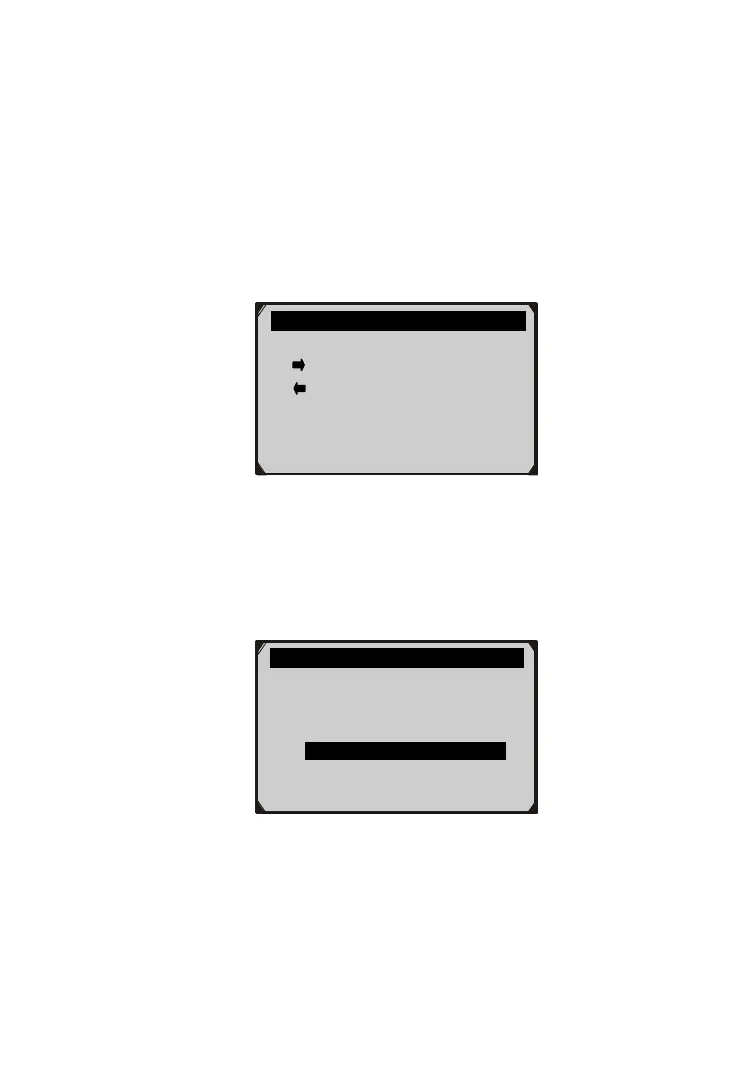
2) Observe on-screen instructions.
Figure 5.16
3) Use the RIGHT button to deselect/select data parameters, and
use the UP/DOWN scroll button to move up and down. Selected
parameters are marked with solid squares.
Figure 5.17
The number “x” to the upper right corner of the screen
indicates sequence of highlighted item; and “#x” are the order
that the parameters are selected and will be displayed.
…………..Custom Data Set 4/26
DTC_CNT
FUELSYS1
FUELSYS2 ?
LOAD_PCT #01
ECT
SHRTFT1
……………Custom Data Set……… …..
[
] – Deselect all
[OK] – Confirm
[ESC] – Cancel
Press any key to continue.



 To Next Page