64 •
17-10-07-649-100a/04-2018S
4. Confirm your selection.
You exit the menu automatically.
Calibrating the digital measuring
rod (LCAL)
If the value displayed in the measuring rod display deviates from the value
shown on the scale of the measuring rod, adjust the measuring rod:
1. Adjust the measuring rod manually to 50 cm.
2. Compare the length to the display on the measuring rod.
3. If a different value is shown on the display, select the item “LCAL” from
the menu.
4. Confirm your selection.
The calibration length of 50 cm is displayed.
5. Confirm your selection.
The measuring rod is calibrated.
You exit the menu automatically.
Switching unit of length and
graduations of
the digital
measuring rod (LUnIT)
You can select the unit in which length is displayed in the measuring rod dis-
play. For the unit “cm”, you can also adjust the graduations shown in the dis-
play.
NOTE
Observe nationally-applicable regulations governing metrology units.
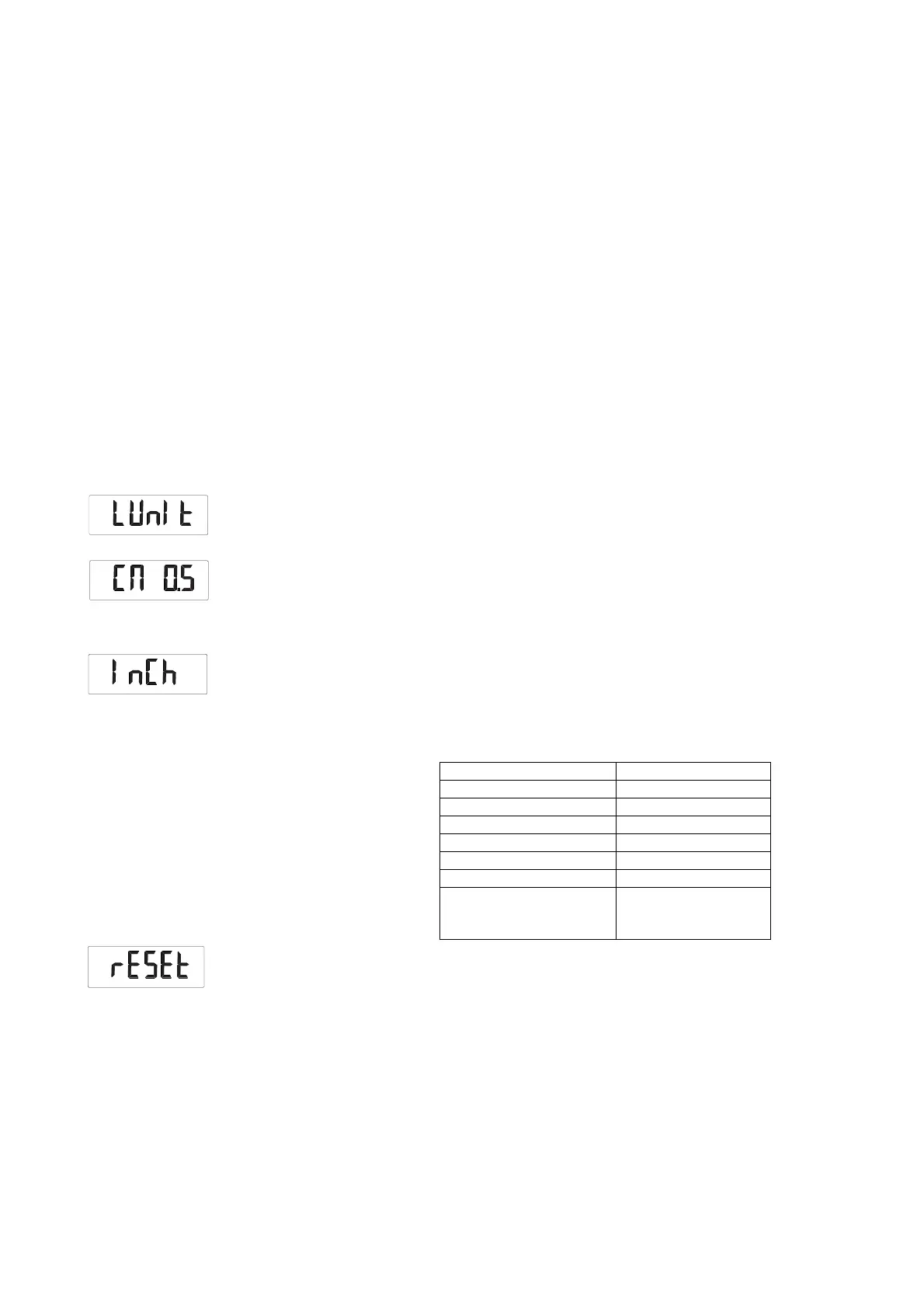
1. Select the item “LUnIT” from the menu.
2. Confirm your selection.
The current setting is displayed.
3. Select the desired setting:
–0.1 cm
–0.5 cm
–1 cm
– inches
4. Confirm your selection.
You exit the menu automatically.
Restoring factory settings (rESEt) You can restore the factory settings for the functions below.
1. Select the item “rESEt” from the menu.
2. Confirm your selection.
You exit the menu automatically.
3. Switch off the scale.
Factory settings are restored and are available when the scale is switched
back on.
NOTE
If you restore the factory settings, the WiFi settings will be retained. To
reset the WiFi settings, proceed as described in the section entitled
“Resetting WiFi settings (rESEt) (336 i)” on page 65.
Function Factory setting
Unit of weight kg
Unit of length cm
Autohold (AHOLd) Model-dependent
Beep (PrESS) Off
Beep (HoLd) On
Filtering (FIL) 0
Standby time until the
device switches off
automatically (AOff)
60 seconds



 To Next Page