What do I do if ... • 67
17-10-07-649-100a/04-2018S
CAUTION!
Personal injury
If you notice any faults or deviations during the function check which
cannot be resolved with the aid of the section entitled “What do I do
if ...” in this document, you may not use the device.
► Have the device repaired by seca Service or by an authorized ser-
vice partner.
► Follow the section entitled “Servicing/verification” in this document.
8. WHAT DO I DO IF ...
8.1 Troubleshooting
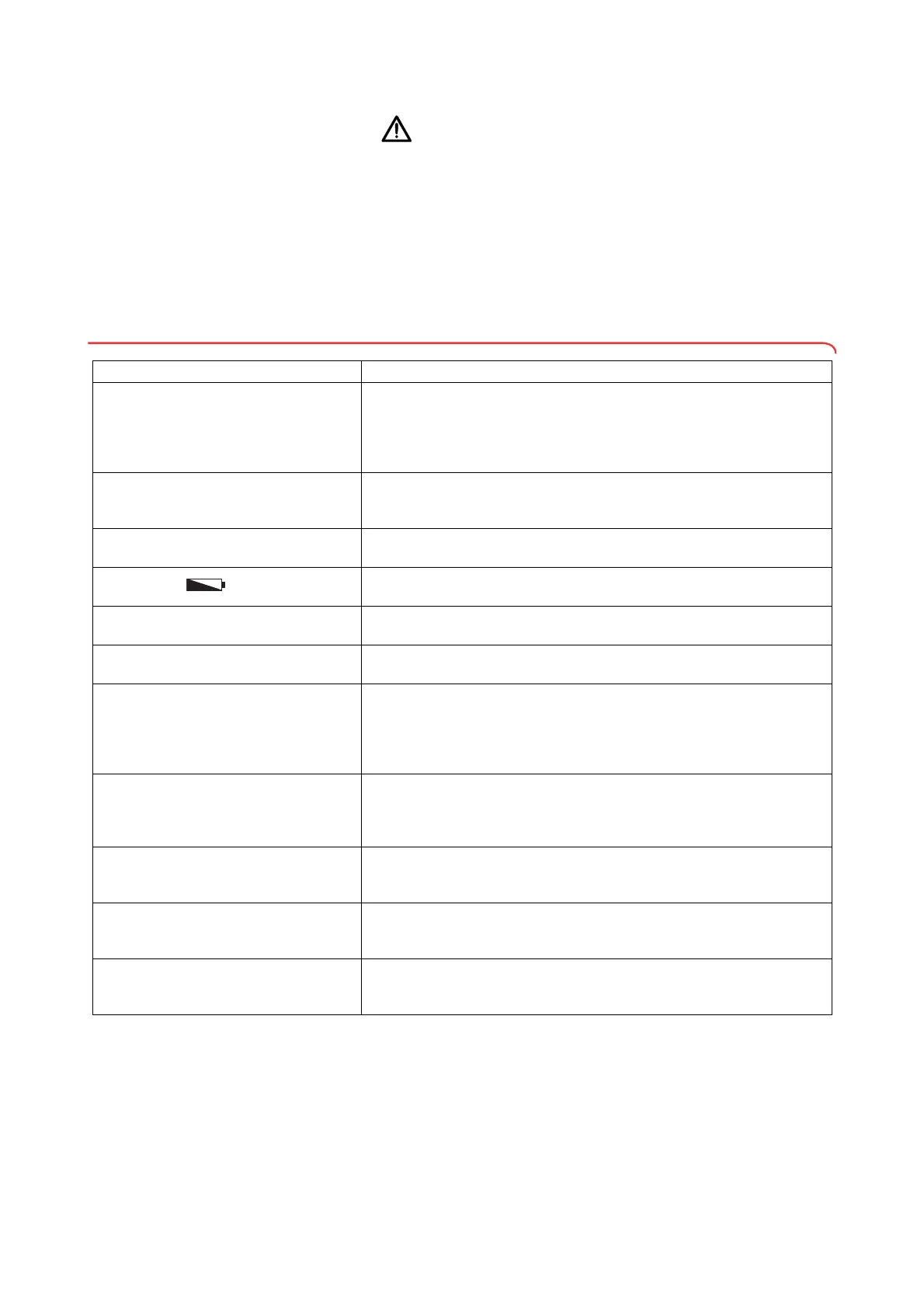
Problem Cause/solution
... no weight is displayed with a load on the
scale?
The device has no power supply.
- Check whether the scale is switched on
- Check whether batteries are inserted (devices operated by battery)
- Check whether there is a power supply (devices operated by power
supply)
... 0.000 does not appear before weighing?
A load was already on the device before it was switched on.
- Remove the load from the scale
- Switch off the scale, then switch back on again
... one segment is illuminated either
continuously or not at all?
The corresponding point has a fault.
- Inform seca Service
… the display appears?
Battery voltage is dropping.
- Replace batteries
… the display bAtt appears?
The batteries have discharged.
- Replace batteries
… the message StOP appears?
Maximum capacity has been exceeded.
- Remove the load from the scale
... the display tEMP appears?
The ambient temperature of the device is too high or too low.
- Set up the device in an ambient temperature between +10 °C and
+40 °C.
- Wait for around 15 minutes until the device has adapted to ambient
temperature.
… the display Err:11 appears?
The scale has too high a load or too high a load in one corner.
- Remove the load from the scale or distribute the load more evenly
- Restart the scale
- Inform seca Service
… the display Err:12: appears?
The scale has been switched on with too high a load.
- Remove the load from the scale
- Restart the scale
… the display Err:16 appears?
The scale was caused to oscillate and was unable to determine the zero
point.
- Restart the scale
... the display Err:32 appears?
An internal communication error has occurred.
- Restart the scale
- Inform seca Service


 To Next Page
 Loading...











