68 •
17-10-07-649-100a/04-2018S
8.2 Data transmission (models with a WiFi interface)
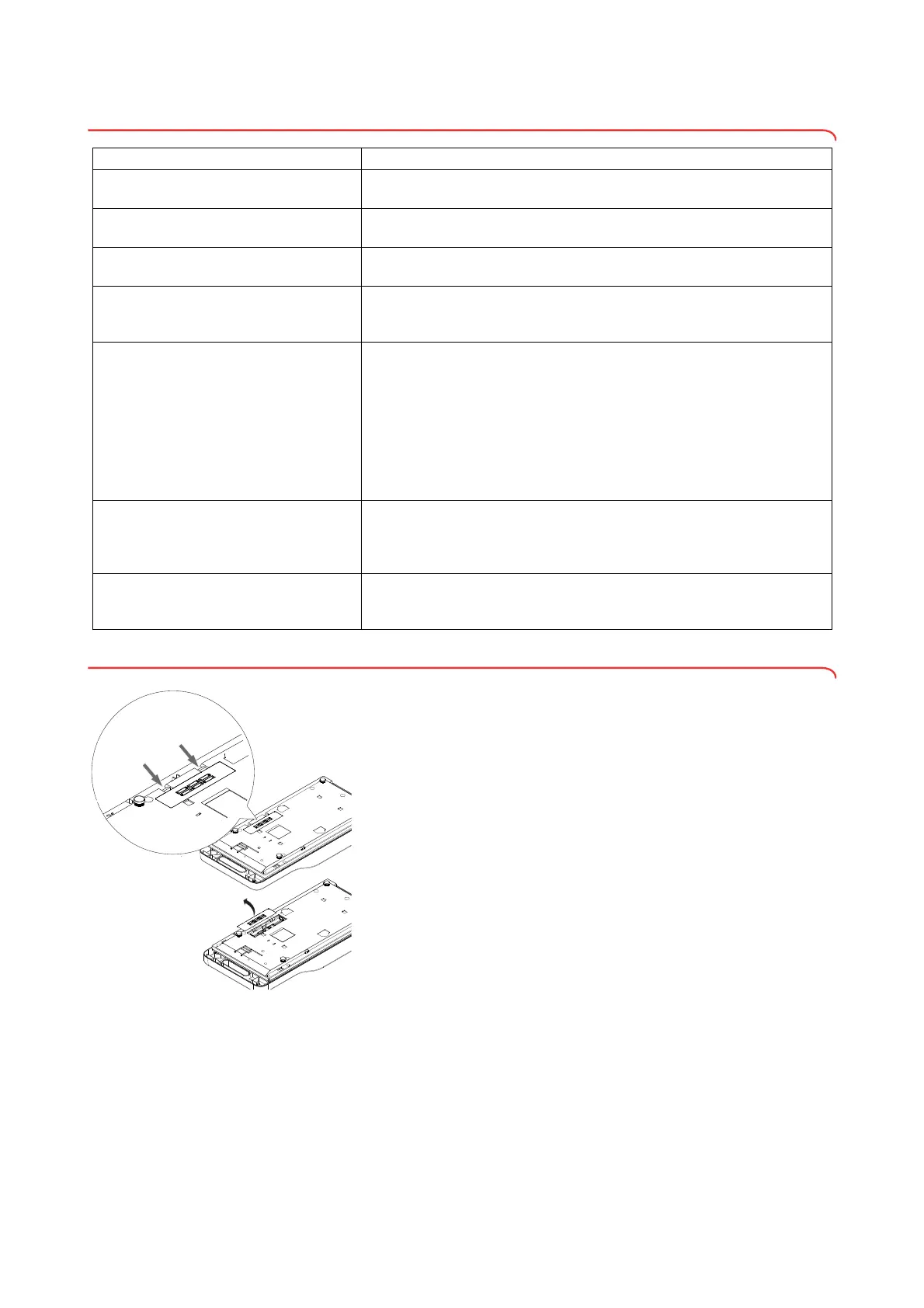
8.3 Changing batteries
You need 6 AA-type batteries, 1.5 V. To establish the power supply, proceed
as follows:
1. Open the battery compartment.
2. Take the discharged batteries out of the battery compartment.
3. Put the new batteries in the battery compartment.
NOTE
Ensure the correct polarity of the batteries (markings on the battery
holder). If the display bAtt appears, you have inserted one of the bat-
teries the wrong way round or the batteries have discharged. If batter-
ies are inserted the wrong way round, they must be removed again
immediately.
4. Close the battery compartment.
Problem Cause/solution
... the status LED does not come on?
The status LED is faulty.
- Inform seca Service
... only the “SYS” item is visible in the “rF”
menu?
The WiFi interface is deactivated.
- Activate WiFi interface
... after calling up the menu, the “rF” item is
not displayed?
The scale's WiFi interface is faulty.
- Inform seca Service
... the display noChG appears when the WiFi
interface is activated?
Scale in battery mode, On option selected in rF\SYS menu
- Select PErM option
- Use power supply unit (recommended)
... the status LED is illuminated red?
•ID not found in hospital information system (HIS) or in seca software (see
fault
Id:Err).
• Device has not saved measured results to the clipboard.
- Repeat measurement
• Measured results have
not been sent to an HIS or to seca software.
- Deactivate BMIF function (see “Using the differential value function
(bMIF)” on page 61)
- Repeat measurement
- Check WiFi connection
... the display Id:Err appears?
The ID of the user or the patient has not been found in the HIS or in the
seca software.
- Scan the barcodes for the user and patient again
- Inform seca Service
… Enter is pressed and the display Err:71
appears?
No data transmission possible, WiFi interface is deactivated.
- Activate WiFi interface (see “Setting up the WiFi connection (336 i)” on
page 55)



 To Next Page
 Loading...










