20
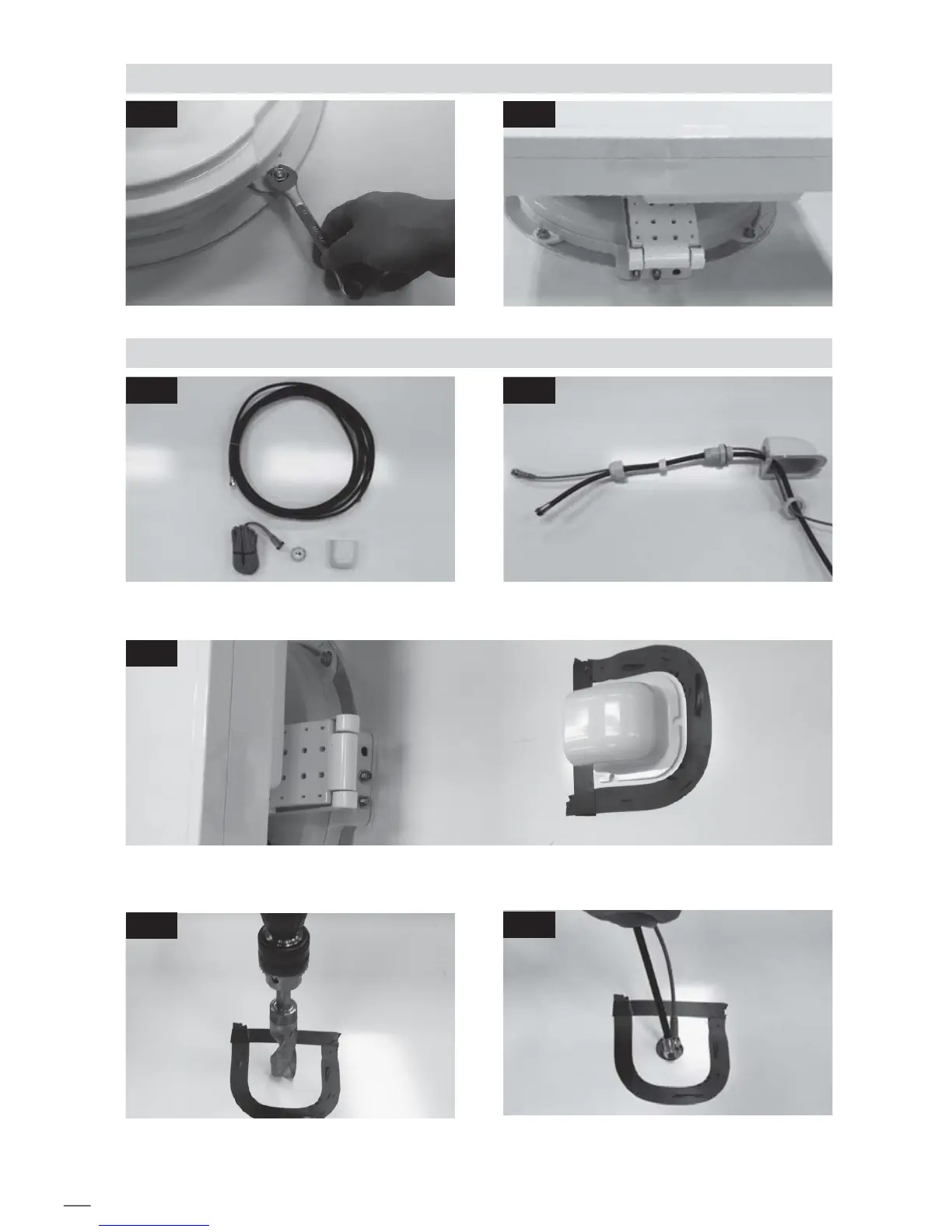
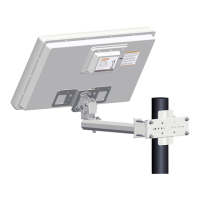
D. Fix the mounting plate with 4 pcs of bolts using spanner
E. Cable holder installation 1
Insert cables like picture Equipment to initiate Cable holder installation
Insert Receiver & 5c Power cable through the
hole
E-4
Arrange cable holder in front of (30cm apart from) antenna center by facing open side of cable holder
toward projected part of the mounting plate. Then attach friction tape outside of cable holder
E-5
E-3
Make 15mm drill hole in the center of the tape
marking
D-2D-1
E-2E-1



 To Next Page