English
11
TEMPERATURE SETTINGS
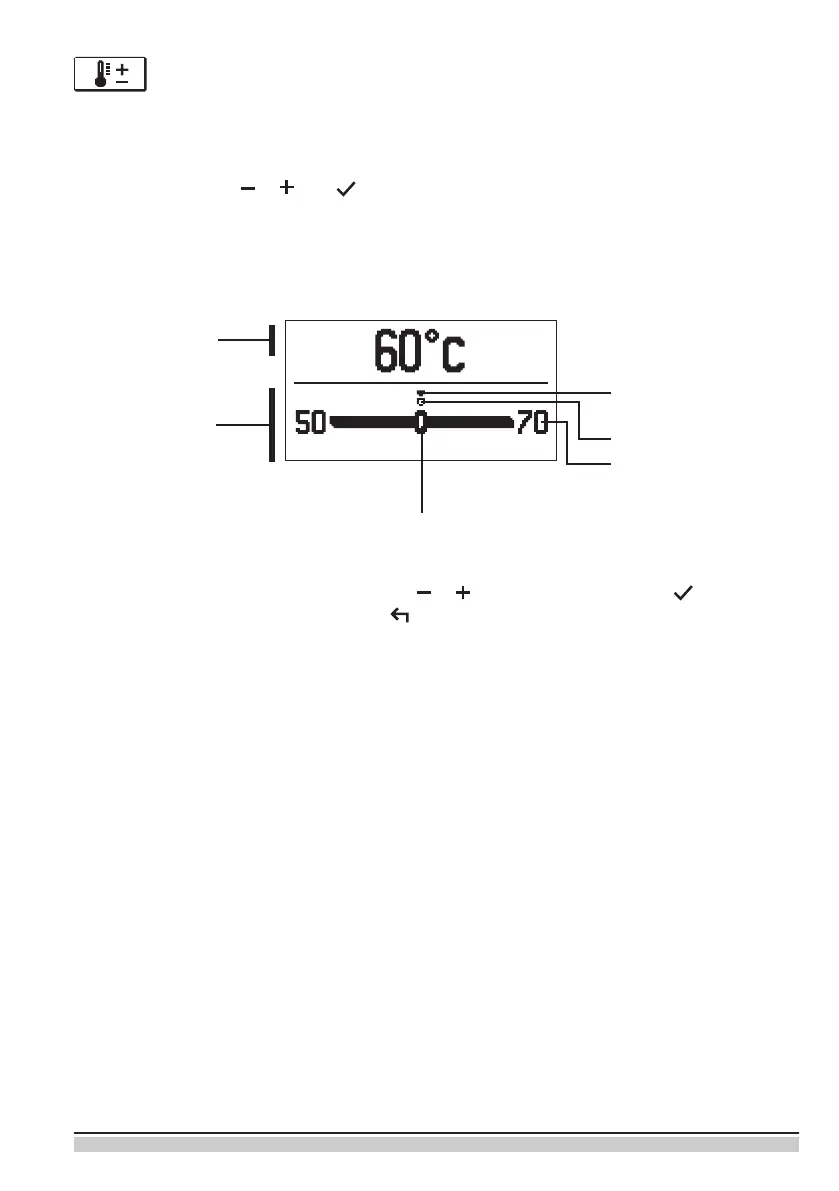
In the menu only the temperatures are displayed, where you can set the set-point tempera-
ture by the selected hydraulic scheme.
By pressing buttons , and you choose the required temperature, and a new
window opens:
Set the set-point temperature with buttons , and conrm with button .
Exit the settings by pressing the button .
Default value
Graphic review
of settings
Setting range
Value of the last
conrmed setting
Current value
of set-point
temperature
(numeric mode)
Current value
of set-point temperature
(analogue mode)


 To Next Page