English
5
STEP 3 - OPENING OF THE MIXING VALVE
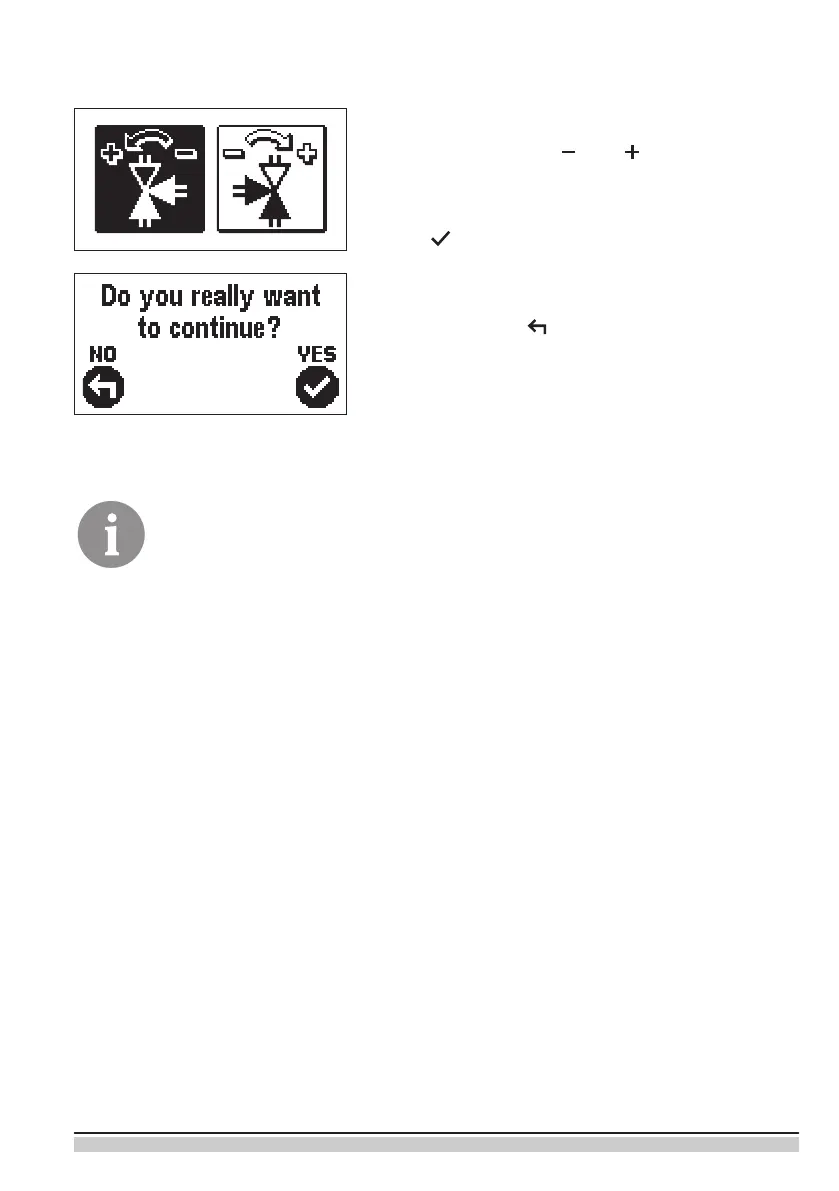
Press icon which indicates the proper direction of
mixing valve opening direction. Between icons you
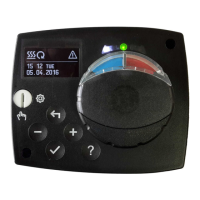
can move with buttons and .
After you selected the correct direction, the controller
requires conrmation of the selection by pressing the
button .
If you accidentally selected the wrong mixing valve
opening direction, go back to reset the the selection
by pressing button .
Selected mixing valve opening direction can be later changed with service
parameter S1.4.


 To Next Page