English
15
To view the sensor-diagrams move with buttons and between the sen-
sors. By pressing the button the date of displayed temperature begins to
ash. Use buttons and to move between days.
Return to the temperature selection by pressing the button .
The range of the temperature display on the graph can be changed with the
the button .
Exit the diagram overview by pressing the button .
DATA OVERVIEW
In this menu there are icons to access the following data on controller performance:
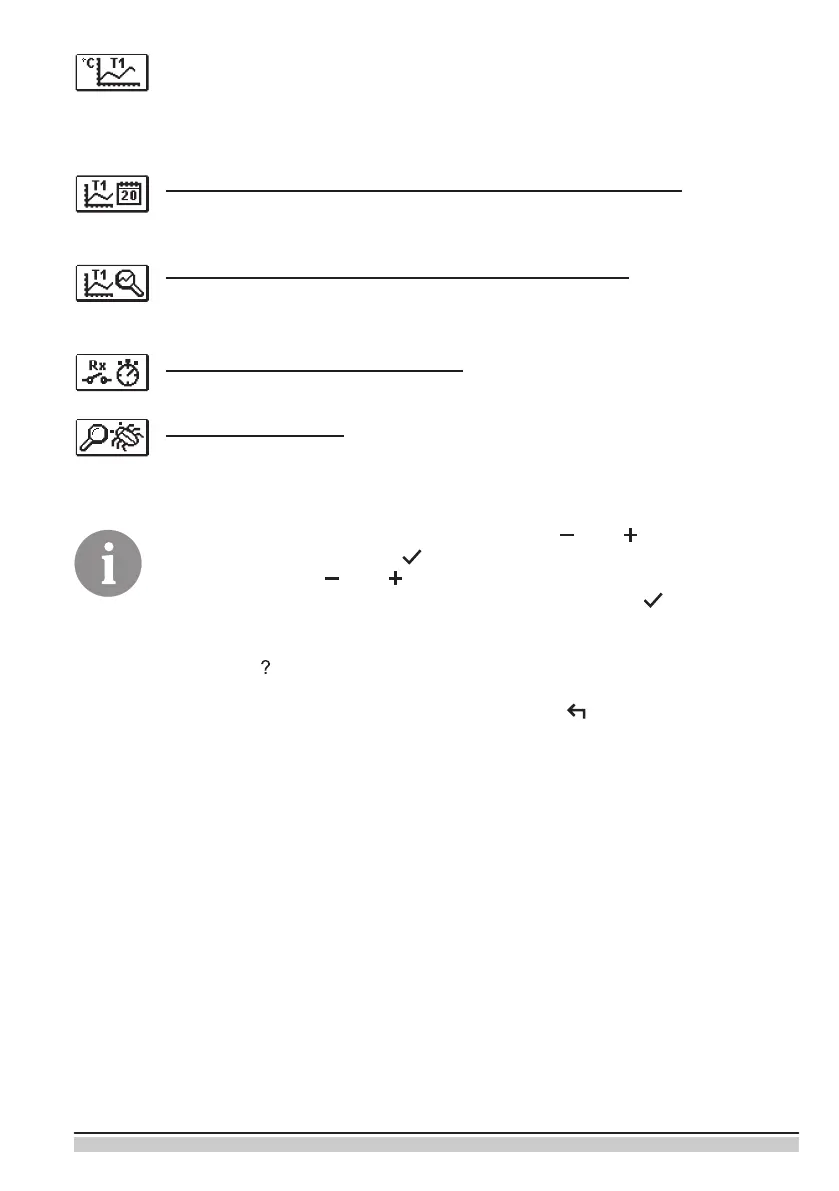
DIAGRAMS OF MEASURED TEMPERATURES BY DAYS FOR LAST WEEK
The graphical representation of the temperature prole in days, for each sensor.
There are records of the temperatures for the last week of operation.
DIAGRAMS OF MEASURED TEMPERATURES FOR CURRENT DAY
Detailed graphic overview of temperature in current day for each sensor.
How often are temperatures logged is set with parameter P1.3.
OUTPUT’S OPERATION TIME COUNTERS*
Counters of controller’s outputs operation time.
SPECIAL SERVICE DATA
Intended for diagnostics for technical service.
* Not available


 To Next Page