12 English
OPERATION MODE
In this menu the operating mode of the controller is selected.
Select the operaion mode with buttons , and conrm with button .
Exit the settings by pressing the button .
Automatic operation
Controller switch-o
Heating or cooling operation mode selector
Manual mode
HEATING OR COOLING OPERATION MODE SELECTOR
Heating operation mode is active.
Cooling operation mode is active.
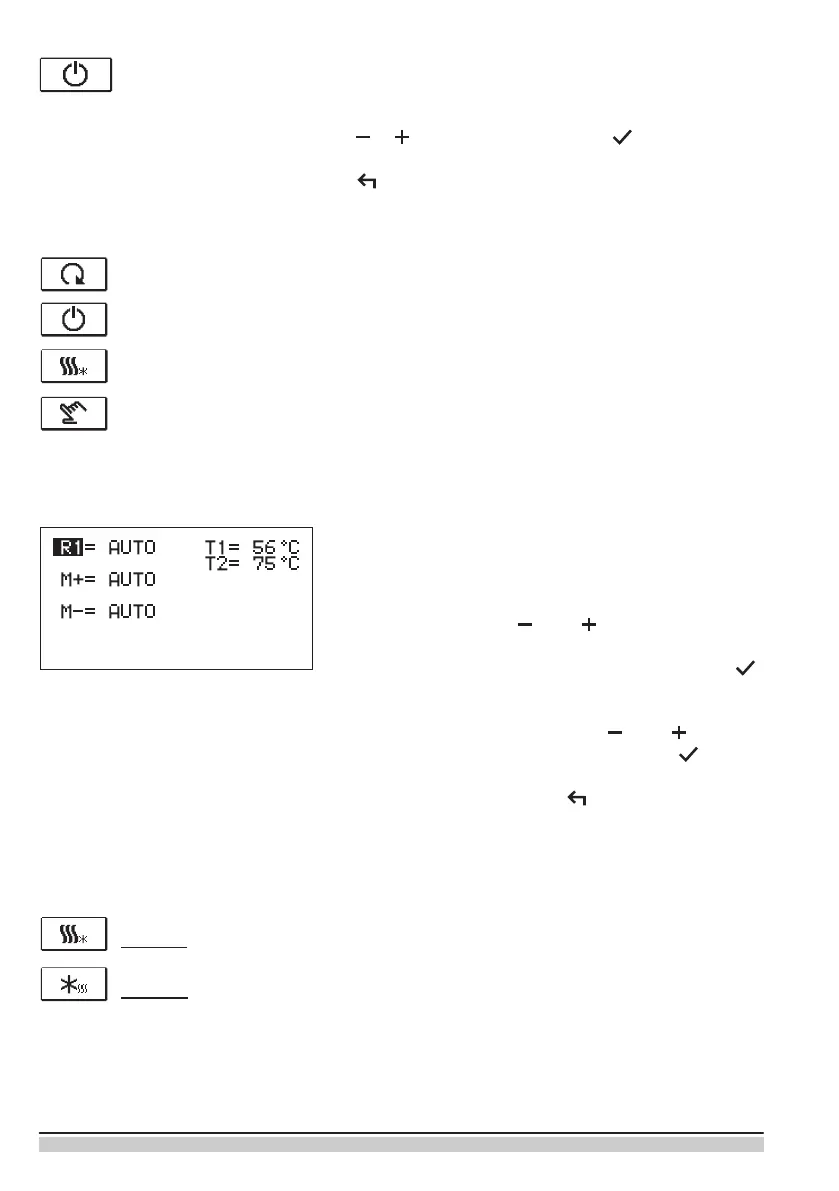
MANUAL MODE:
This mode is used for testing the system or in case
of malfunction. Every output can be manually activa-
ted or deactivated.
Move with the buttons and between the indi-
vidual outputs R1, M- or M +. The output, which you
want to change is selected by pressing the button
.
ON, OFF or AUTO starts ashing. Now the output
can be changed using the buttons und . The
setting is conrmed by pressing the button .
Exit the setup menu with the button.


 To Next Page