EN
31
Reset
5. Reset
Precondition: Both end positions must be set, this means, the drive does no longer make any
moving interruptions during operation.
Reset with
switch
Reset with
setting switch
Drive
1 s
E
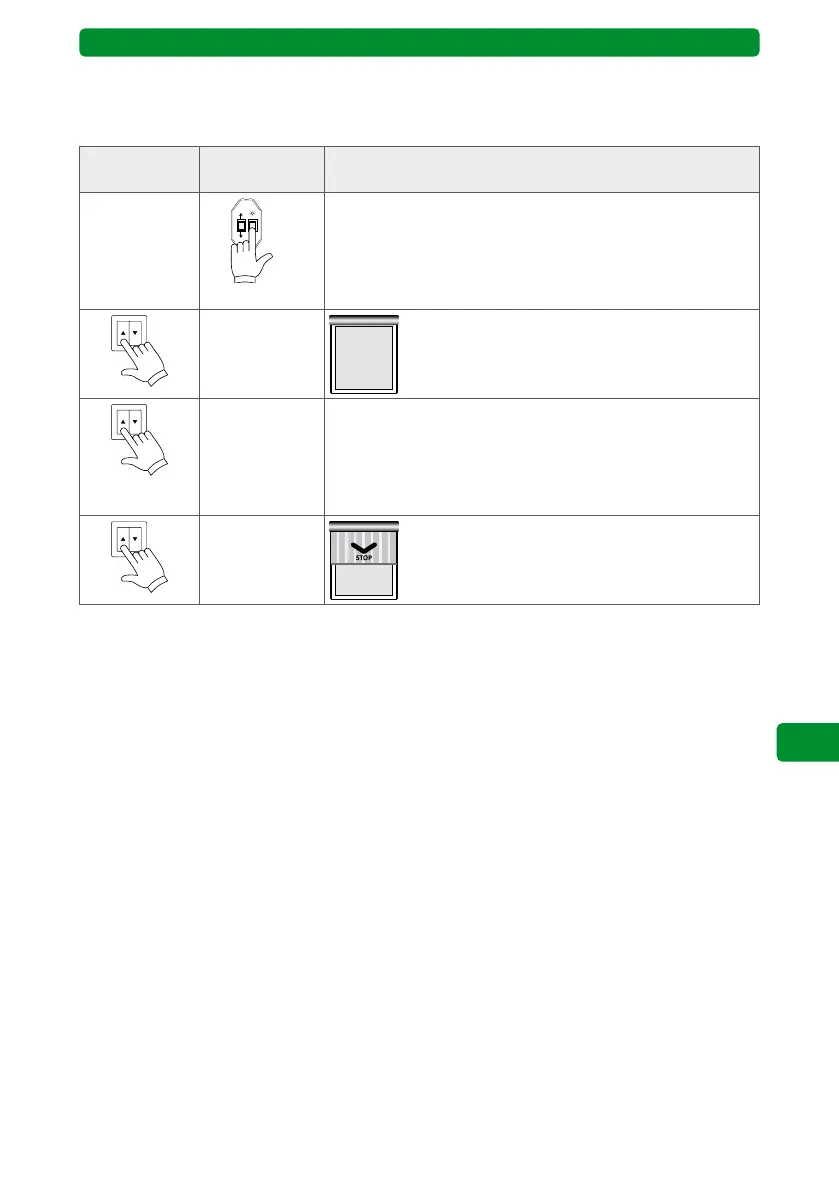
Connect the setting switch cable to the motor
wiring cable.
Press the E button of the setting switch for
1 second. Both limit positions already set will
be deleted.
Alternatively: Move the drive upwards until it
stops automatically at the upper limit stop and
performs a short release.
5x 3 s with
1 s pause
Then press the switch 5 times for 3 seconds
with 1 second pause in upwards direction.
Then turn on the upward direction again. The
motor moves down and switches off automati-
cally. Now turn off the switch.
Both limit positions already set will be deleted. Start the setting of the end limit positions
once again (4.5.1.).



 To Next Page