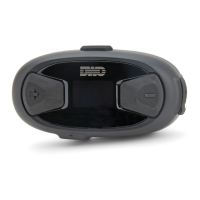
10Upad
14
4 GETTING STARTED
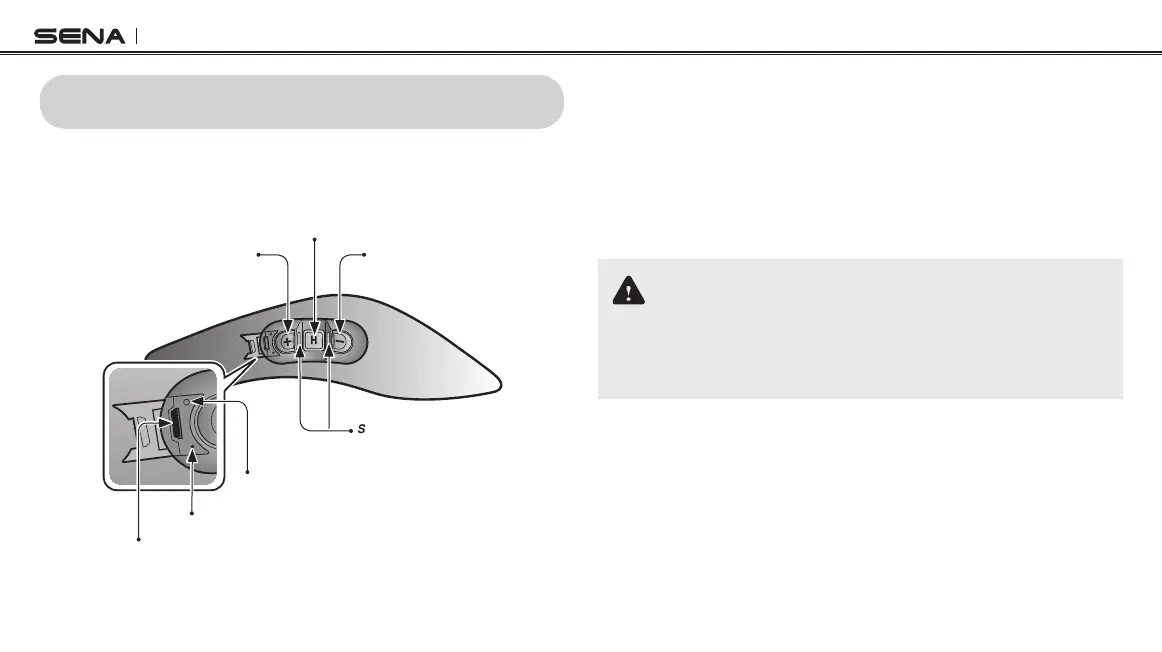
4.1 Button Operation
(+) Button
Center Button
(-) Button
DC Power Charging & Firmware Upgrade Port
Fault Reset Button
Status LED
Charging LED
4.2 Powering On and Off
To power on the headset, press the Center Button and the (+) Button
at the same time while hearing ascending beeps and a voice prompt,
“Hello”. To power off the headset, press the Center Button and the (+)
Button at the same time while hearing descending beeps and a voice
prompt, “Goodbye”.
4.3 Charging
WARNING
When charging the battery, use only the approved charger provided
by the manufacturer. Use of a non-approved charger may cause fire,
explosion, leakage, and other hazards which may also reduce the life time
or performance of the battery.
You can charge the headset by connecting the supplied USB power &
data cable into a computer’s USB port or USB wall charger. You can
use any standard micro USB cable to charge the unit. The charging
LED turns red while charging and turns blue when fully charged. It
takes about 2.5 hours to be completely charged.


 To Next Page