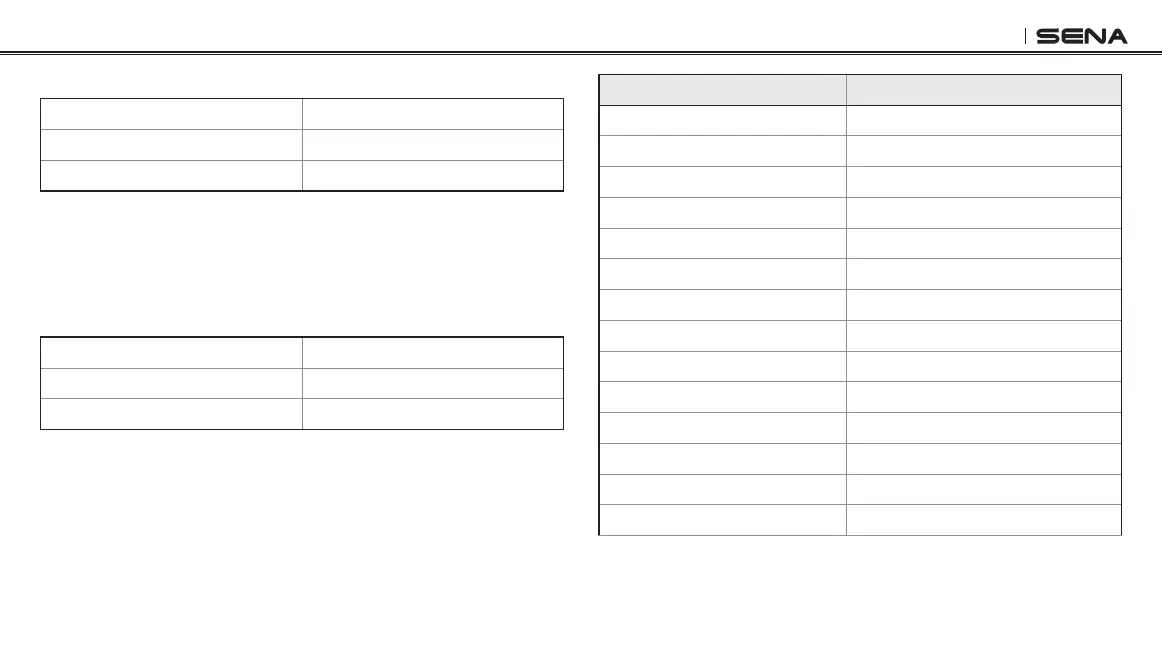
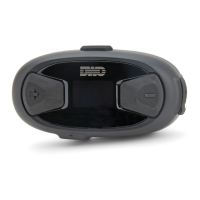
10Upad
47
14.17 Factory Reset
Voice Prompt
“Factory reset”
Factory Default N/A
Execute Tap the Center Button
To restore factory default settings on the 10Upad, tap the (+) Button or
the (-) Button until you hear a voice prompt, “Factory reset”, and tap
the Center Button to conrm. The 10Upad powers off with a voice
prompt, “Headset reset, goodbye”.
14.18 Exit Voice Conguration Menu
Voice Prompt
“Exit conguration”
Factory Default N/A
Execute Tap the Center Button
To exit voice conguration menu and get back to stand-by mode, tap
the (+) Button or the (-) Button until you hear a voice prompt, “Exit
conguration”, and tap the Center Button to conrm.
Tap (+) Button or (-) Button Tap Center Button
Phone Pairing None
Second Mobile Phone Pairing None
Phone Selective Pairing None
Media Selective Pairing None
Speed Dial Execute
Audio Boost Enable/Disable
VOX Phone Enable/Disable
VOX Intercom Enable/Disable
HD Intercom Enable/Disable
Voice Prompt Enable/Disable
RDS AF Setting Enable/Disable
FM Station Guide Enable/Disable
Advanced Noise Control Enable/Disable
Delete All Pairings Execute


 To Next Page