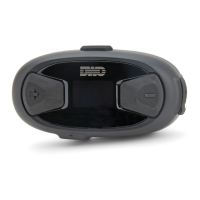
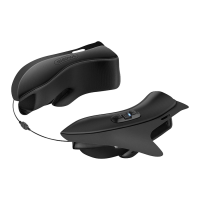
10Upad
33
11.2 Two-way Universal Intercom
You can initiate the Universal Intercom connection with non-Sena
Bluetooth headsets using the same intercom connection method as
you would between other Sena headsets. You may single tap the
Center Button to begin an intercom conversation with the rst intercom
friend, double tap with the second intercom friend, and triple tap with
the third intercom friend.
Non-Sena Bluetooth headsets may initiate the Universal Intercom
connection, by activating the voice dialer or using the redialing
operation. You may also disconnect the existing connection by using
the operation to end a call (refer to
the user's manual for the headsets
for voice dialer, redialing, and ending a call).
11.3 Three-way Universal Intercom
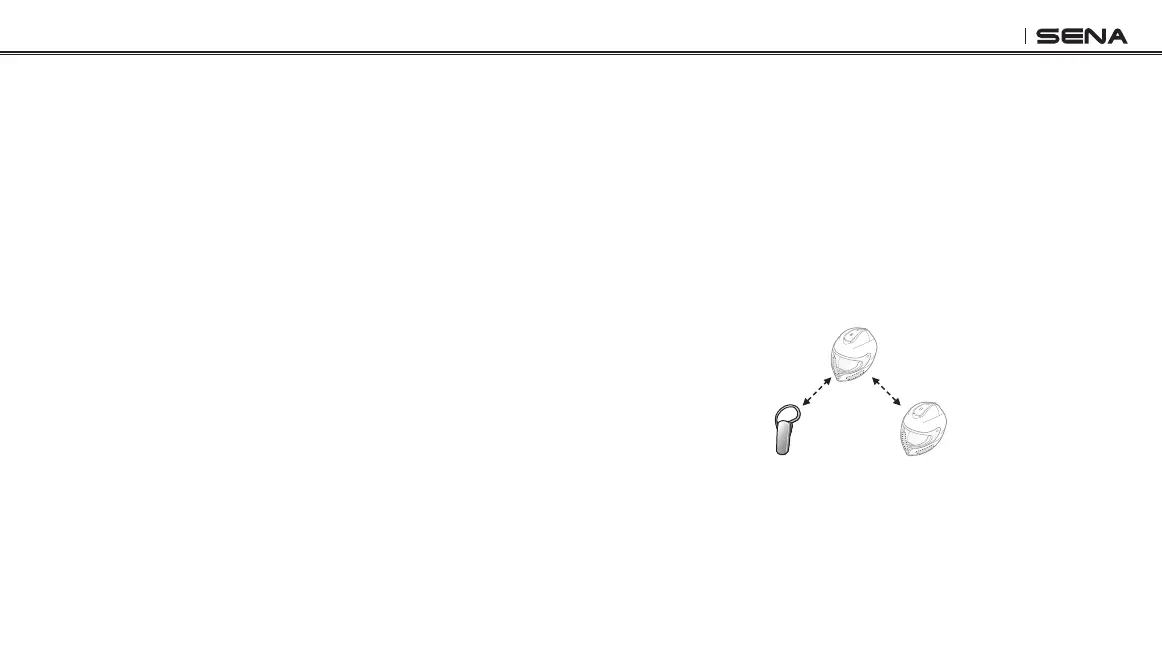
You may make a three-way Universal Intercom connection with two
10Upads and one non-Sena Bluetooth headset. If the intercom
connection is made, all headsets connected cannot use the mobile
phone call function since the connection between the headset and the
phone is disconnected temporarily. If you disconnect the intercom
call, the mobile phone connection is made again automatically so that
you can use a mobile phone call function.
1. You (A) need to be paired with a non-Sena Bluetooth headset (B)
and another 10Upad headset (C) for the three-way conference
intercom.
(A)
(B) (C)
Pairing
Pairing


 To Next Page