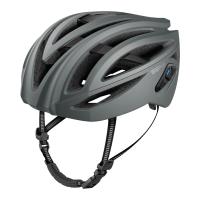
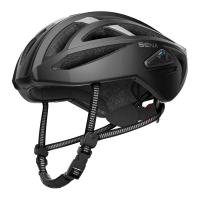
R1 Smart Cycling Helmet | 24
2 GETTING STARTED: BUILT-IN BLUETOOTH SYSTEM
MENU
2.5 Volume Adjustment
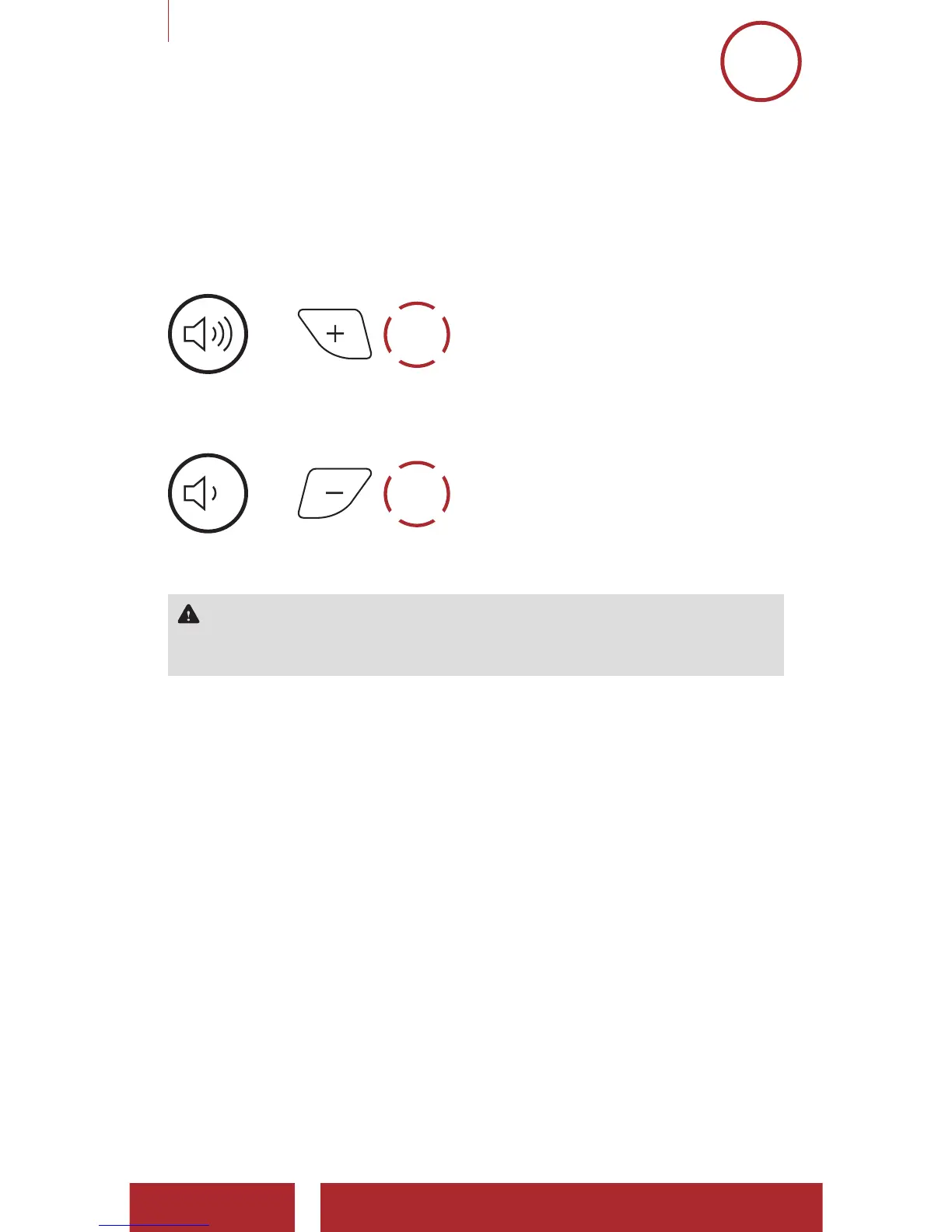
Youcanraiseorlowerthevolumebytappingthe(+) Buttonorthe
(-) Button.Volumeissetandmaintainedindependentlyatdifferent
levelsforeachaudiosource(i.e.phone,intercom),evenwhenthe
Bluetoothsystemisrebooted.
Volume up
=
1x
TAP
VOLUME UP
Volume down
=
1x
TAP
VOLUME
DOWN
WARNING:Useoftheproductatahighvolumeforalongperiod
oftimemaydamageyoureardrumsorhearingability.Keepthe
volumeatamodestleveltopreventdamage.


 To Next Page
 Loading...