Using the SKM 300 G4
109
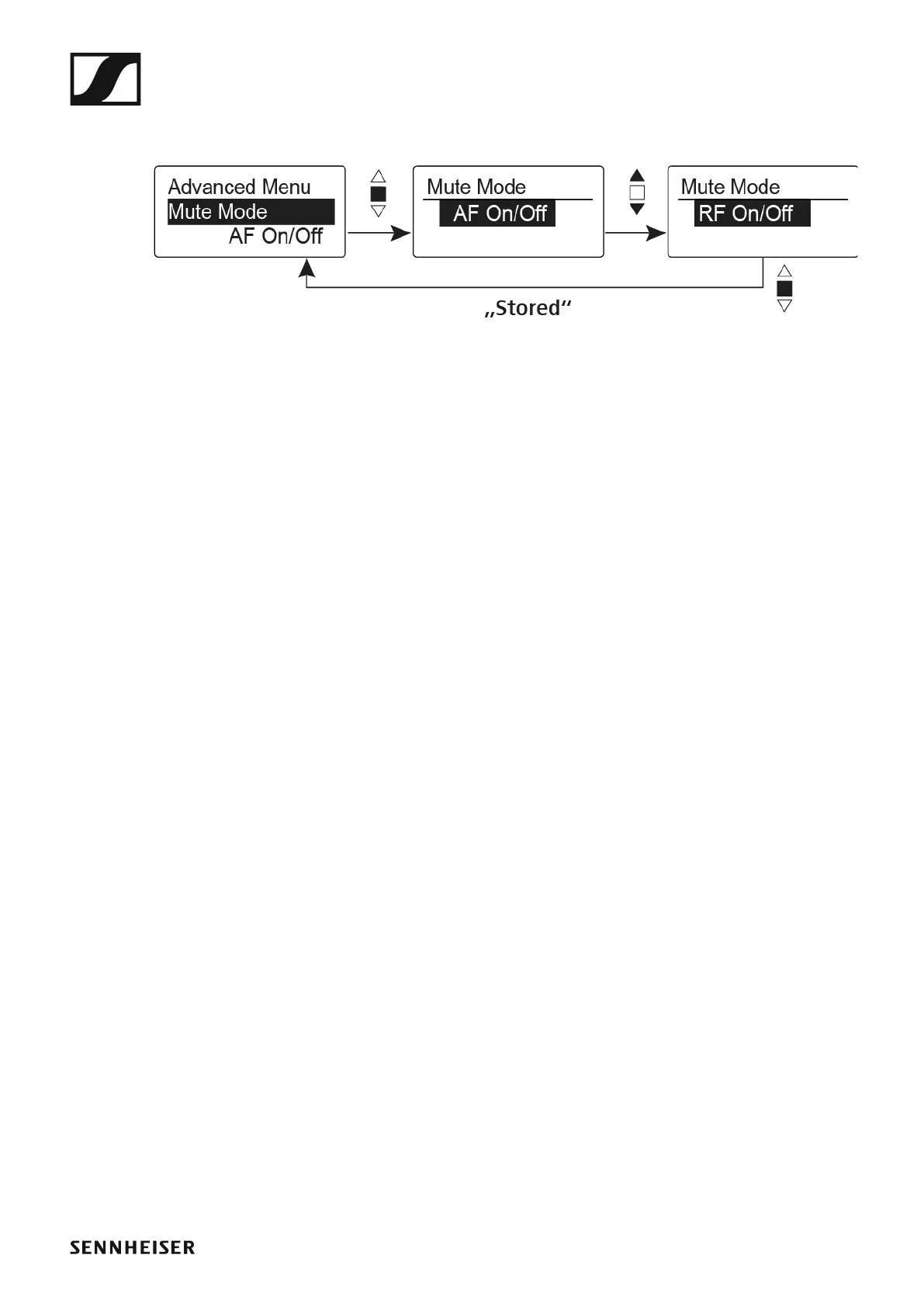
Advanced > Mute Mode menu item
• Configuring the function of the MIC button
►
AF On/Off mode
• When you press the MIC button, no audio signal is transmitted.
RF On/Off mode
• When you press the MIC button, the RF signal is deactivated.
Push To Mute mode
• The audio signal is deactivated as long as you press down the MIC but-
ton.
Push To Talk mode
• The audio signal is activated as long as you press down the MIC button.
• The wireless microphone is muted when you configure the Push to Talk
function.
Disabled mode
• No function
You can find information about the MIC button under “Muting the handheld
transmitter (AF mute)” and “Deactivating the RF signal (RF mute)”.













 To Next Page