Using the SKM 300 G4
110
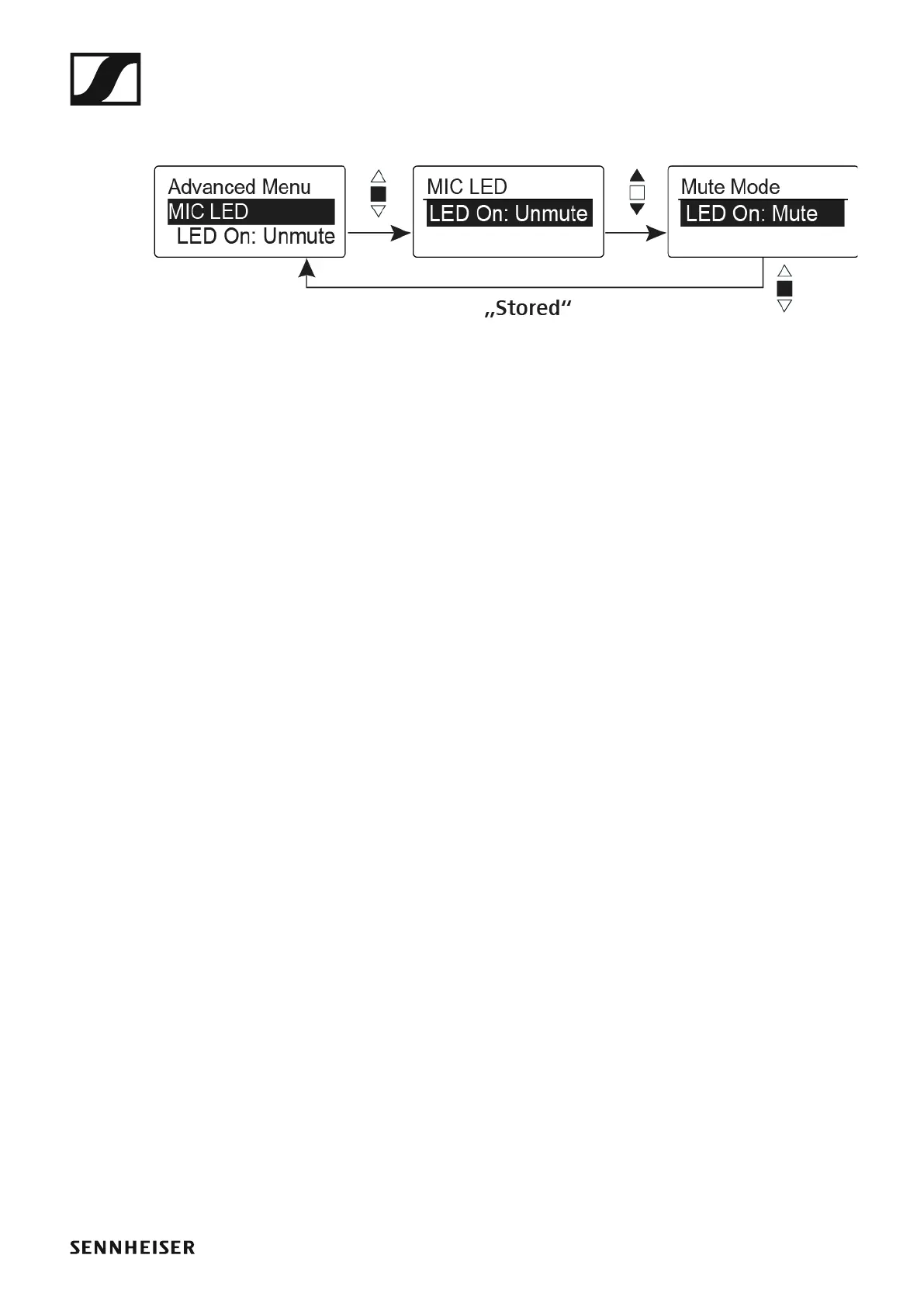
Advanced > MIC LED menu item
•Configuring the background lighting of the MIC button
►
In the MIC LED menu item you can configure and deactivate the back-
ground lighting of the MIC button regardless of the settings of the “Ad-
vanced > Mute Mode menu item” and the status of the RF signal.
LED On: setting Unmute
•The MIC button is backlit when the wireless microphone sends an RF
signal or is not muted.
LED On: setting Mute
•The MIC button is backlit when the wireless microphone is not sending
an RF signal or is muted.
Disable LED setting
• The background lighting of the MIC button is deactivated.













 To Next Page