EasyManua.ls Logo

Sequential PROPHET-600 - INSTALLATION; 1-1 HANDLING; 1-2 LINE VOLTAGE SELECTION AND FUSING

Sequential PROPHET-600
92 pages
Print Icon
To Next Page IconTo Next Page
To Previous Page IconTo Previous Page
Loading...
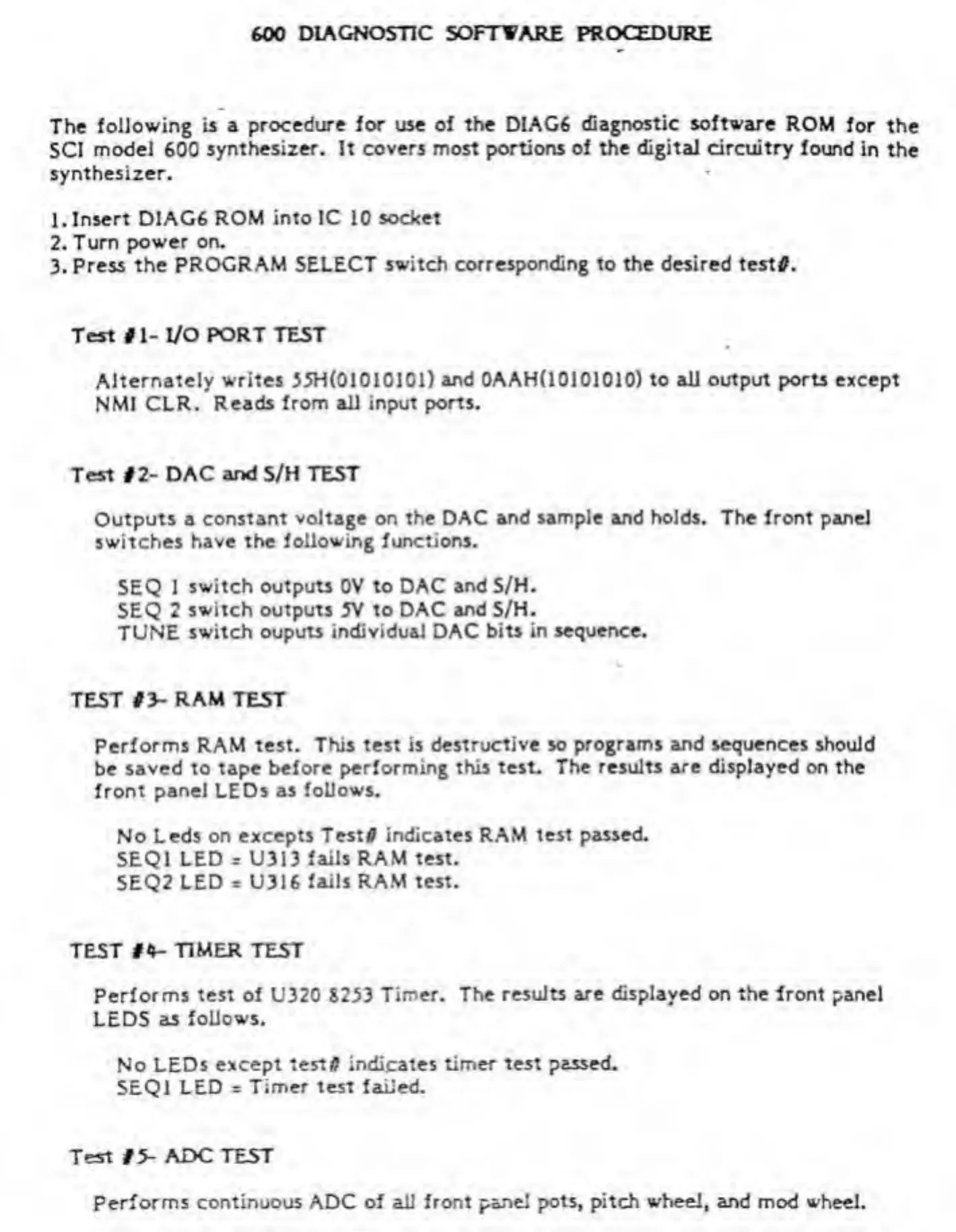
600
DIAGNOSTIC
SOFTWARE
PROCEDURE
The
following
is
a
procedure
for
use
of
the
DIAG6
diagnostic
software
ROM
for
the
SCI
model
600
synthesizer.
It
covers
most
portions
of
the
digital
circuitry
found
in
the
synthesizer.
1.
Insert
DIAG6
ROM
into
IC
10
socket
2.
Turn
power
on.
3.
Press
the
PROGRAM
SELECT
switch
corresponding
to
the
desired
testtf.
Test
#
1-
I/O
PORT
TEST
Alternately
writes
55H(01010101)
and
0AAH(10101010)
to
all
output
ports
except
NMI
CLR.
Reads
from
all
input
ports.
Test
#2-
DAC
and
S/H
TEST
Outputs
a
constant
voltage
on
the
DAC
and
sample
and
holds.
The
front
panel
switches
have
the
following
functions.
SEQ
1
switch
outputs
0V
to
DAC
and
S/H.
SEQ
2
switch
outputs
5V
to
DAC
and
S/H.
TUNE
switch
ouputs
individual
DAC
bits
in
sequence.
TEST
#3-
RAM
TEST
Performs
RAM
test.
This
test
is
destructive
so
programs
and
sequences
should
be
saved
to
tape
before
performing
this
test.
The
results
are
displayed
on
the
front
panel
LEDs
as
follows.
No
Leds
on
excepts
Testfl
indicates
RAM
test
passed.
SEQ1
LED
r
U313
fails
RAM
test.
5EQ2
LED
=
U316
fails
RAM
test.
TEST
#4-
TIMER
TEST
Performs
test
of
U320
8233
Timer.
The
results
are
displayed
on
the
lront
panel
LEDS
as
follows.
No
LEDs
except
test#
indicates
timer
test
passed.
SEQ1
LED
=
Timer
test
failed.
Test
#5-
ADC
TEST
Performs
continuous
ADC
of
all
front
panel
pots,
pitch
wheel,
and
mod
wheel.

Other manuals for Sequential PROPHET-600

Related product manuals