40
41Arpeggiator
Sequential Prophet Rev2 User’s Guide
Arpeggiator
Arpeggiator
The Prophet Rev2 has a full-featured arpeggiator. Turn it on, hold a
chord and the synthesizer will play a pattern based on the individual
notes held. Choose a mode (up, down, random, etc.), an octave range (1,
2, or 3), and a tempo, then pair it with an appropriate sound and explore.
While you hold down a chord, pressing any additional notes will add
those notes to the arpeggio. You can change chords and notes and the
arpeggio will continue to play as long as at least one note is always held.
You can also use the hold feature with the arpeggiator. When you enable
hold, you can release the notes on the keyboard and the arpeggio will
continue to play — with any additional notes that you play added to the
arpeggio.
To prevent the arpeggiator from adding new notes to an arpeggio when keys
are continuously held (and instead start a new arpeggio each time you change notes),
turn arp relatch on in the arpeggiator. To do this, press the arpeggiator’s mode button
and scroll to the arp relatch menu item in the display.
Set the tempo of the arpeggiator with the tap tempo or bpm and divide
controls in the clock section. To use tap tempo, tap this button at least
4 times to set the tempo. You can also sync the arpeggiator to external
MIDI clock, or even an external audio signal. When the arpeggiator is
playing, the sequencer is disabled.
CLOCK ARP
TAP TEMPO ON/OFF
MODEBPM DIVIDE
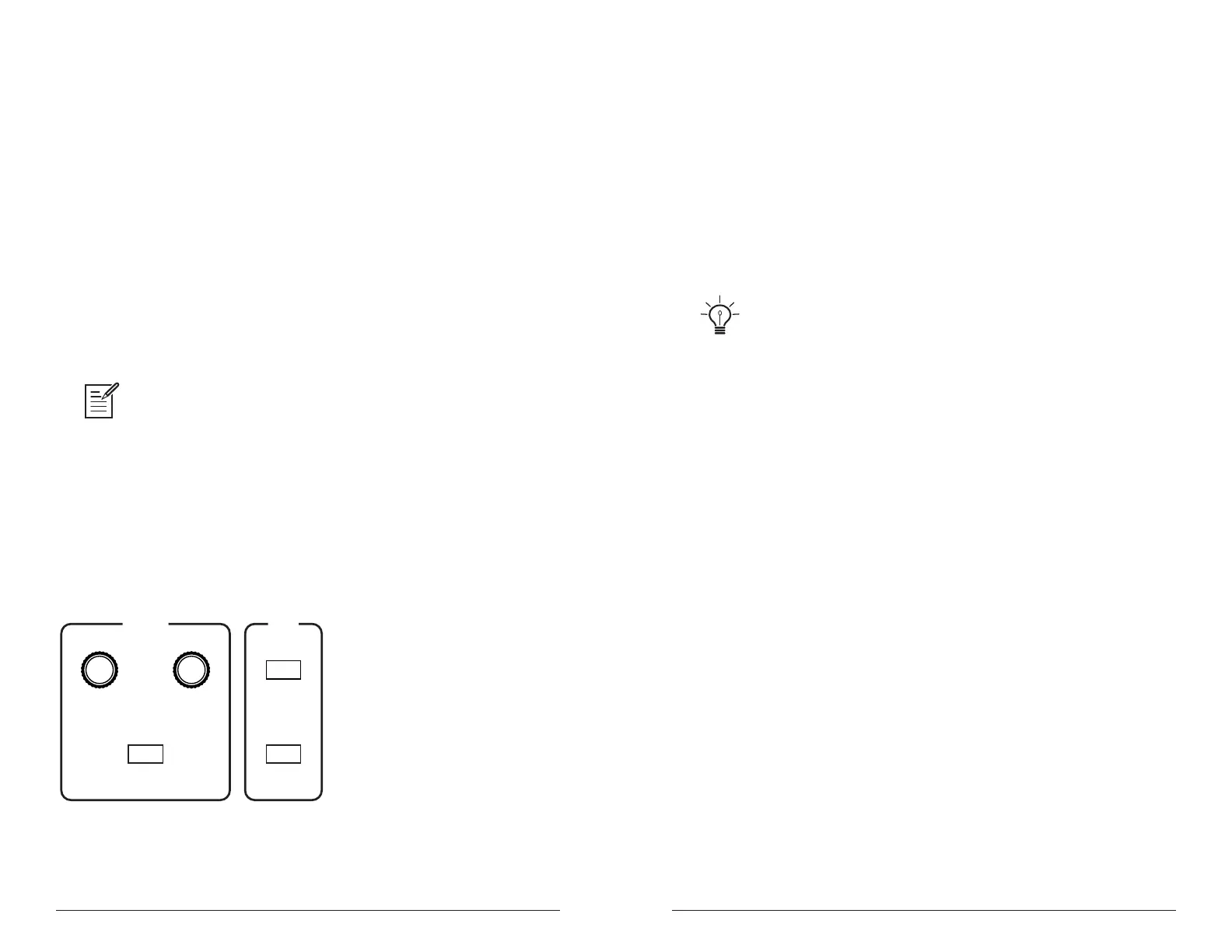
The Clock and Arpeggiator controls
To use the arpeggiator:
1. Press the arpeggiator on/off switch to turn it on.
2. Hold down one or more notes on the keyboard. The arpeggiator plays
them according to the settings you’ve chosen.
3. To latch arpeggiation on (so that you don’t have to continuously hold
down notes) press the hold button.
4. Adjust settings such as mode, octave, repeats, and bpm.
5. To synchronize a delay effect to the arpeggiator, turn on clk sync in the
effects section, choose a delay, and adjust its delay time setting as desired.
An audio signal connected to the rear-panel sequence jack can be used to control
arpeggiator (and sequencer) playback. This makes it possible to tempo sync the arpeg-
giator to a recorded drum track or other audio source. Audio signals used to drive the
arpeggiator/sequencer should not exceed 5 volts peak-to-peak. See “Seq Pedal
Mode” on page 18 for more information about choosing the appropriate mode for
these behaviors.
Arpeggiator Beat Sync
is option, found in the Global menu, quantizes keyboard perfor-
mance of the arpeggiator so that notes are quantized to the current clock
divide setting. When this option is o, changing notes or chords on the
keyboard during arpeggiator playback will retrigger notes whether or not
the note is played precisely on the beat. With this option enabled, arpeg-
giator note playback occurs only on the beat — regardless of when you
press a key on the keyboard.
To enable Arpeggiator Beat Sync:
1. Press the button, then use knob to select
.
2. Turn the knob to select .
3. Press the button again to exit the Global menu.















 To Next Page