EasyManua.ls Logo

SERVIS S328514MLW - User Manual

SERVIS S328514MLW
39 pages
Print Icon
To Next Page IconTo Next Page
Loading...
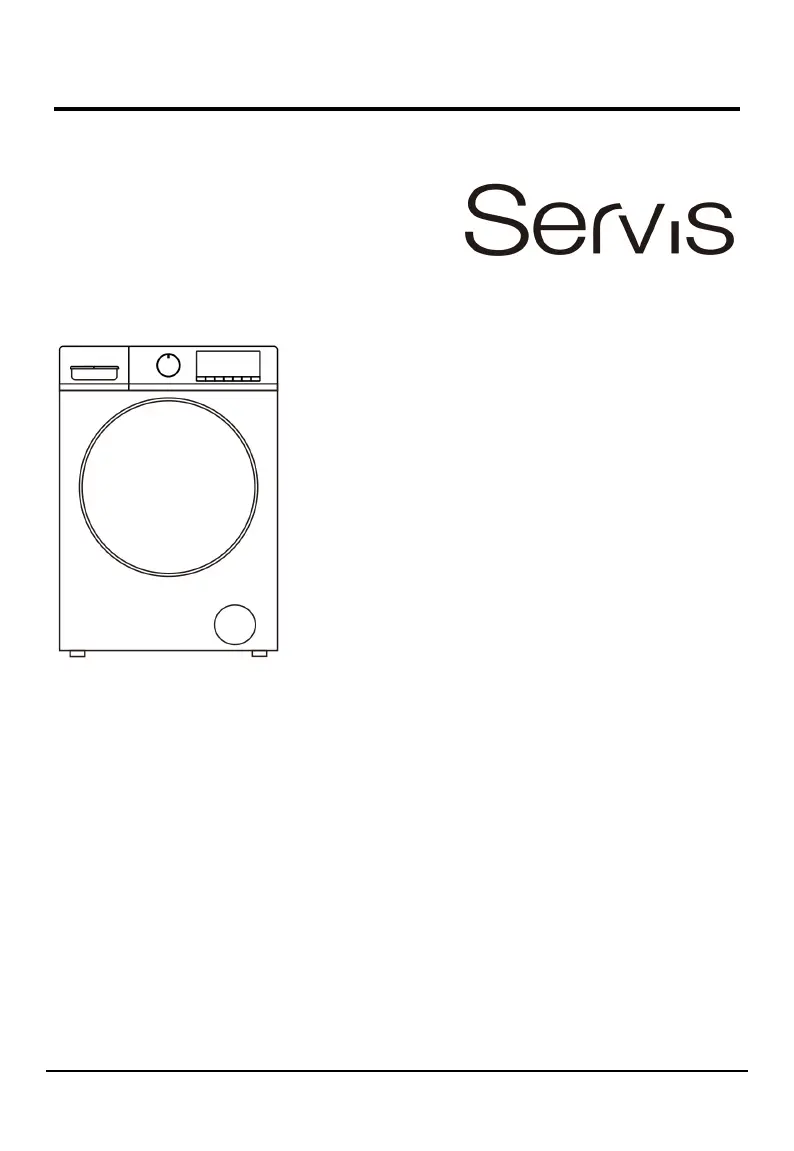
User manual Washer-Dryer
Welcome to Your new washer-dryer!
Congratulations on your selection of a new Servis brand washer-dryer for your laundry needs.
We are confident you will enjoy the superior performance and reliability.
Please do not hesitate to contact our Customer Service department if you have any questions
or comments with your new washer-dryer. Email service@shomar.ie
Thank you for choosing Servis brand washer-d ryer.
Model:
S328514MLW

Questions and Answers

  • H
    hparksSep 9, 2025
    Why is the control panel of my SERVIS Washer/Dryer heated?
    • A
      Andrew HawkinsSep 9, 2025
      If the local part of the control panel on your SERVIS Washer/Dryer is heated, it is due to the slight heating effect of the electronic components on the computer board behind the control panel.
  • N
    Nicole ValdezAug 23, 2025
    Why is my SERVIS S328514MLW Washer/Dryer not filling with water and showing error E02?
    • A
      adambakerAug 23, 2025
      If your SERVIS Washer/Dryer machine does not fill with water, and the error code “E02” appears, there are several possible reasons: * The water inlet hose may be kinked, twisted, or bent. * The water inlet hose may not be connected to the water supply. * The water pressure may be too low. * The water tap may not be turned on. * There may be no water supply to the house. * The mesh filter in the water inlet hose and/or water inlet valve may be blocked. * The faucet and/or water supply pipe may be frozen. * The delay end function may be selected. * The START/PAUSE button may not have been pressed. * There may already be enough water in the drum.
  • G
    gjonesAug 25, 2025
    What to do if my SERVIS S328514MLW Washer/Dryer is not draining and shows error E03?
    • A
      Andrea ClarkAug 25, 2025
      If your SERVIS Washer/Dryer is not draining, drains slowly, or shows “E03” on the display, check the following: * Ensure the top of the drain hose is at the correct height, between 65 and 100 cm from the floor. * Check if the pump filter is blocked. * Inspect the drain hose for kinks, twists, or bends. * Make sure the drain hose is not blocked or frozen.
  • J
    John ThomasAug 26, 2025
    Why won't the wash cycle start on my SERVIS Washer/Dryer?
    • G
      goodwincarolAug 26, 2025
      If the wash cycle on your SERVIS Washer/Dryer does not start, consider the following: * Ensure the door is properly closed. * Press the POWER button. * Press the START/PAUSE button. * Make sure the water tap is turned on. * Check if a Delay end function has been set.
  • M
    mariah39Aug 28, 2025
    How to stop my SERVIS S328514MLW from vibrating so much during the spin cycle?
    • D
      Dr. Linda Palmer DDSAug 28, 2025
      If your SERVIS Washer/Dryer machine vibrates a lot during the spin cycle: * Ensure the feet have been adjusted, so the machine does not rock. * If it is a new installation, make sure the Transit Bolts and plastic spacer, or the Polystyrene Packaging have been removed. * Ensure the appliance is not trapped between cabinets or walls. * The load may be slightly out of balance, causing the appliance to spin at a lower speed.
  • Z
    Zachary OrtizAug 29, 2025
    Why is my SERVIS S328514MLW leaking from the dispenser?
    • B
      Barry DixonAug 29, 2025
      If your SERVIS Washer/Dryer machine leaks from the dispenser, it could be due to: * The dispenser drawer being blocked with detergent, requiring cleaning. * The water pressure being too high, needing to be turned down at the water supply tap. * The appliance tilting forwards, needing to be leveled.
  • D
    Dale BrownSep 18, 2025
    What does error U4 mean on my SERVIS S328514MLW?
    • C
      Corey ArnoldSep 18, 2025
      For error code U4 on your SERVIS Washer/Dryer: * The door may not be closed properly, or the door lock may not be working normally. Close the door again. * Turn the wash cycle selector knob to the “OFF” position to turn off the power supply, and then turn the wash cycle selector knob to select any wash program and press the START/PAUSE button to restart the program.
  • H
    harrislaurenSep 22, 2025
    What does error H mean on my SERVIS Washer/Dryer?
    • J
      Jamie ChristensenSep 22, 2025
      For error code H on your SERVIS Washer/Dryer: * Press the START/PAUSE button to suspend the appliance operation and wait for several minutes. * When the temperature in the drum drops to a safe range and the fault code on the display is removed, press the START/PAUSE button to continue the rest of the program.
  • N
    ncummingsSep 8, 2025
    How do I remove color spots and oil stains from my SERVIS S328514MLW Washer/Dryer drum?
    • C
      carmenmorrisSep 8, 2025
      If you see color spots and oil stains in the drum of your SERVIS Washer/Dryer, the appliance requires a service wash. Run a “Drum Clean” wash cycle with no detergent and no laundry.
  • D
    david98Sep 4, 2025
    Why does the program on my SERVIS S328514MLW Washer/Dryer take so long?
    • P
      perezjustinSep 4, 2025
      If the program on your SERVIS Washer/Dryer takes too long, it's important to know that program times can vary depending on water pressure, the temperature of the incoming water, and whether the wash load goes out of balance.

Summary

Safety Instructions

Permitted Use

Defines applications and conditions for safe appliance use.

Installation Safety

Guides for safe and correct appliance setup.

Electrical Warning

Highlights crucial electrical safety precautions.

Cleaning and Maintenance Safety

Outlines procedures for appliance upkeep.

Service Safety

Instructions for professional repair and authorized service.

Child Safety

Safety guidelines for supervision and interaction with the appliance.

Disposal of Package Materials

Guidance on responsible packaging waste disposal.

Disposal of Household Appliances

Instructions for discarding the appliance properly.

Installation

Unpacking

Steps to remove the appliance from its packaging safely.

Carrying the Appliance

Safe methods for moving the washer-dryer.

Whats Included

Lists all items provided with the appliance.

Removing the Transport Bolts

Instructions to remove transit bolts before use.

Choosing the Right Location

Criteria for selecting an optimal installation site.

Leveling the Appliance

Procedures to ensure the machine is stable and level.

Connecting Water and Electricity

Steps for connecting water inlet and drain hoses.

Electric Connection

Details on proper electrical hookup and safety.

Technical Date

Specifications and performance data of the appliance.

Description of the Appliance

Control Panel Overview

Explanation of buttons, knobs, and indicators.

Display Information

Describes information shown on the appliance's digital display.

Preparing the Laundry

Tips for sorting and getting clothes ready for washing.

Preparing and Sorting the Laundry

Sorting by Colour and Soiling

Guidance on separating clothes by color and dirt level.

Sorting by Care Label Specifications

Using garment care symbols for proper washing.

Various Cycles and Functions

Table of Wash Cycles

Overview of available wash programs and their settings.

M-Smart Wash Cycle

Details on the intelligent wash program.

Drying Program

Instructions for using the drying functions.

Drying Channel Cleaning

Procedure to clean the drying system.

Steam Function

Information on using the steam function for clothes.

Special Wash Cycles

Guides for specific garment types like baby clothes or down jackets.

Various Functions

Explains additional features like child lock and delay end.

Cancelling the Buzzer

How to disable or enable audible alerts.

Load Balancing System

Explanation of how the machine manages load distribution.

Downlight Feature

Describes the function of the appliance's internal light.

How to Use the Appliance

Before First Load

Initial steps before the first wash.

Daily Use

General guidance for using the appliance day-to-day.

Adding Detergent

Instructions on filling the detergent dispenser.

Delaying Program End

Setting a future start time for a cycle.

Starting a Program

How to begin a wash cycle.

Changing Running Program Settings

Adjusting parameters mid-cycle.

Pausing and Opening Door

How to temporarily stop and add/remove laundry.

Cancelling a Running Program

Steps to abort an ongoing wash cycle.

Switching Off After Program End

Final steps after a cycle is complete.

Care and Maintenance

Cutting Off Water and Electricity

Safety measures before maintenance.

Cleaning Appliance Exterior

How to clean the outside of the machine.

Cleaning the Drum

Procedure for cleaning the washing drum.

Descaling the Appliance

Guidance on removing mineral deposits.

Caring for Door and Drum

Tips for maintaining the door and drum.

Checking Water Inlet Hose

Regular inspection of the water hose.

Cleaning Detergent Dispenser

How to clean the dispenser drawer.

Cleaning Mesh Filter and Inlet Valve

Procedure for cleaning filters.

Cleaning the Drain Pump

Crucial steps to clean the appliance's drain pump.

Troubleshooting

Fault Codes

Lists and explains error codes displayed by the appliance.

SERVIS S328514MLW Specifications

General IconGeneral
BrandSERVIS
ModelS328514MLW
CategoryWasher/Dryer
LanguageEnglish

Related product manuals