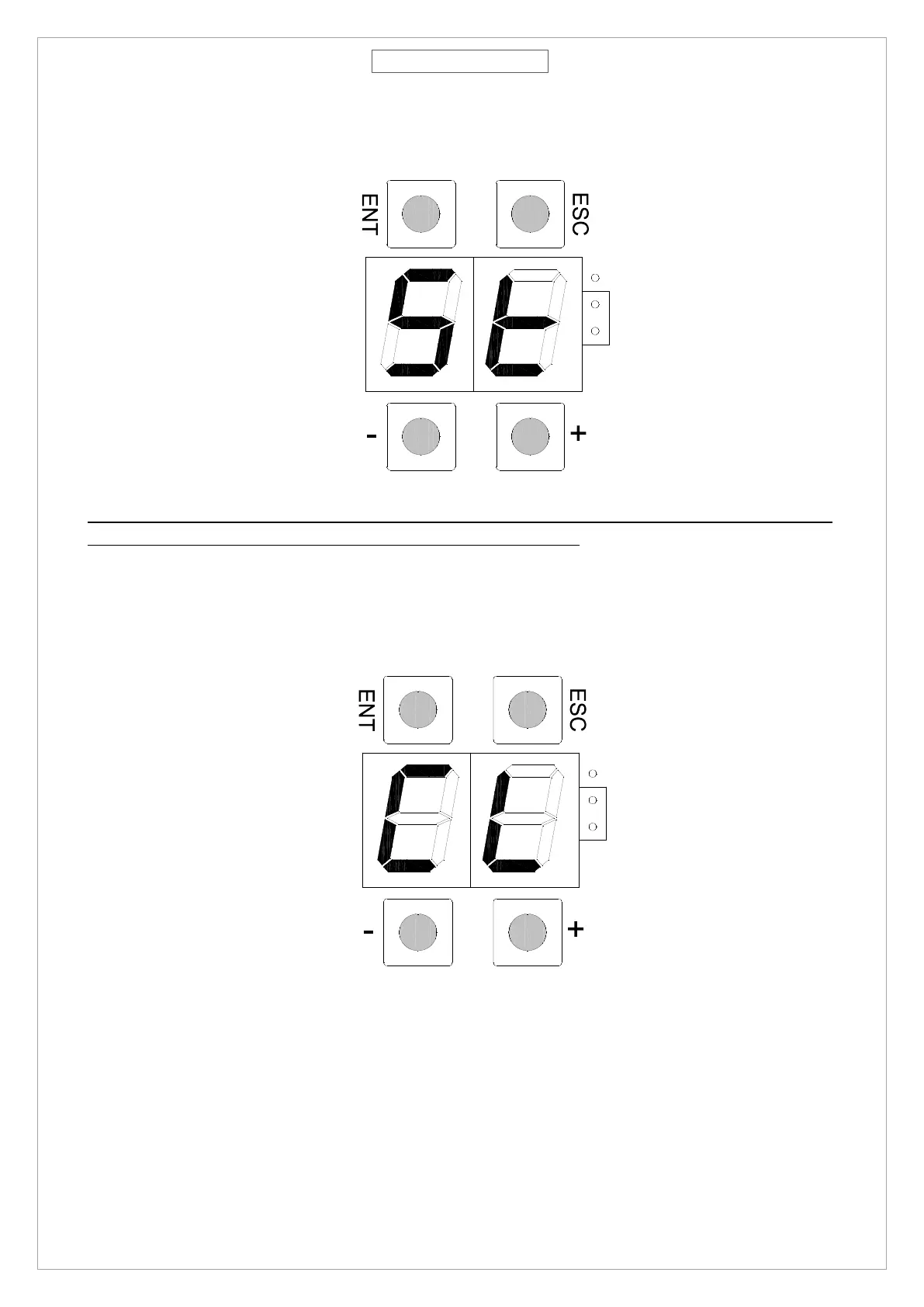
• Press “ENT” until the segment of the display start rotating, release “ENT”.
• Display shows “St”, control board is now waiting for 10 seconds and then start the self-learning procedure.
NOTE: SmartPro does NOT need any mechanical stopper, but in this operation, during LP procedure, give
a physical limit to the door depending on the desired angle you need.
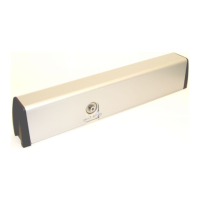
12. Operator starts an opening and closing cycle to memorize the dimensional parameter, when completed the
door will go in closed position and display will show “CL” fix.
13. Operator is now ready to work and push button ENTER could be used to give an opening command to the
door



 To Next Page