Programming
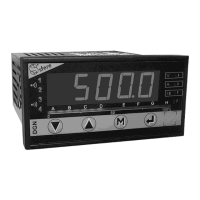
• With the keyboard
• With the configuration software SlimSET
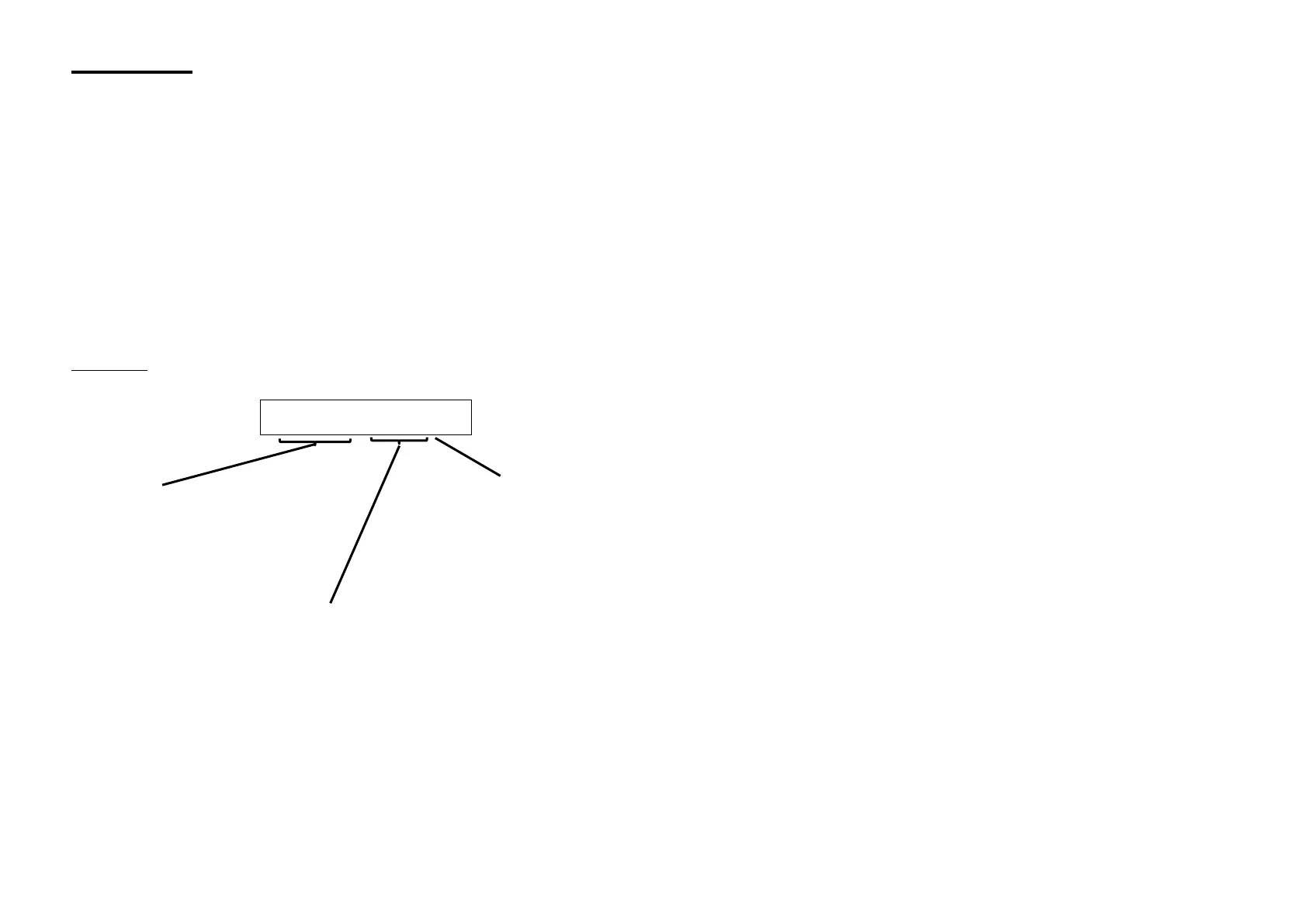
CODING:
Type: DGN175 M A1R4N RG
Inputs:
Process DGN175 U
Temperature DGN175 T
Universal DGN175 M
Options:
A: Isolated analogue output A1 active current
A2 passive current
A3 voltage
R: 2 Relays
R4: 4 Relays
N: Digital RS485 isolated
T: 2 logic inputs (24VDC) isolated
B: 16 leds bargraph display
The outputs can be combined except for the configuration: AR4NT
Colour code:
RG: Two-colour display Red/Green
RW: Two-colour display Red/White
To communicate with the DGN175 you will need a connection cable C1-µUSB (USB type A male to µUSB type B male.
To connect this cable to the DGN175 insert the µUSB contact into the provided female connector (on the side of the appliance). Then
connect the USB cable to a PC.
The software SlimSET allows the reading of the measures or the modification of the digital panel meter configuration.
Each configuration is kept as a file stored on disk.
These files can be consulted, modified, duplicated or loaded into the digtal panel meters.
The files can be created with or without having a digital panel meter connected.
All files can be edited on any type of printer.


 To Next Page