4. PROGRAMMING
4.1 Communication with the instrument
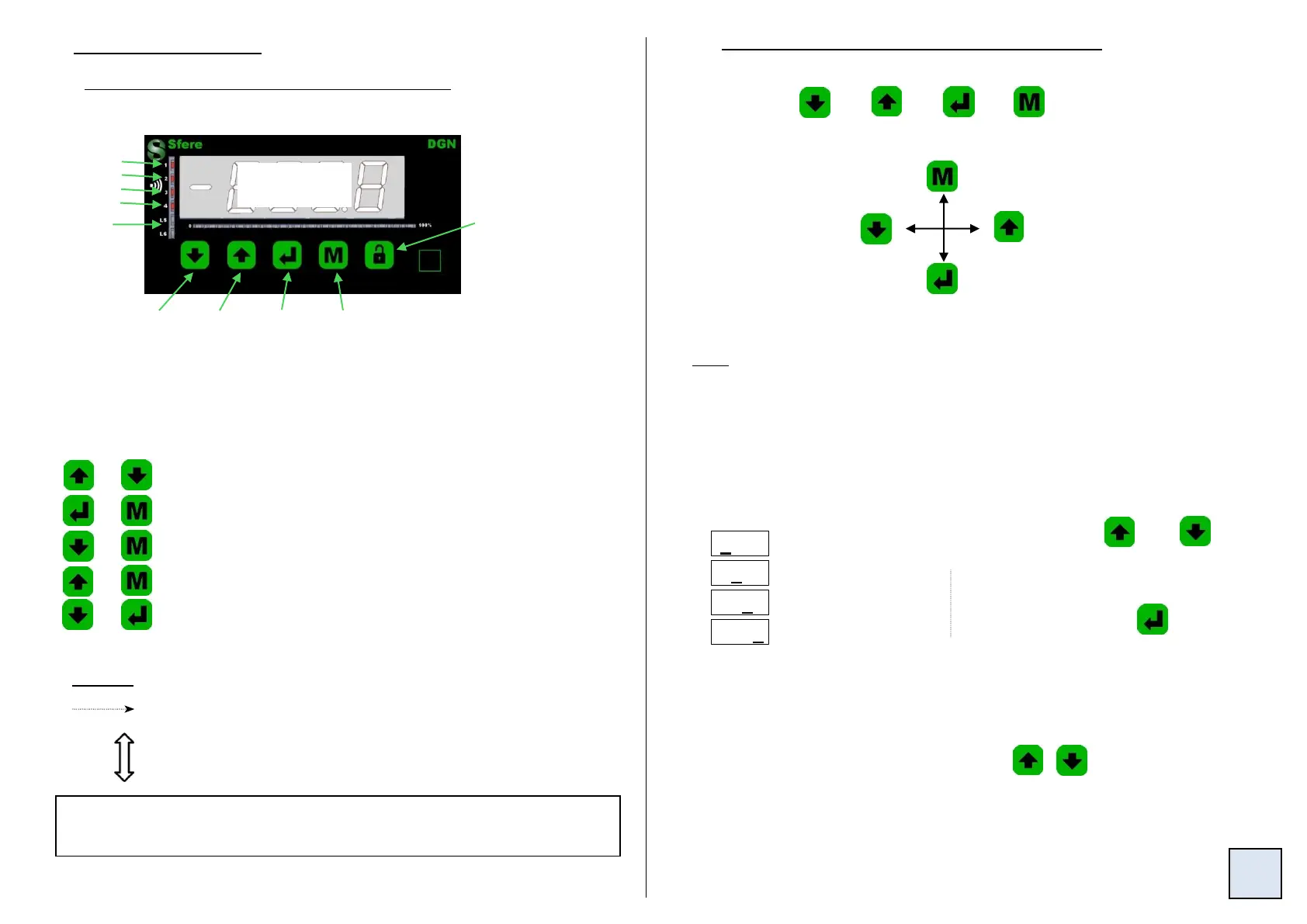
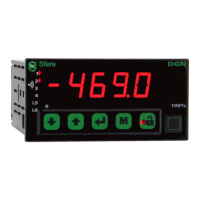
Several functions can be accessed from the measure display:
Alarms
Relay 1
4.2 Orientation through the programming
The dialogue is ensured by 4 keys located on the front face.
Move through the menus:
downwards move, or
decrease the value
shown.
M
Move through the menus:
upwards move, or increase
the value shown.
Validation of the displayed
parameter, or access to a submenu
More functions can be accessed by pressing several keys
simultaneously:
+
+
+
+
+
Entering of a parameter:
Reading convention:
Move through the main menu
Back to the previous menu
Alternating information display
Access to
the main
menu p6
Min. and
Max. 0
reset
p19
Direct access to the menu Adjust.
0 reset of the alarm recordings.
Visualisation of the direct measure.
Direct access to the menu setting of the alarm setpoints
Direct access to the menu TARE.
Note: In mode programming, the instrument will automatically revert to
the measure with the previous configuration, if no key is pressed during 1
min.
First start by increasing or decreasing
the 1
st
digit and the sign: from -9 to +9.
The 2nd from 0 to 9
The 3rd from 0 to 9
The 4th from 0 to 9
Key Unlock: Keyboard
locked if the led is lit.
To unlock it, keep
pressing until the
message U.bloc
appears.
Exit from a submenu to access the
next menu / access to the
programming exit menu.
Between each entering, validate
the cipher by pressing
- For a signed value the entering begins with the choice of the sign (- or 0 = +).
- For a value with decimals, the entering ends by the choice of the position of
the decimal point, which can be moved by .
The display blinks when a choice is possible, or during the
setting of a value.


 To Next Page