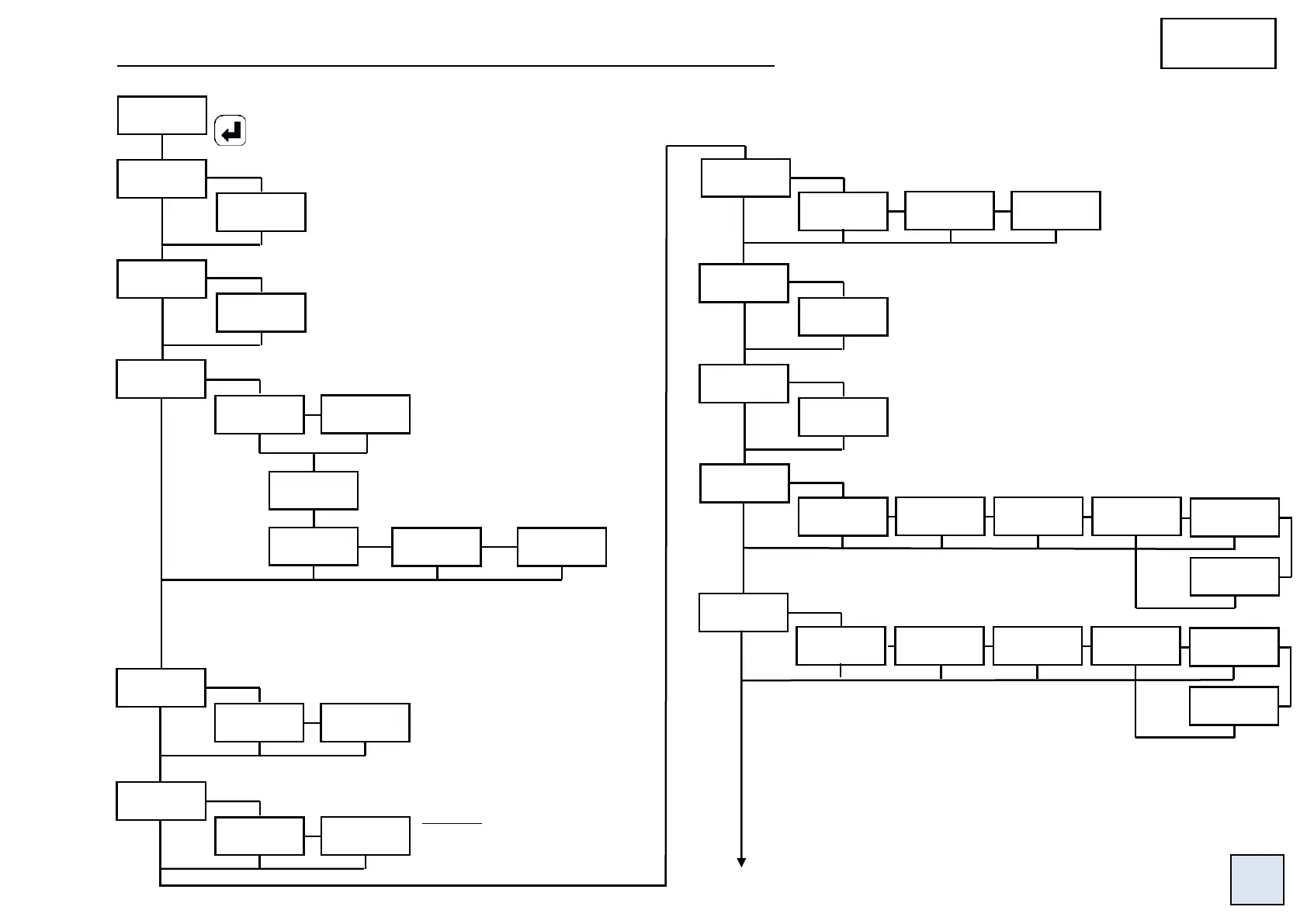
4.4.9 Programming of the leds, the brightness and the colour of the displays
Status of the last digit (right hand side).
Setting of the brightness of the displays:
Setting of the brightness of the leds:
Choice of the basic colour.
2 versions available:
Red/Green or Red/ White
Condition for colour switch.
Colour switch if
an alarm is
triggered.
Colour switch if
an error is
detected.
OFF: enforced to 0
On: not enforced to 0
Display of the unsignificant zeros (on the left).
Setting of the keyboard sensitiveness:
3 levels:
Low, Middle or High
Choice of the function associated with the led 5:
Choice of the function associated with the led 6:
nO: No attribution.
tArE: Led on if a tare has been recorded.
tOr 1: Led on if logic input 1 activated.
tOr 1: Led on if logic input 2 activated.
rS: Led on in case of transmission on the RS485.
AdJ: Led on if a calibration of the input has been
recorded (temperature input only).
Example: measured value: 0015
YES: the display will show 0015
nO: the display will show 15
Display corresponding to 100% of the bargraph.
Display corresponding to 0% of the bargraph.


 To Next Page