23
Basic adjustment settings
3
Press a/b/c/d to select the channel you
want to edit, and then press OK.
• The selected channel information displays.
1
2
Press a/b to select the optimum colour
system, and then press OK.
Press a/b to select “Colour sys.”, and then
press OK.
• Receivable colour systems are listed.
(AUTO, PAL, SECAM, NTSC4.43, PAL-60)
Sound system (Broadcasting system)
3
Press a/b/c/d to select the channel you
want to edit, and then press OK.
• The selected channel information displays.
Press a/b to select “Sound sys.”, and then
press OK.
• Receivable sound systems (Broadcasting
systems) are listed.
(B/G, D/K, I, L, L’)
1
2
Press a/b to select the optimum sound
system, and then press OK.
3
2
Fine
Colour sys.
Sound sys.
Label
Skip
Decoder
Lock
[179.25]
[AUTO]
[B/G]
[Off]
[SAT.1]
[Off]
[Off]
Booster [Off]
A
BACK
CLEAR
END
K
U
B
L
V
C
M
W
D
N
X
E
O
Y
F
P
Z
G
Q
+
H
R
– _
I
S
.
J
T
0123456789
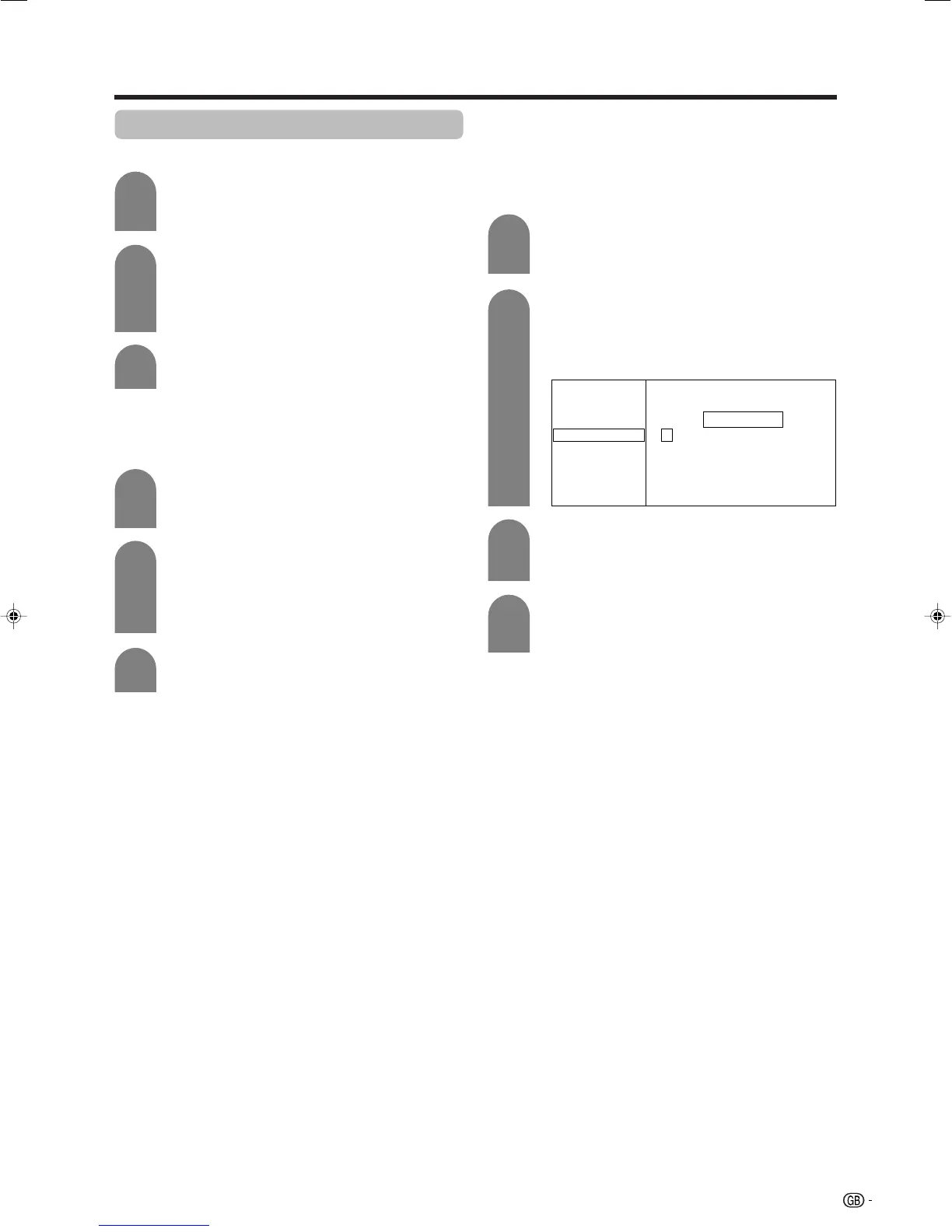
Labelling menu
4
Press a/b to select “Label”, and then press
OK.
• Alphabets and numbers are listed.
Press a/b/c/d to select each character
of the new name for the channel, and then
press OK.
Repeat the above until the name is fully spelt
out.
• The name can be 5 characters or less.
Labelling channels
When a TV channel sends its Network Name, the auto
installation detects the information and assigns a name
to it. However, you can change individual channel
names.
Press a/b/c/d to select the channel you
want to edit, and then press OK.
• The selected channel information displays.
1
Manual setting for each channel (continued)
Colour system
LC-32GA4E(E)-d 04.5.30, 9:10 AM23












 To Next Page