45
Useful adjustment settings
Rotate
You can set the orientation of the picture.
Press MENU and the MENU screen displays.
1
2
Press c/d to select “Setup”.
Press a/b to select “Rotate”, and then press
OK.
3
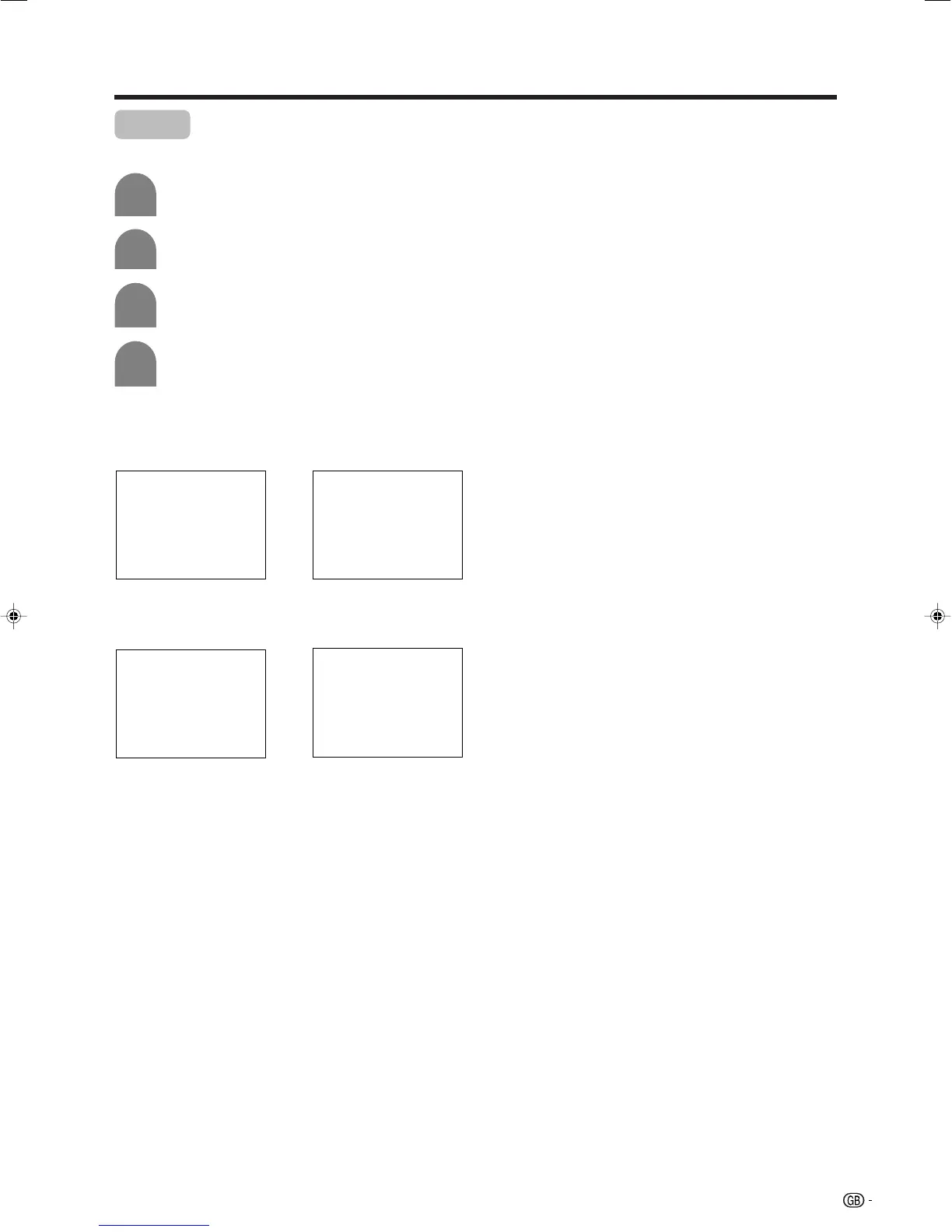
[Normal]: normal image. [Mirror]: mirror image.
ABC
ABC
4
Press a/b to select the desired mode, and
then press OK.
[Upside Down]: upside
down image.
[Rotate]: rotated image.
ABC
ABC
LC-32GA4E(E)-i 04.5.30, 9:25 AM45













 To Next Page