282
APPENDIX
for US
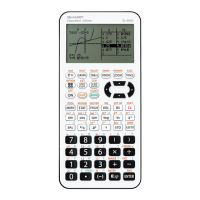
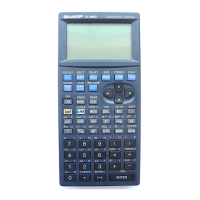
EL-9650 functions
Major- Sub- Minor- Name Description Example of use
category category category
SET UP A --------- Current SET UP setting
condition display screen
B DRG 1 Deg Sets angles to the Deg A mode is fixed by
mode selecting in the
menu screen
2 Rad Sets angles to the Rad ”
mode
3 Grad Sets angles to the Grad ”
mode
C FSE 1 FloatPt Sets to the floating point ”
display mode
2 Fix Sets to the fixed point ”
display mode
3 Sci Sets to the scientific ”
notation display mode
4 Eng Sets to the engineering ”
notation display mode
(exponents are in multiples
of three)
D TAB 1 to 9, 1 to 9, and Sets number of decimal ”
and 0 0 point places (range from
0 - 9)
E COORD
1 Rect Sets to rectangular ”
coordinate mode
2 Param Sets to parametric variable ”
coordinate mode
3 Polar Sets to polar coordinate ”
mode
4 Seq Sets to sequence ”
coordinate mode
F 1 Decimal Sets answer display to the ”
ANSWER
(Real) decimal mode
6. Explanation of EL-9650 menus
Note: Numerical values, equations, variables, lists, etc. are entered in A and B. [ ] indicates that it
may be omitted. (CPLX) indicates that the function can be used in the complex number mode.
Major categories marked with an asterisk (*) are used only for explanation and are not related to
actual keys or display indications.
EL-9650-Appendix (282-326) 8/1/00, 9:39 AM282


 To Next Page