EasyManua.ls Logo

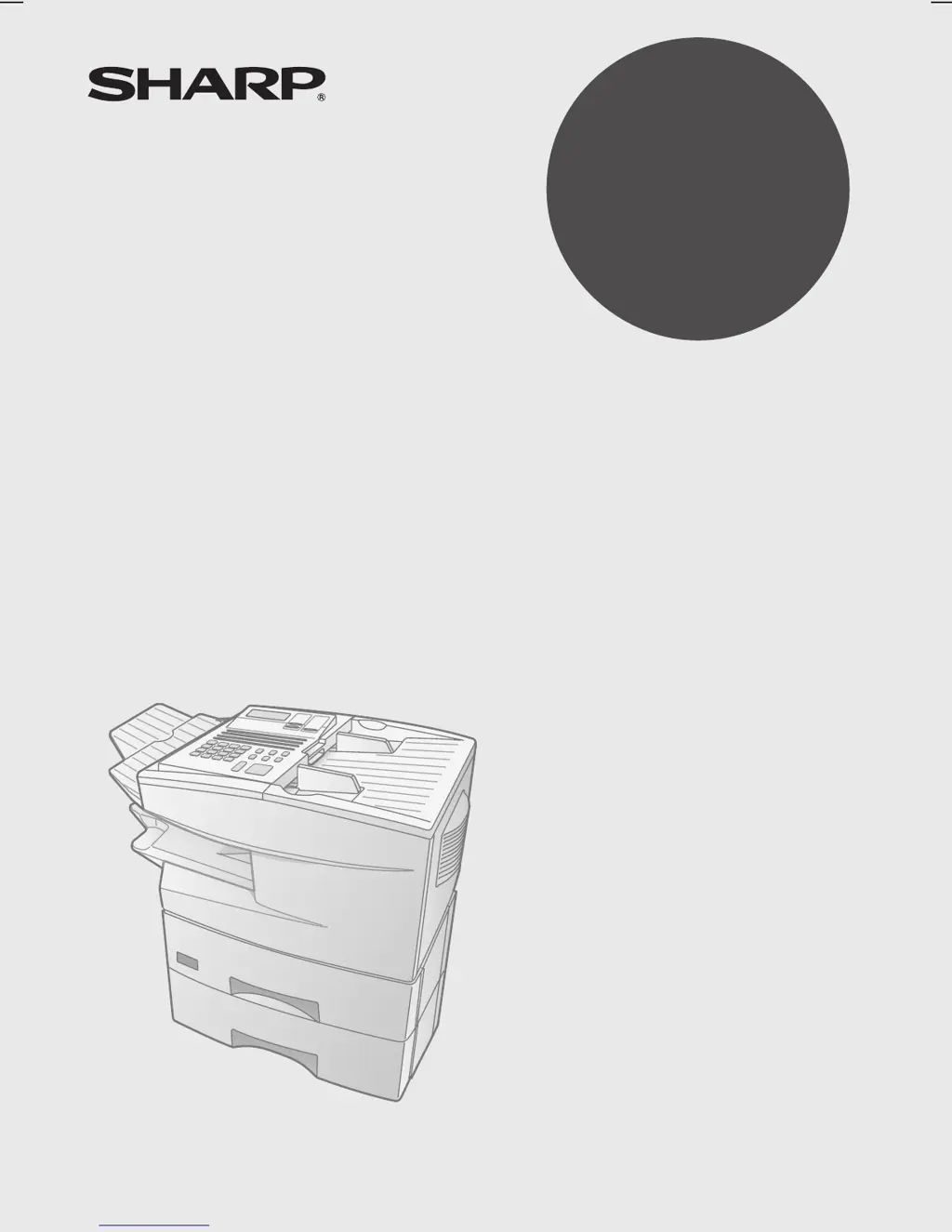
Sharp FO-5800 - User Manual

Sharp FO-5800
364 pages
Print Icon
To Next Page IconTo Next Page
Loading...
OPERATION MANUAL
MODE D'EMPLOI
FACSIMILE
TÈLÈCOPIEUR
MODEL
MODÈLE
FO-5800
1. Installation
2. Sending Documents
3. Receiving Documents
4. Making Copies
5. Special Functions
6. Option Settings
7. Printing Reports and Lists
8. Maintenance
9. Troubleshooting
FO-5800 FACSIMILE
1. Installation
2. Transmission de documents
3. Réception de documents
4. Copie
5. Fonctions spéciales
6. Réglages optionnels
7. Imprimer rapports et listes
8.
Entretien
9.
Dépannage

Table of Contents

Questions and Answers

  • J
    janet69Sep 2, 2025
    Why is my Sharp Fax Machine printing blank pages when receiving?
    • B
      Bruce BrownSep 3, 2025
      If the printing paper comes out blank when you try to receive a document on your Sharp Fax Machine, make sure that the document is loaded properly in the feeder of the transmitting machine. Try to make a copy or print a report to confirm the printing ability of your machine.
  • H
    hernandezdavidSep 3, 2025
    Why is my Sharp FO-5800 Fax Machine receiving distorted images?
    • H
      Heather HudsonSep 3, 2025
      If you receive a distorted image from your Sharp Fax Machine, and ECM mode (Option Setting 9) is turned off, noise on the telephone line may be the cause. Try sending the document again. You can also make a copy of the document on your fax machine; if the copy is also distorted, your fax machine may need service.
  • P
    pamela37Sep 4, 2025
    Why is my Sharp Fax Machine not printing anything at the receiving end?
    • J
      Janet BakerSep 4, 2025
      If nothing is printed at the receiving end from your Sharp Fax Machine, make sure that the document for transmission is placed face down in the feeder.
  • J
    John ObrienSep 5, 2025
    What does 'LINE ERROR' mean on my Sharp FO-5800 Fax Machine?
    • K
      Kathryn DanielSep 5, 2025
      If the Sharp Fax Machine displays 'LINE ERROR' or prints a transaction report with 'COM. E-' and a number in the NOTE column, try the transaction again. Check the hookup, ensuring the cord from the TEL. LINE jack to the wall jack is no longer than six feet. Make sure there are no modem devices sharing the same telephone line. Check with the other party to ensure their fax machine is functioning properly. Have your telephone line checked for line noise. Try connecting the fax machine to a different telephone line. If the problem persists, your fax machine may need service.
  • P
    probertsSep 6, 2025
    Why are the images I receive on my Sharp Fax Machine distorted?
    • S
      Scott FitzpatrickSep 6, 2025
      If received images from your Sharp Fax Machine are distorted, and ECM mode (Option Setting 9) is turned off, noise on the telephone line may be the cause. Have the other party try sending the document again. If the other machine has ECM mode, make sure this feature is turned on in both fax machines. Make a copy or print a report on your fax machine; if the copy or report is also distorted, your fax machine may need service. The drum cartridge may be damaged, so try a new drum cartridge.

Summary

1. Installation

Connections

Details how to connect the power cord, telephone line, and optional devices to the fax machine.

Installing the Print Cartridges

Step-by-step guide for installing or replacing the toner and drum cartridges.

Loading Printing Paper

Instructions for loading letter or legal paper into the paper tray and cassettes.

Entering Your Name and Fax Number

How to program the sender's name and fax number for outgoing transmissions.

2. Sending Documents

Loading the Document

Instructions on how to properly load documents into the document feeder for sending.

Adjusting the Resolution and Contrast

How to select optimal resolution and contrast settings for document transmission.

Sending a Fax by Normal Dialing

Step-by-step guide for sending faxes using manual dialing and speakerphone.

Programming Auto-Dial Numbers

Process for storing and assigning numbers to Rapid Keys or Speed Dial for automatic dialing.

Sending a Fax by Automatic Dialing

Instructions for sending faxes using programmed numbers like Rapid Key or Speed Dial.

3. Receiving Documents

Using AUTO Reception Mode

Configures the fax to automatically answer all incoming calls and receive faxes.

Using MANUAL Reception Mode

Requires manual answering of calls via an extension phone to receive faxes or voice.

5. Special Functions

Broadcasting

Sending a single document to multiple destinations simultaneously.

Confidential Operations

Securely transmitting and receiving documents via memory mailboxes with passcodes.

Relay Request

Using another fax machine to forward documents to multiple destinations.

Polling

Requesting documents from another fax machine without operator assistance.

Timer Operations

Scheduling operations like transmissions to occur automatically at a set time.

Batch Transmission

Storing multiple documents for automatic transmission to one location at a set time.

Entering and Using Programs

Storing sequences of operations into Program Keys for quick recall.

Department Control

Limiting fax machine usage by requiring department codes for authorization.

Blocking Reception of Unwanted Faxes

Preventing faxes from specific numbers from being received to save paper.

6. Optional Settings

Setting 20: ANTI-JUNK FAX

Blocks reception of faxes from specified numbers.

8. Maintenance

Cleaning the Scanning Glass and Rollers

Instructions for cleaning the glass and rollers to ensure transmitted image quality.

9. Troubleshooting

Line error

Solutions for errors related to telephone line connectivity and quality.

Dialing and transmission problems

Troubleshooting steps for issues with dialing and sending faxes.

Reception and copying problems

Solutions for problems related to receiving faxes and making copies.

Messages and Signals

Explains common display messages and audible signals from the fax machine.

Clearing Paper Jams

Procedures for removing jammed documents and printing paper.

Sharp FO-5800 Specifications

General IconGeneral
Printing MethodThermal Transfer
Copier FunctionYes
PollingYes
Delayed TransmissionYes
Print TechnologyThermal Transfer
Power SupplyAC 220-240V, 50/60Hz
TypePlain Paper Fax
Out-of-Paper ReceptionYes
Paper SizeA4

Related product manuals